1. Start the Wizard
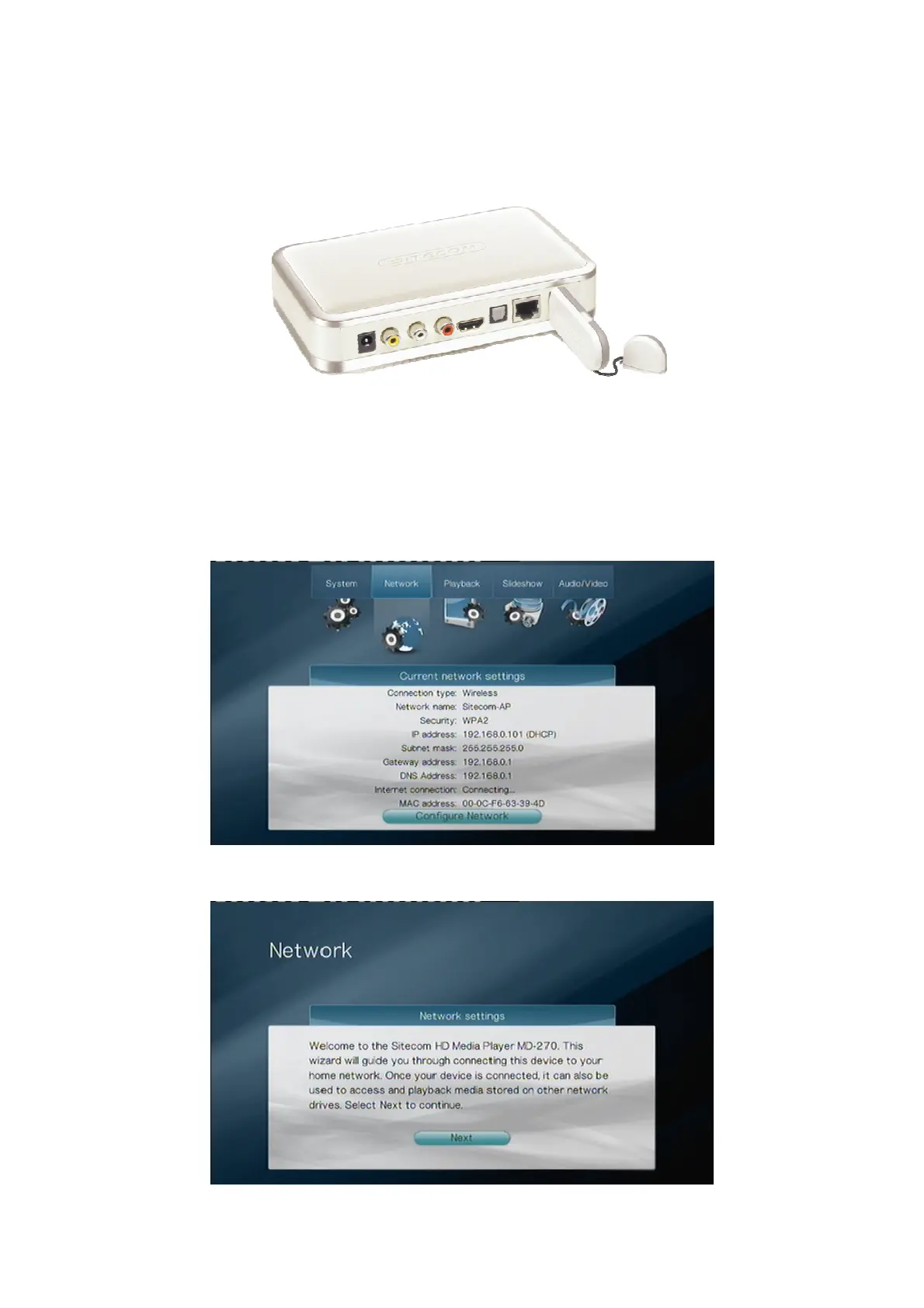
To configure your TV Media Player for a Wireless Connection, you need to insert the
Sitecom Wireless Media Adapter 300N into one of the USB ports on your TV Media Player.
Then you need to start the Network Configuration Wizard. This wizard is automatically
started when you start the TV Media Player up for the first time, but can also be accessed
from the Settings menu. Go to Settings -> Network and select “Configure Network” to
start the wizard.
Select “Next” to start the wizard.



 To Next Page