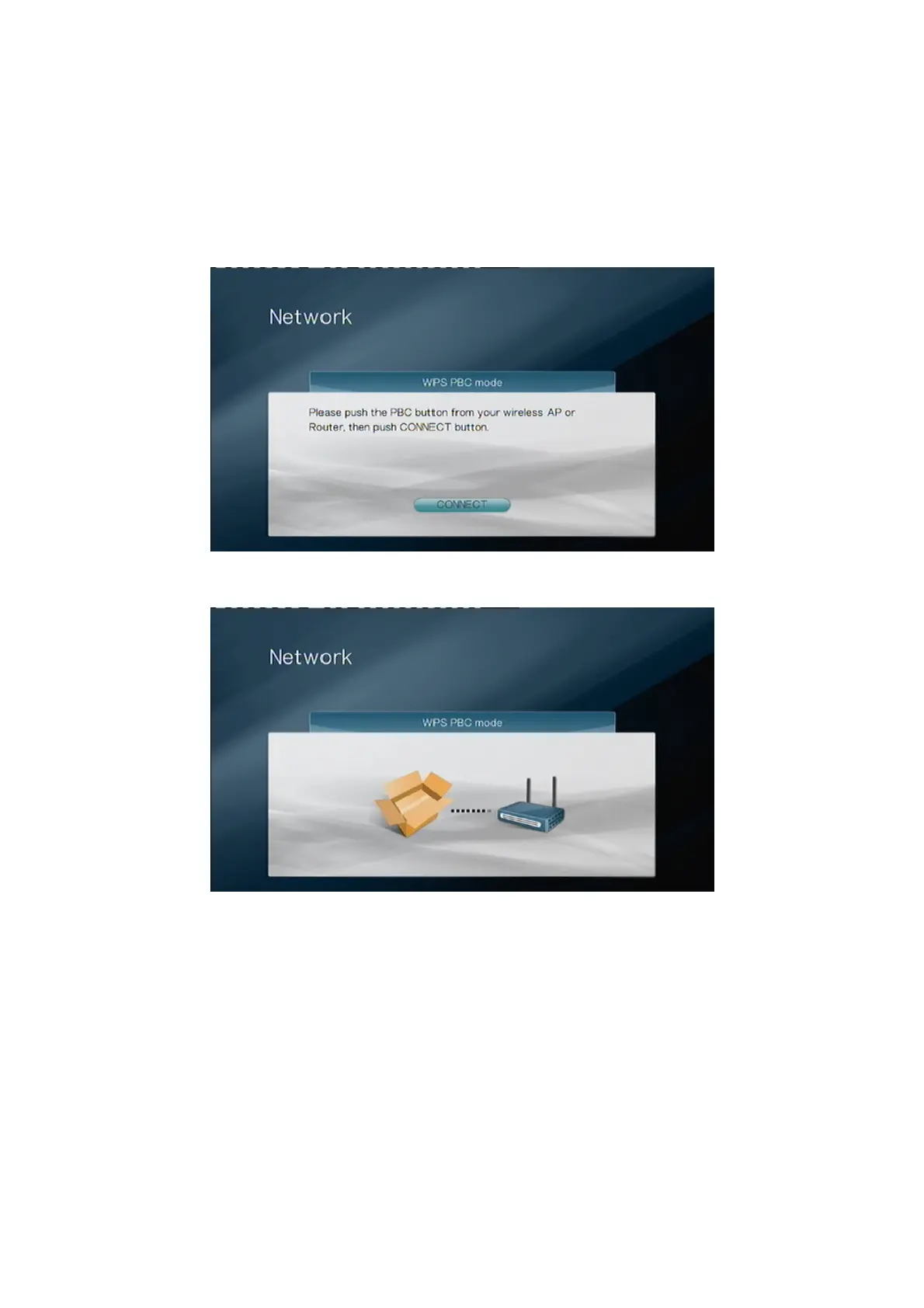
2. WPS Push Button
Select “WPC PBC mode” if you want to make use of the WPS Push Button for the
connection. If your router has a WPS button, please press it now. Refer to the manual of
your router for the proper procedure. Afterwards, please select “CONNECT” on the
screen, or press the button on top of the Sitecom Wireless Media Adapter 300N that’s
connected to your TV Media Player.
You’ll see the screen below.
The WPS connection is now being established. After a while you’ll see the screen below.



 To Next Page