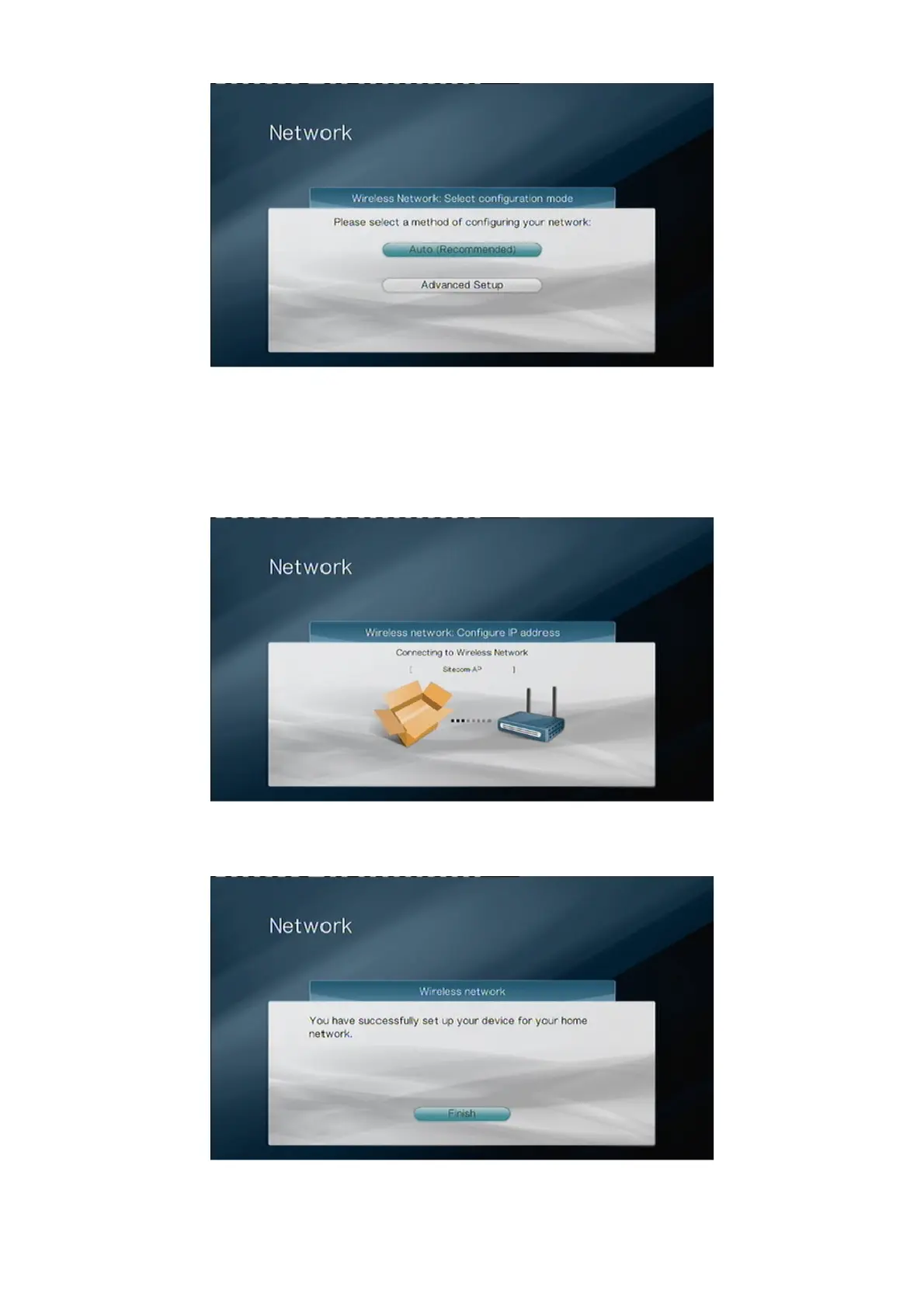
Select “Auto” if your router has a DHCP server. This is the option that you should
normally choose. Select “Advanced Setup” if you want to manually assign an IP-
address to the TV Media Player. Please refer to page 30 of the TV Media Player Manual
for the steps to manually assign an IP-address.
The next screen appears.
The wireless connection is now being established. After a while you’ll see the screen
below.
You have successfully set up your device for your home network. Select “Finish” to exit
the Wizard.



 To Next Page