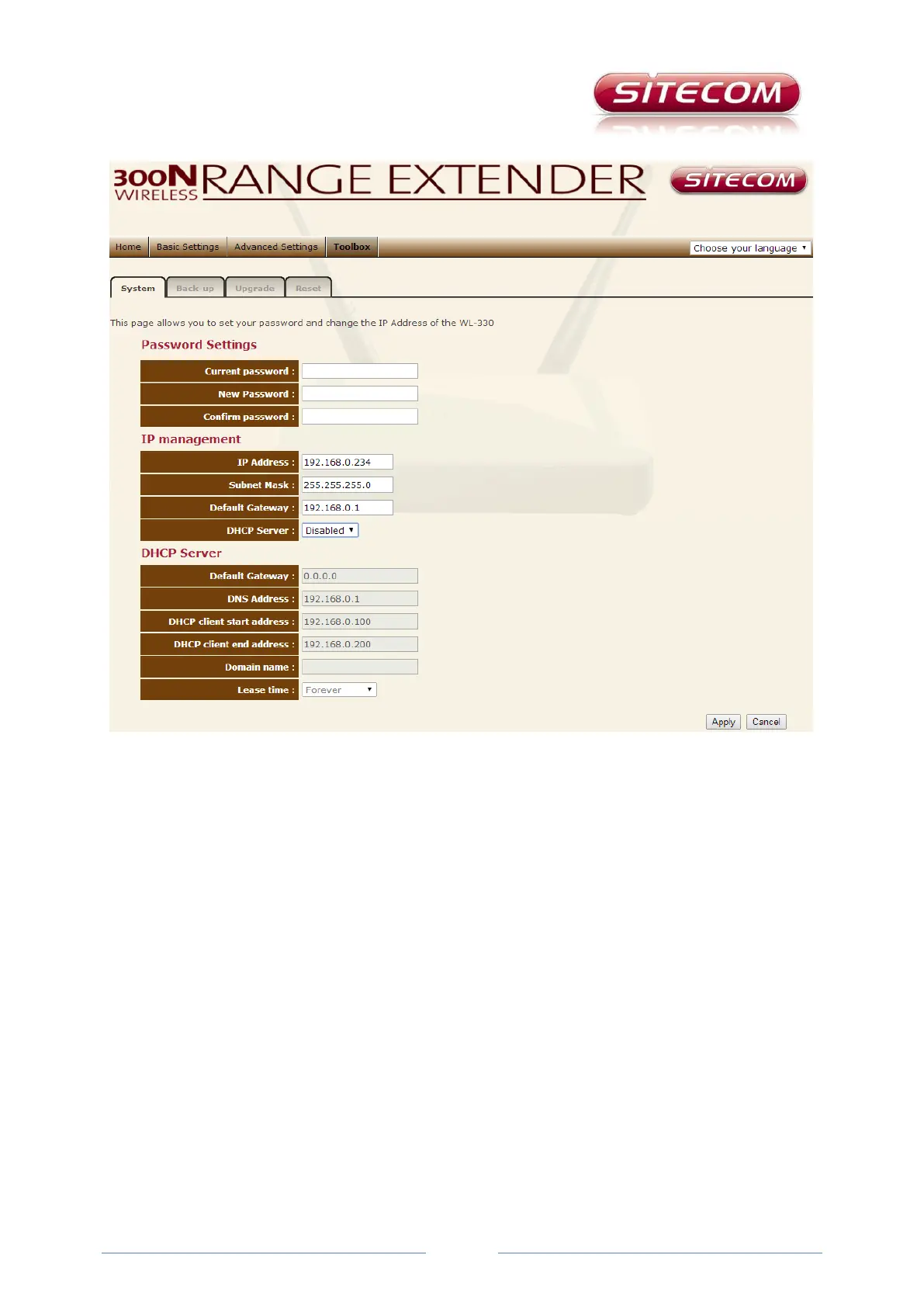
Tools tab
The Tools tab consists of four sub-tabs. On the System sub-tab you can do things such as setting a
different password for logging in to the settings menu. By default, this is admin. The username (also
admin) cannot be changed. After a new password is entered click the Apply button.
On this page you can also manage the configuration of your DHCP Server. In almost all cases your
router (or modem router) is also a DHCP server, which assigns IP addresses to the devices in your
network. There can be no more than one active per network. We recommend that this always be
turned off in the range extender.
DHCP server
This should preferably be left Off! This is necessary in order to establish a good connection. Because
virtually all routers and access points now also have a DHCP table, and you can only have one active
DHCP table in your network, Sitecom recommends always leaving this Off.
Save sub-tab
On this tab you can save the current settings to a file. This is useful if you are going to make changes.
You can then always go back to the settings as they were before you made the changes. You do this
by clicking the Browse button to navigate to the file and then clicking the Upload button.



 To Next Page