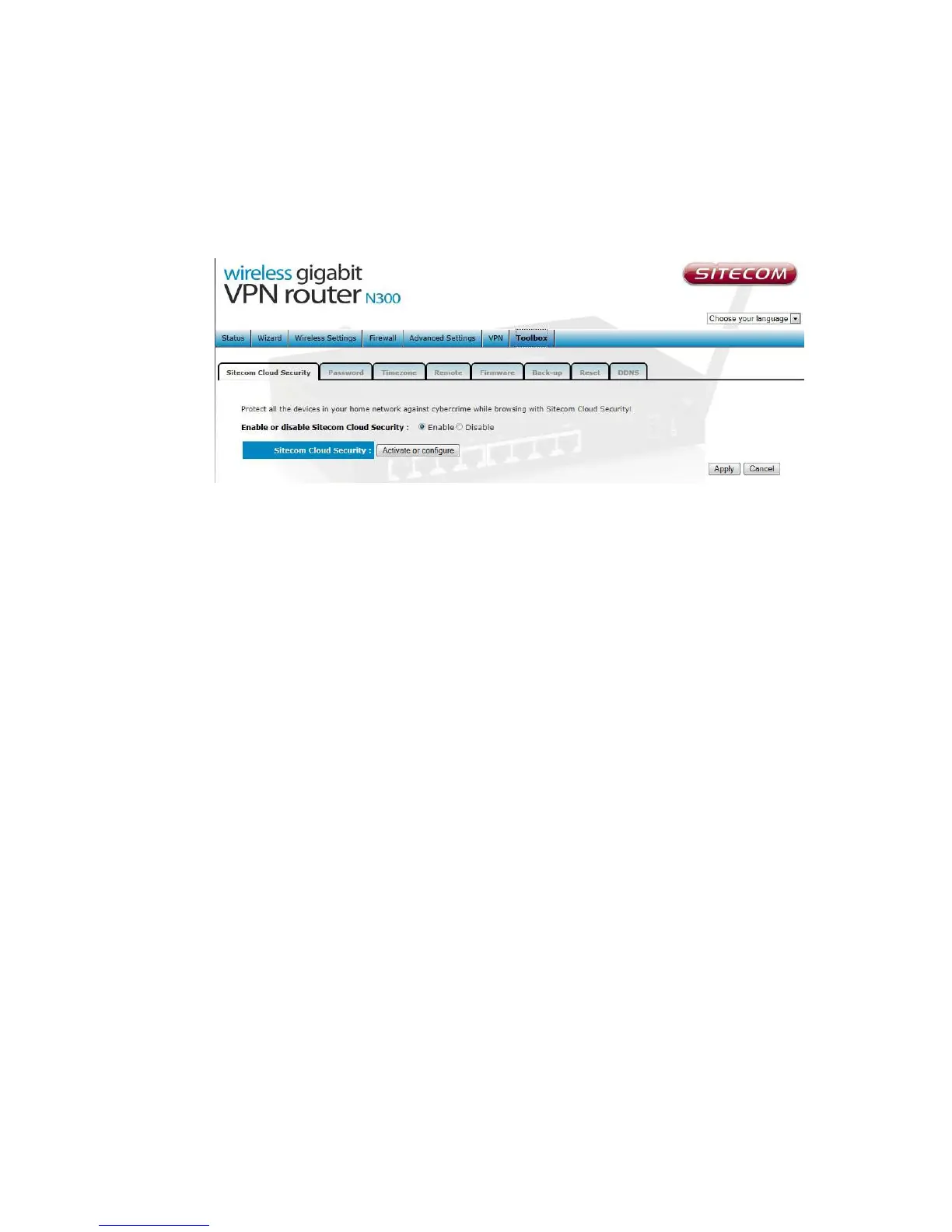
If you wish to disable Sitecom Cloud Security at any time, open the webpage
of your Sitecom product and log in with the supplied credentials (these can be
found on the back label on the bottom of your Sitecom device).
Go to Toolbox and select “Sitecom Cloud Security”.
Click the “Disable” radio button and click ‘Apply’ for the settings to take
effect.



 To Next Page