9 Bringing up the WLR-4002B
Connect the supplied power-adapter to the power inlet port and connect it to
a wall outlet. Switch on the power via the switch on the back of the device.
The WLR-4002B automatically enters the self-test phase. During self-test
phase, the Power LED will be lit continuously to indicate that this product is in
normal operation.
10 Initial Setup WLR-4002B
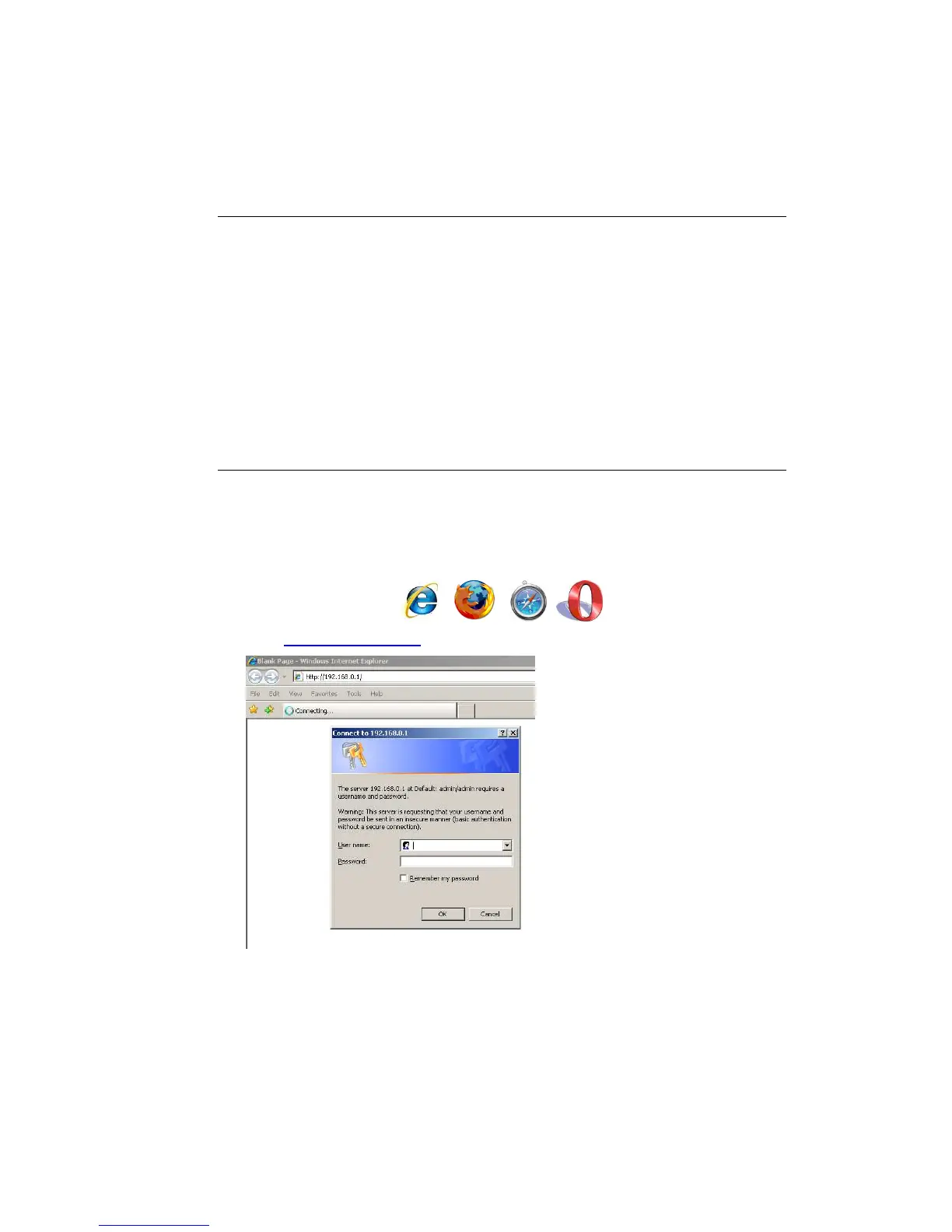
LOGIN procedure
1. OPEN your browser (e.g. Internet Explorer).
2. Type http://192.168.0.1 in the address bar and press [Enter]



 To Next Page