15 VPN
A Virtual Private Network (VPN) provides a secure connection between two or
more computers or protected networks over the public Internet.
It provides authentication to ensure that the information is going to and from the
correct parties and security to protect the information from viewing or tampering
en route. The WLR-4002B supports IPSec (Site to Site, Remote to Site) and L2TP
over IPSec methods to establish VPN connections and the maximum VPN session
number is up to 5.
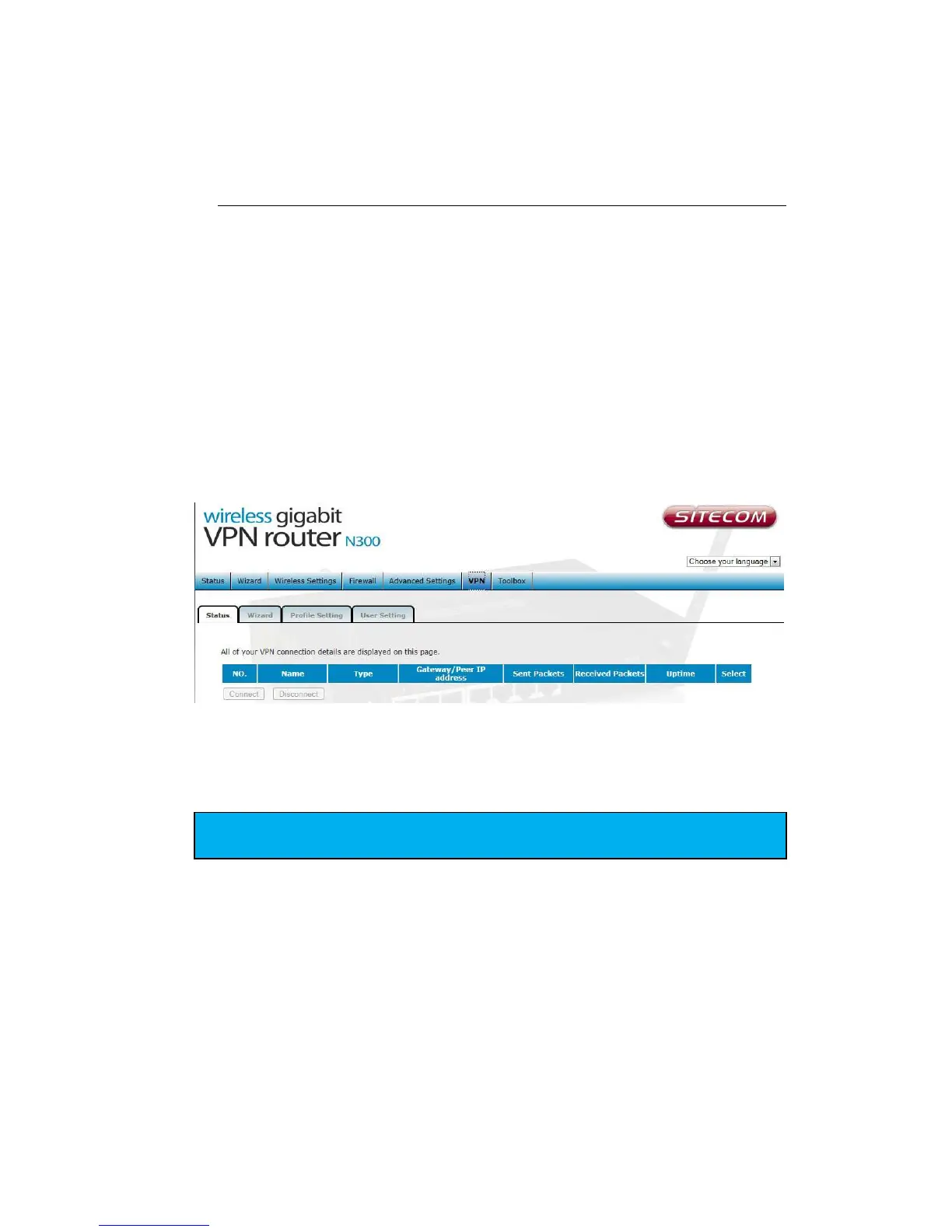
Status
This page displays the connect status of VPN connection. You can select one of
them to connect or disconnect the VPN connection.
To Connect or Disconnect an existing tunnel. Select the tunnel from the list by
ticking the corresponding check box and click connect or disconnect.


 To Next Page