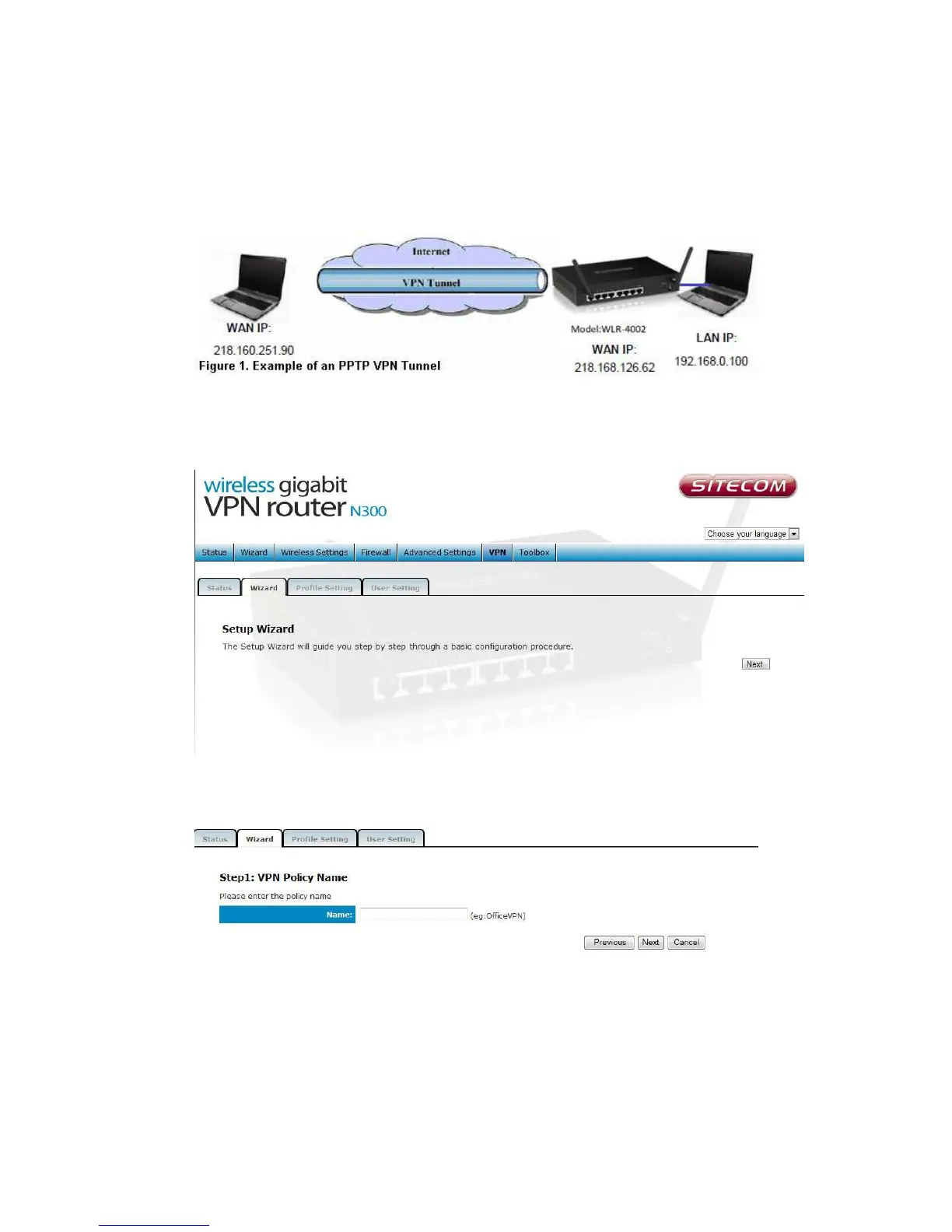
Using the Wizard to Configure the WLR-4002B for a
PPTP VPN tunnel.
1. In the Top Menu on the right side, click VPN.
2. In the submenu, click Wizard to add a VPN profile.
3. Click Next to create a VPN profile.
4. In the Name field, enter a name for the PPTP VPN tunnel. This name is for
reference purposes. Click Next to continue.



 To Next Page