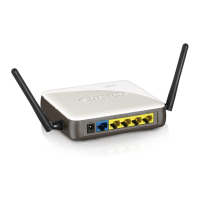
In the following examples it is assumed that the WLR-4002B is placed behind a
bridged modem. This means that the Router will receive a public IP address on
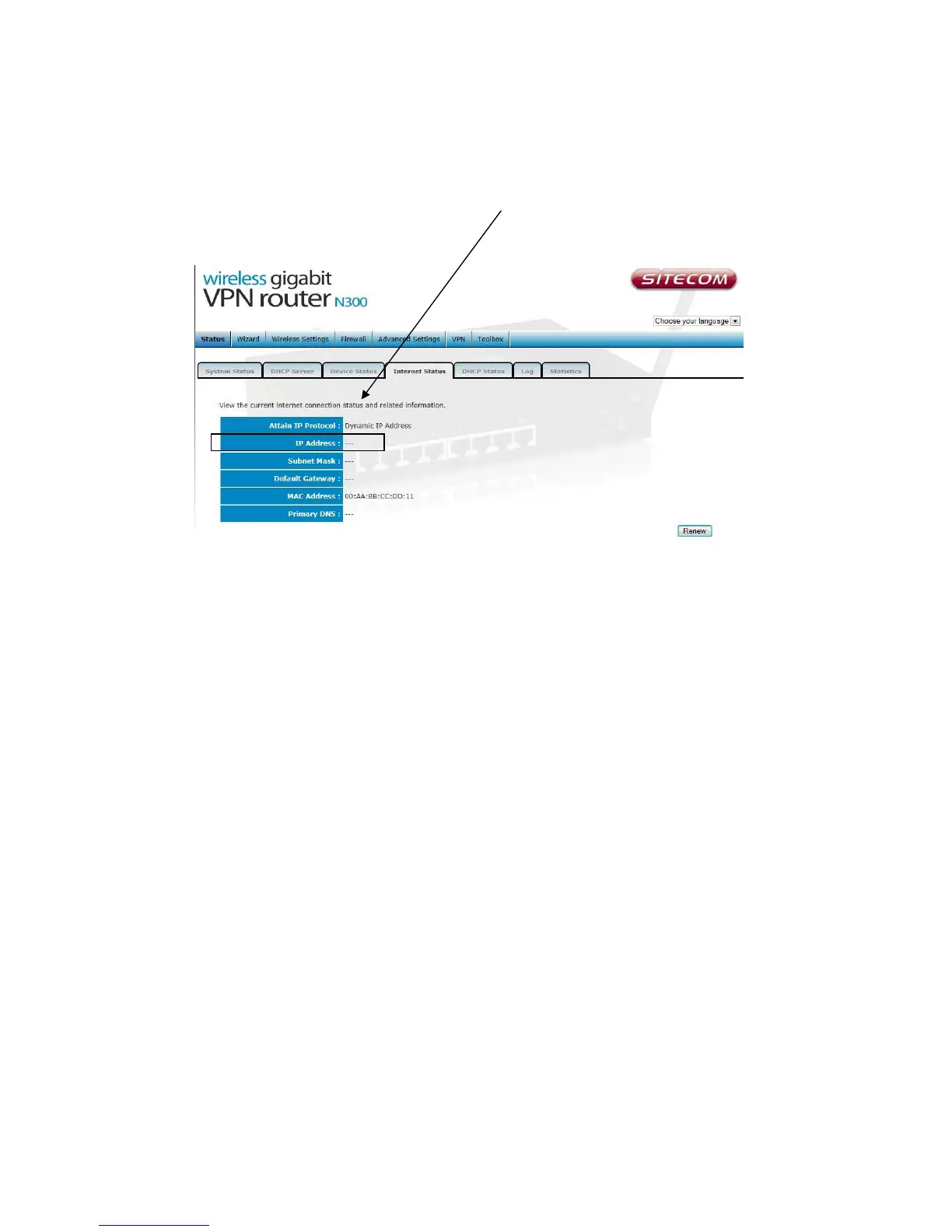
the WAN side. The WAN/Internet IP address can be found on the Internet
status page of the WLR-4002B.
If the WAN IP address of the WLR-4002B is not a public IP address but a local IP
address (for example any IP address in the following ranges: 10.X.X.X,
172.16.X.X or 192.168.X.X)
In this situation your WLR-4002B is placed behind a NAT enabled modem. In this
case consult your manual to make sure your modem supports VPN pass through
and the GRE47 protocol and set it up to allow access to the VPN server behind
the modem.


 To Next Page