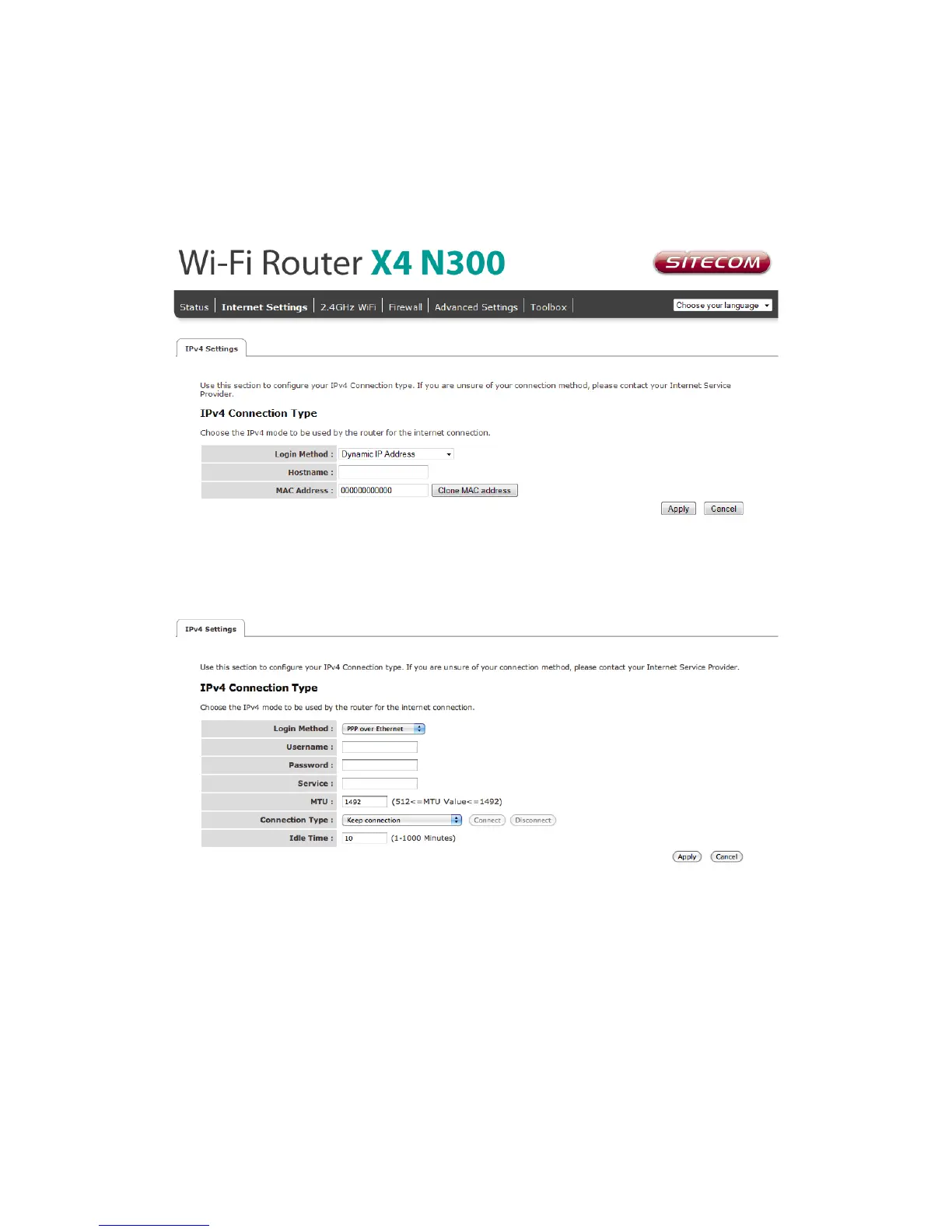
Configure your Internet connection
From the menu, select “Internet Settings”.
Depending on the chosen setting, you may need to enter your user name and password,
MAC address or hostname in the following window. After you have entered the correct
information, click Apply.



 To Next Page