Advanced Settings
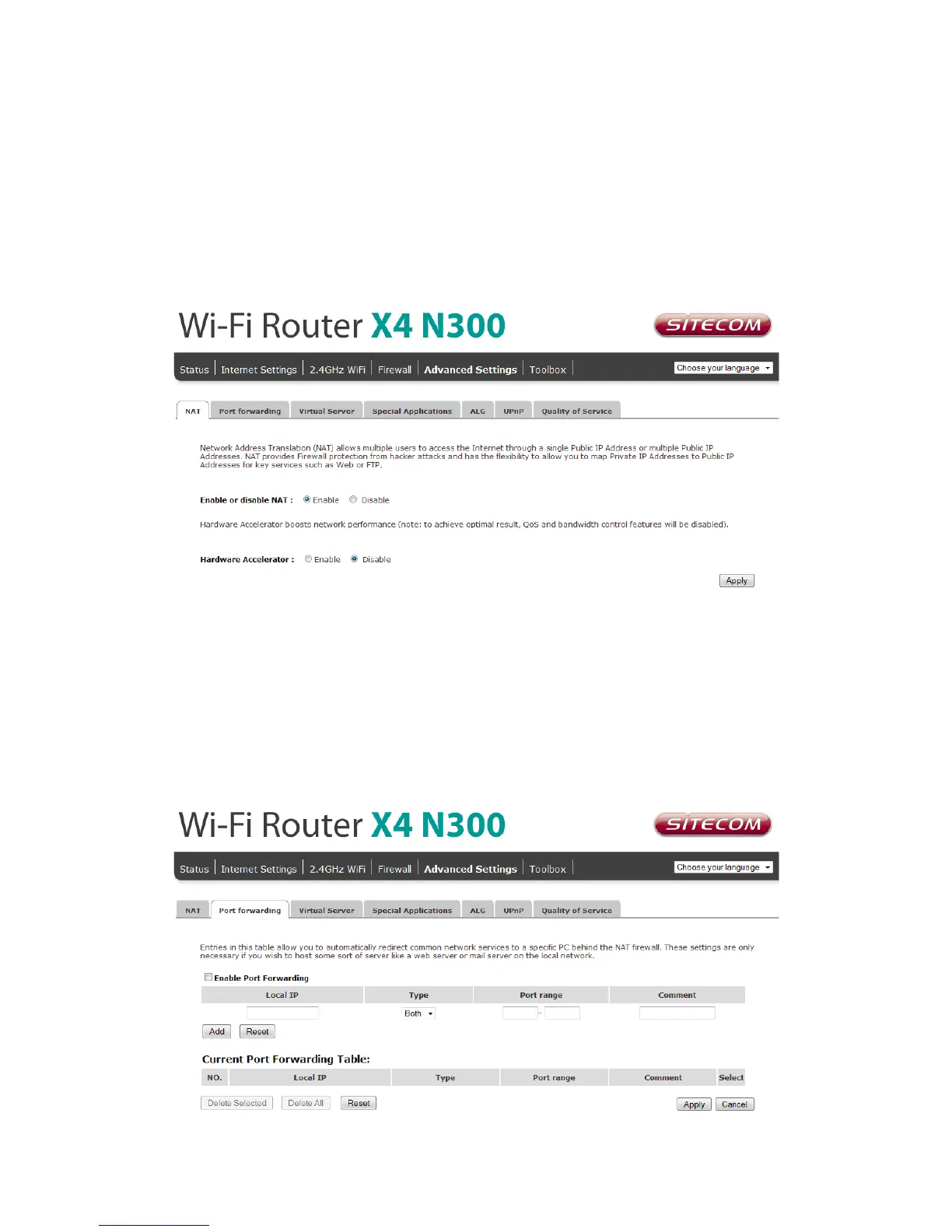
Network Address Translation (NAT) allows multiple users at your local site to access the
Internet through a single Public IP Address or multiple Public IP Addresses. NAT provides
Firewall protection from hacker attacks and has the flexibility to allow you to map Private
IP Addresses to Public IP Addresses for key services such as Websites and FTP.
Select Disable to disable the NAT function.
Port Forwarding
Port Forwarding allows you to re-direct a particular range of service port numbers (from
the Internet/WAN Port) to a particular LAN IP address. It helps you to host servers
behind the router NAT firewall.



 To Next Page