5 NETWORK + SYSTEM REQUIREMENTS
To begin using the WLX-2003, make sure you meet the following as minimum requirements:
• PC/Notebook.
• 1 Free Ethernet port.
• WiFi card/USB dongle (802.11 b/g/n) – optional.
• PC with a Web-Browser (Internet Explorer, Safari, Firefox, Opera)
• Ethernet compatible CAT5 cables.
• Router or Access Point
6 WLX-2003 PLACEMENT
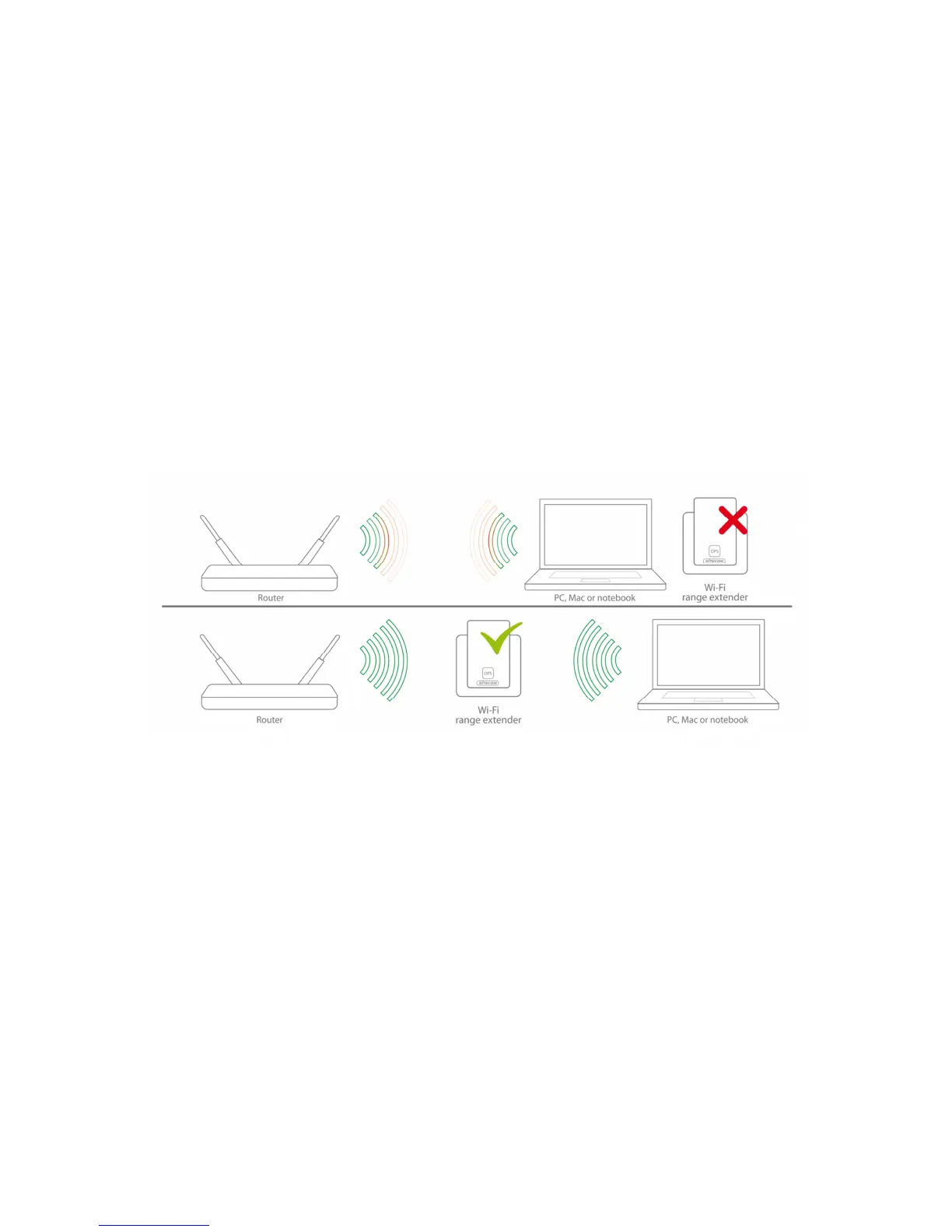
You can place the WLX-2003 directly in a wall socket. For optimal performance, place
your Range Extender in a location that is away from any potential source of interference,
such as a metal wall or microwave oven. This location must be within a good signal range
from your existing router or access point, preferably above 50% signal strength.



 To Next Page