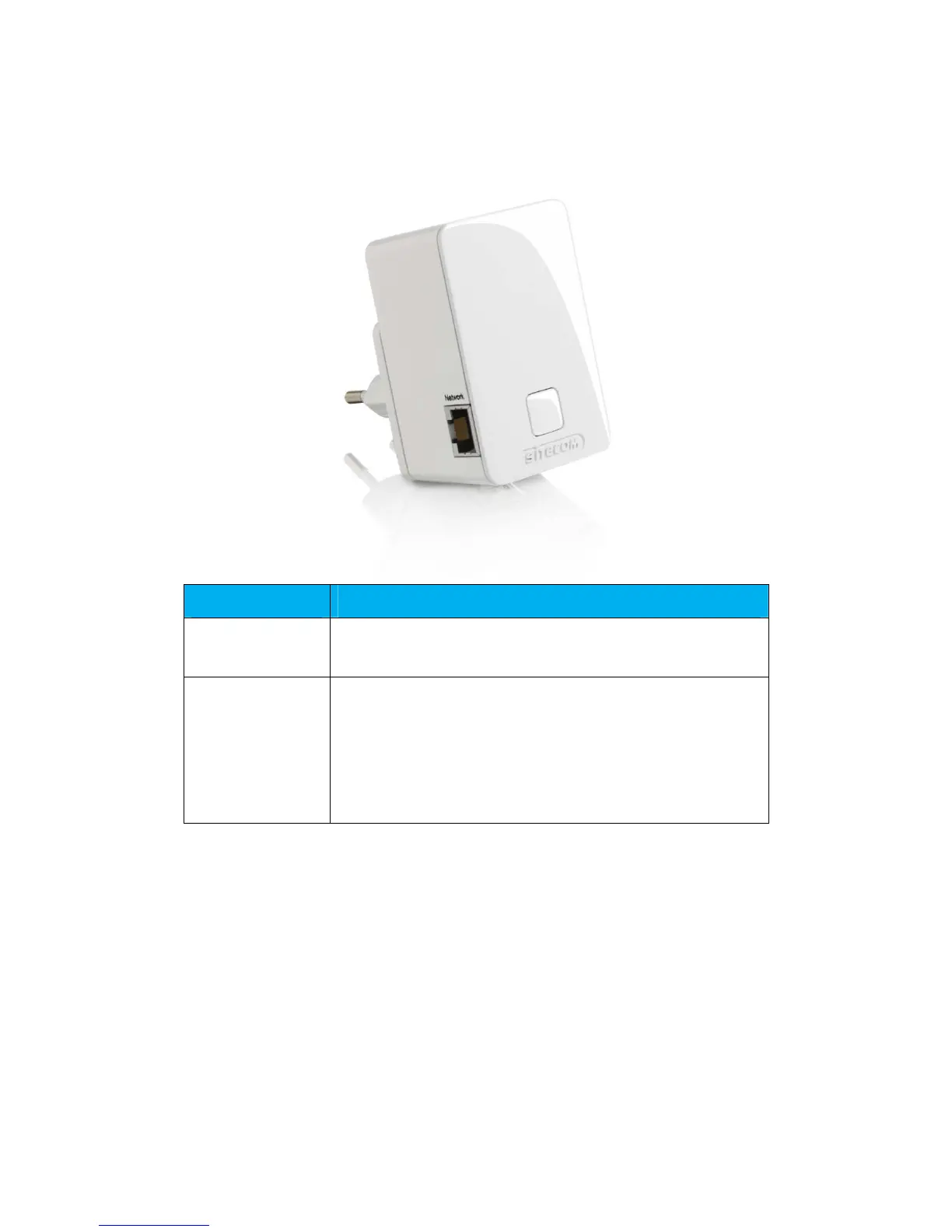
4 PRODUCT LAYOUT
Description
Network Port
You can use this port to connect a wired device so it
benefits from the repeated signal.
OPS Button You can use this button to connect using OPS.
OPS Button functions:
Press 0-5 seconds: WPS registrar
Press 5-10 seconds: WPS enrollee
Press 15+ seconds: reset to factory defaults.



 To Next Page