DK30 Transmitter User Manual V1.2
16
2018 SIYI Technology Copyright
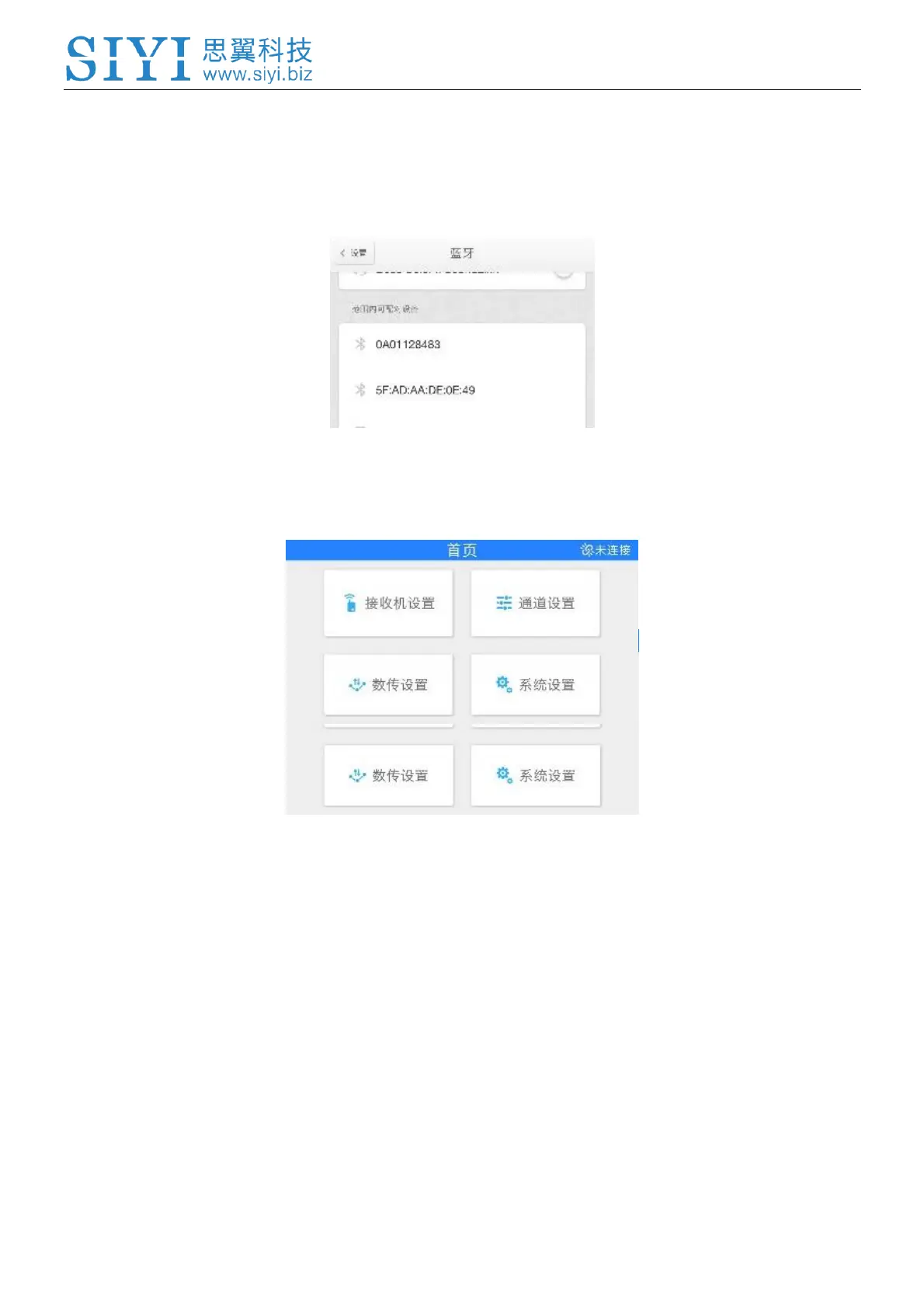
4. Turn on Bluetooth function on your mobile device, search DK30 transmitter’s
Bluetooth SSID which is also marked in the back plate of transmitter
(0AXXXXXXXX); tap on Bluetooth to connect. Default password is 1234.
5. Or open SIYI TX APP, tap on “Disconnected” up on the right corner; find DK30
transmitter Bluetooth SSID in popped out Bluetooth list.
6. Tap on “Connect”, when APP displays “Connected”, transmitter connects with
mobile devices successfully.
4.1 Sky Station
Sky station settings help user set receiver signal mode and activate auto linking
function.



 To Next Page