DK30 Transmitter User Manual V1.2
19
2018 SIYI Technology Copyright
Tap on the channel mapping button in your target channel, select a button or
switch in the popped out list.
4.3 Datalink
Datalink settings help user choose their required flight controller or set a baud rate.
Steps to Connect Datalink
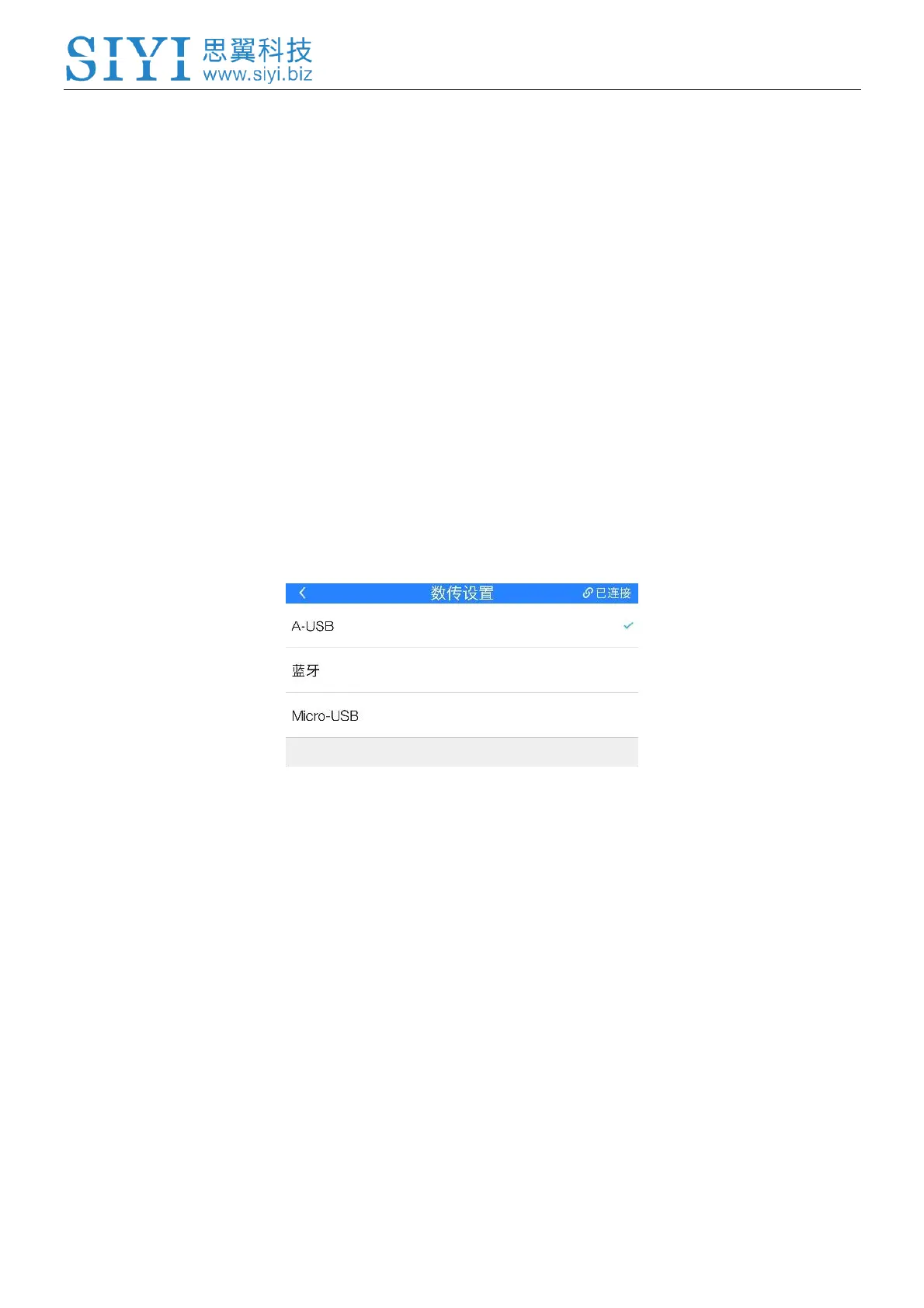
DK30 transmitter supports A-USB (USB port), Micro-USB port and Bluetooth
for data communication.
If you need Bluetooth for data communication, please choose Micro-USB in SIYI Tx
APP, then quit APP before connect transmitter with mobile device.
Flight Controllers
Select your required flight controller in list.
By far DK30 supports TOPXGUN (T1-A), WOOZOOM (THEONE-A), EFY
(FINIX200M), BOYING (PALADIN), CHIAO (MATRIX), JIYI (K3-A), CFUAS (C1-A)
and other flight controllers under open source Mavlink agreement flight controllers
such as PIX and APM.



 To Next Page