DK30 Transmitter User Manual V1.2
18
2018 SIYI Technology Copyright
End Point
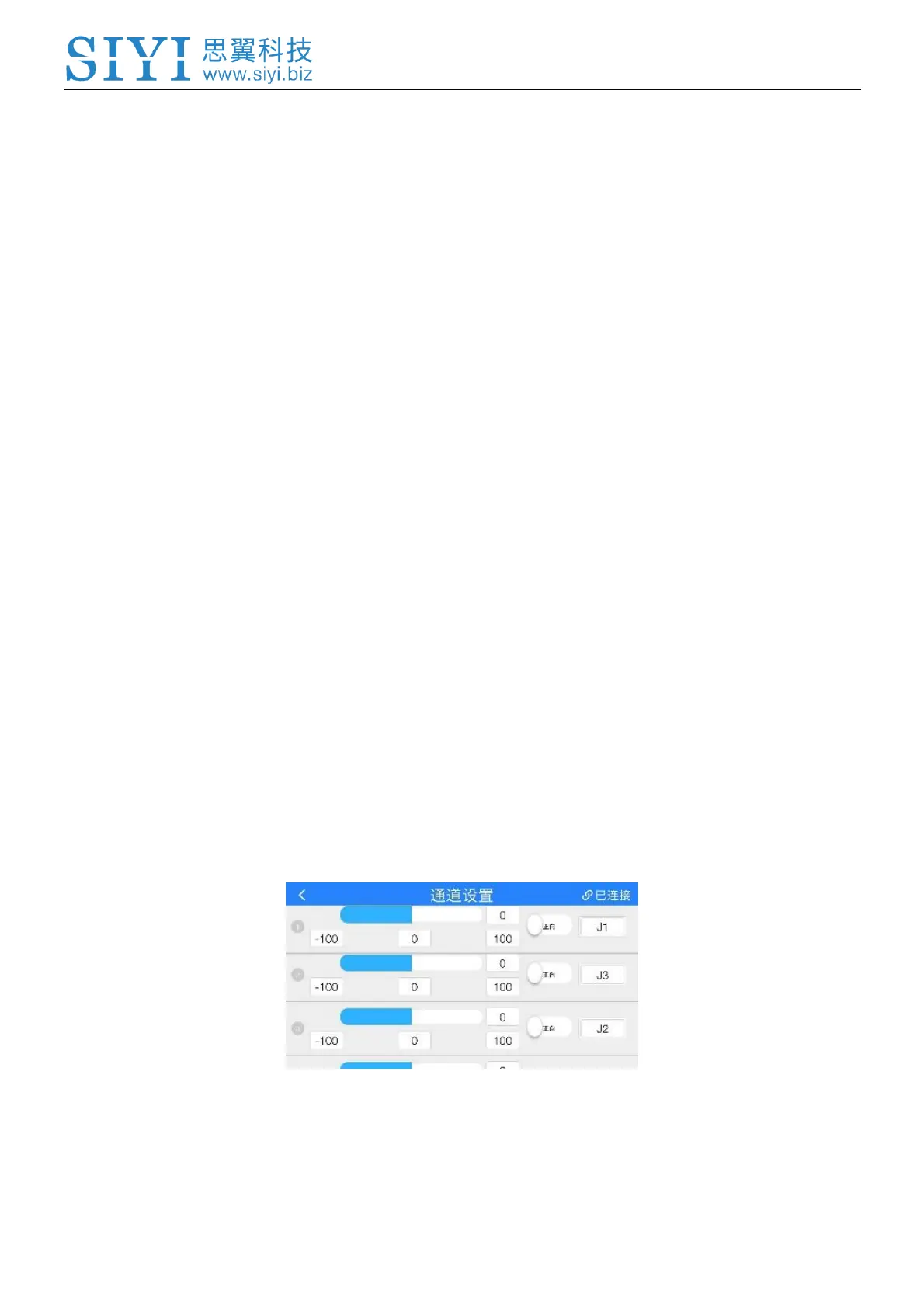
Default end point range is from -100 to 100. Tap on your target channel, input your
required value to change end point value.
Middle Point
Tap on your target channel, input your required middle point value.
Channel Reverse
Tap on the channel reverse button in your target channel to set channel reverse or
reset.
Channel Mapping
DK30 transmitter supports customize channel function control switch from default
joysticks, dials and buttons.
Steps to Set Channel Mapping



 To Next Page