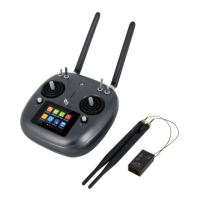
DK30 Transmitter User Manual V1.2
21
2018 SIYI Technology Copyright
Tap on “Start Linking”, DK30 ground station beeps “DiDiDi…”, transmitter is ready
for linking; then press and hold linking button for 3 seconds, linking is finished.
Language
Tap on language to switch DK30 transmitter operating language between Chinese
and English.
Throttle Type
Tap on throttle type to switch it between Self-centering and Thumb-silde.
Joystick Type
Tap on joystick type to switch it between American Hand, Japanese Hand,
Chinese Hand and Customize.


 To Next Page