FM30 User Manual V1.1
26
2020 SIYI Tech All Rights Reserved
2. Connect FM30 transmitter to your computer.
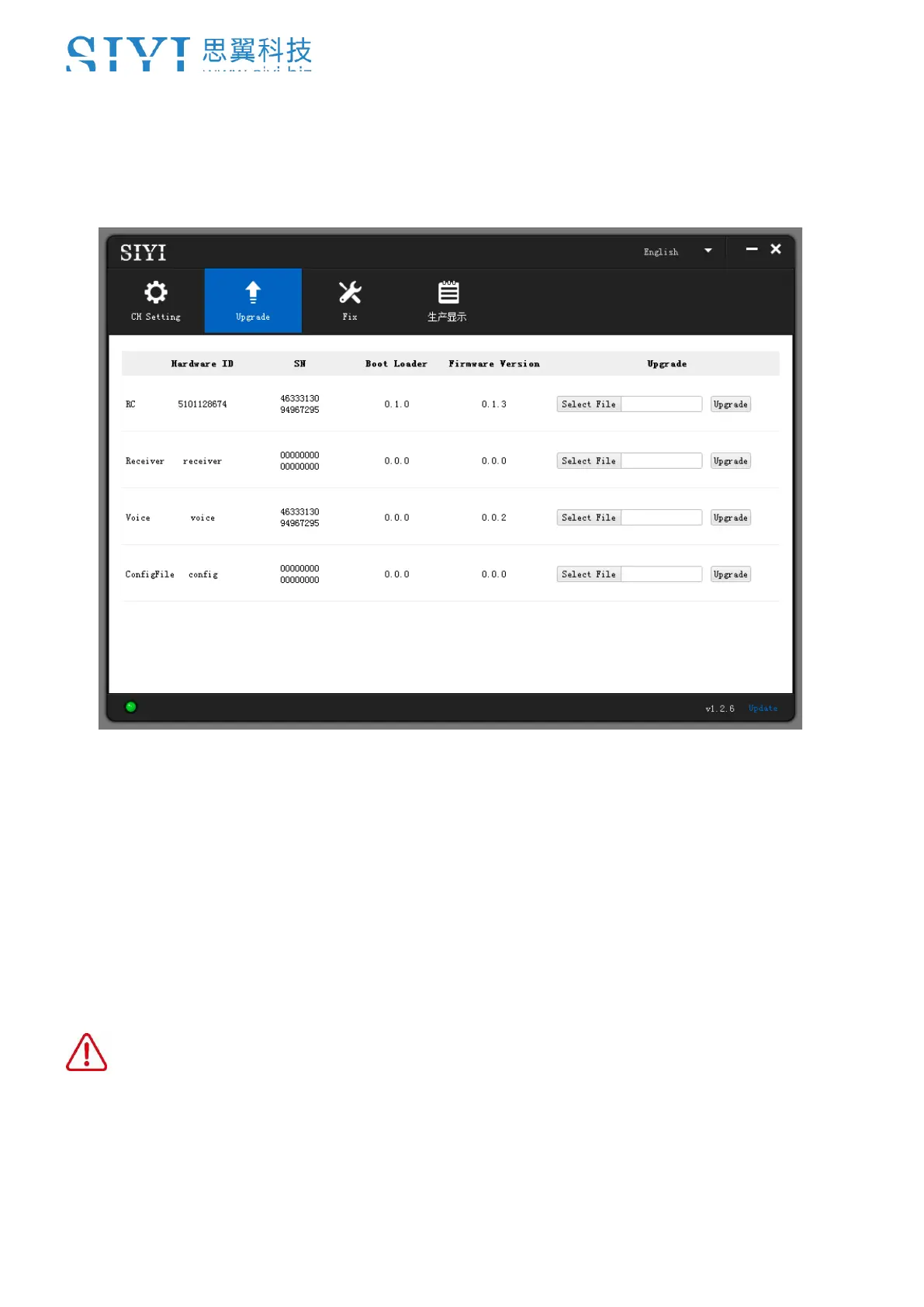
3. Run “SIYI Assistant v1.2.7” to check the transmitter’s current firmware version.
4. Upload the latest firmware files for FM30 transmitter (RC) and click on “Upgrade”.
Then wait till the process is 100% finished.
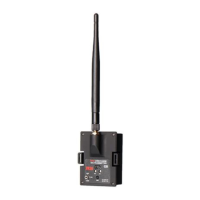
5. Plug out FM30 transmitter and connect FR receiver to your computer. Then
repeat Step 3 & 4 to upgrade receiver firmware.
CAUTION
“Voice” and “ConfigFile” does not have to be upgraded for FM30 transmitter.


 To Next Page