FM30 User Manual V1.1
20
2020 SIYI Tech All Rights Reserved
5 DATALINK
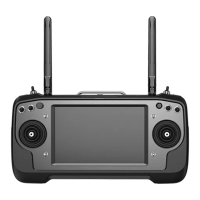
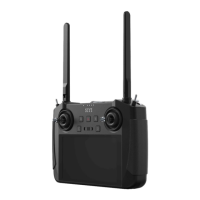
FM30 transmitter comes with built-in Bluetooth. When your GCS is connected with
FM30 through Bluetooth, you can configure GCS and monitor flight data.
*The built-in Bluetooth in FM30 transmitter supports two protocols, Mavlink and
SpeedyBee.
Steps of Using FM30 Radio Module with QGroundControl
Wire “TX” and “RX” in your flight controller’s UART port to “RX” and “TX” in FR
Receiver’s UART port or “RX3” and “TX3” on FR Mini Receiver.
1. Set flight controller baud rate to “57600”, protocol type Mavlink 1 or 2.
2. Enable Bluetooth function on your mobile device and search the 10-digit
Bluetooth ID starting with “59********” and pair. Password is “1234”.
3. Open QGroundControl and go to “Connection”. Add a new connection and set
as Bluetooth connection. Select the paired Bluetooth ID and connect.
4. Finished.


 To Next Page