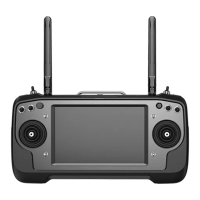
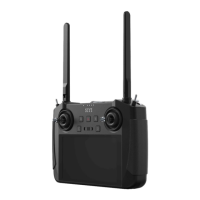
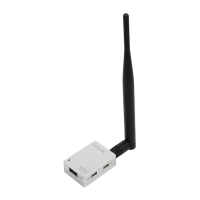
FM30 User Manual V1.1
25
2020 SIYI Tech All Rights Reserved
8 FIRMWARE UPGRADING
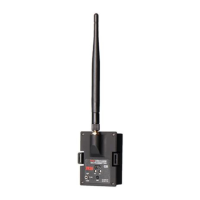
FM30 transmitter with FR receiver supports both USB / OTA firmware upgrading.
FM30 transmitter with FR Mini receiver supports OTA firmware upgrading only.
Before upgrading firmware for FM30 radio module, it is necessary to prepare the
tools and software below.
⚫ SIYI Assistant v1.2.7
⚫ FM30 Transmitter Firmware
⚫ FR / FR Mini Receiver Firmware
*All files can be downloaded from SIYI Official website (http://en.siyi.biz/) or the SIYI Google Drive
Link for FM30 Radio Module and FT24 Radio System
(https://drive.google.com/drive/folders/1DUxOYszp7zNk7u3byXO3rH4UgD3K4PI4?usp=sharing)
or got from your dealer.
⚫ Mini-USB to USB Cable
*Came with FM30 package
8.1 USB Firmware Upgrading
Steps
1. Install “SIYI Assistant v1.2.7” in your computer.


 To Next Page