EasyManua.ls Logo

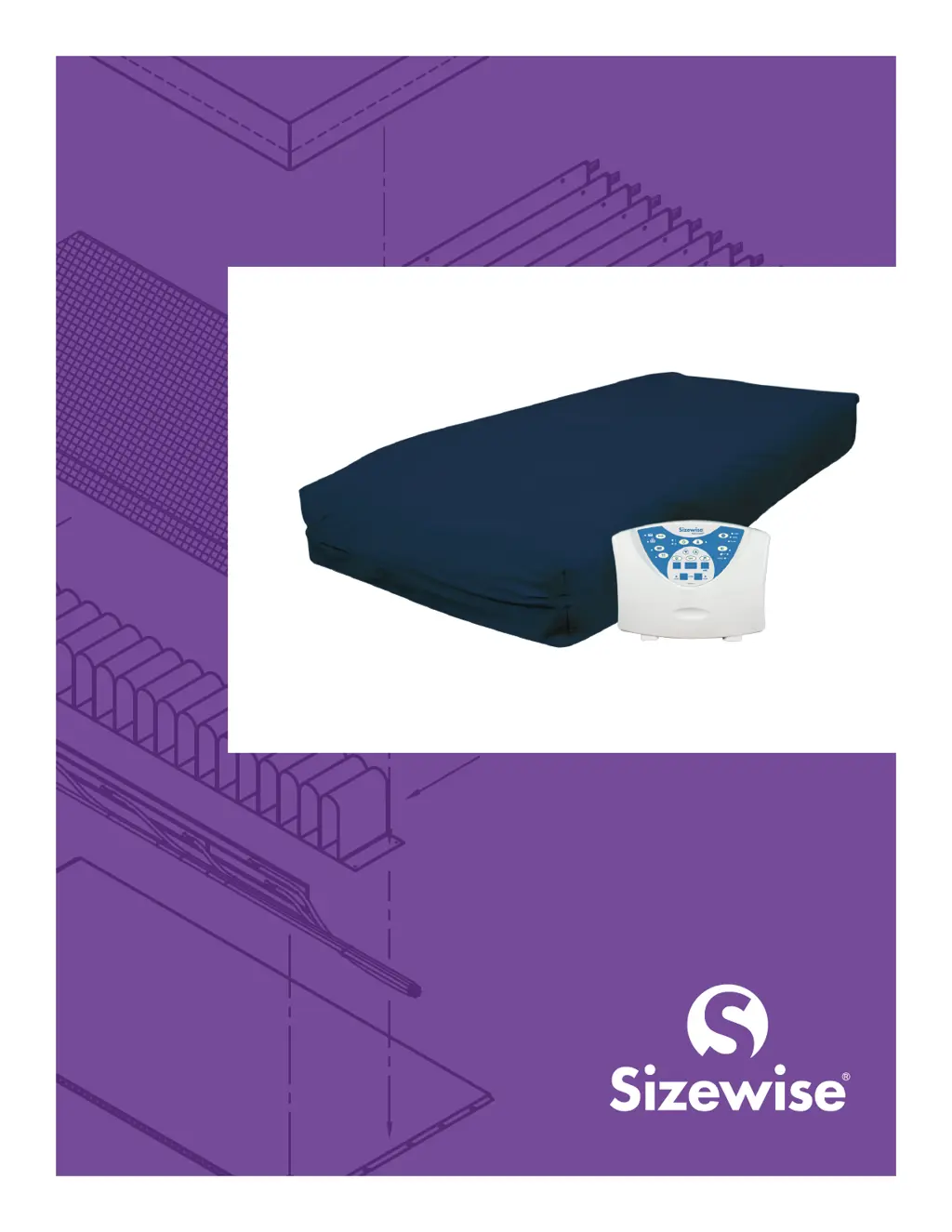
Sizewise Platinum 6000 - User Manual

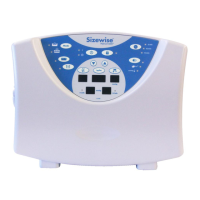
Sizewise Platinum 6000
33 pages
Print Icon
To Next Page IconTo Next Page
Loading...
MFG-0021C-0519
Platinum 6000 (Rev. 2)
User Manual
Doc. #8120, Rev. 1.0, Rev. Date: 05/06/19

Other manuals for Sizewise Platinum 6000

Questions and Answers

  • C
    christopherandradeAug 4, 2025
    How to fix Sizewise Platinum 6000 Medical Equipment mattress that will not inflate?
    • R
      rebeccamartinezAug 4, 2025
      If your Sizewise Medical Equipment mattress won't inflate, check that the hoses are not punctured, kinked, or disconnected. Also, make sure the air cells are not punctured. Check for secure connections from the hose cluster to the control unit and ensure the mattress CPR valve is in the closed position.
  • J
    Jonathan KennedyAug 23, 2025
    Why my Sizewise Platinum 6000 Medical Equipment control unit has no power?
    • C
      christina68Aug 23, 2025
      If your Sizewise Medical Equipment control unit has no power, first ensure it is properly plugged into a power source and that the unit is powered on. If the problem persists, unplug the control unit and inspect the fuses located in the power entry module, replacing them if necessary.
  • J
    Joshua AcostaNov 12, 2025
    What to do if Sizewise Platinum 6000 control unit clicks repeatedly and cells won’t inflate?
    • D
      Dakota BrownNov 12, 2025
      To address a Sizewise Medical Equipment control unit that clicks repeatedly and prevents cell inflation (common with a VersaCare® mattress configuration): 1. Put the control unit into standby by pressing and holding the Power/Standby button. 2. Press and hold the Mode button until A 01 05 displays (digits may vary depending on firmware). 3. Release the Mode button; all LEDs and displays will light for 2 seconds, then the control unit will return to standby mode. 4. Power up the control unit by pressing and holding the Power/Standby button; it will enter Autofirm mode with Microclimate Management active. 5. Deactivate Microclimate Management by pressing the Microclimate Management button (LED should go out). 6. Allow Autofirm to proceed until pressure reaches 40mmHg in both A and B ...

Summary

Technical Specifications

EMC Information and Compliance

Emissions Guidance and Compliance

Details emissions test results and guidance for electromagnetic compatibility.

Immunity Guidance and Compliance

Specifies immunity test levels and guidance for various electromagnetic fields.

RF Immunity Guidance and Test Levels

Details immunity levels for conducted and radiated RF from wireless equipment.

RF Immunity to Proximity Fields Table

Presents a table of immunity test levels for specific RF communication frequencies.

Warnings and Cautions

Definitions of Warning and Caution Alerts

Clarifies the severity and meaning of warning and caution notifications.

Key Safety Warnings

Highlights critical warnings for safe operation, power, and maintenance.

General Safety Instructions

Operating Environment Guidelines

Bed Rail Entrapment Zones

Unpacking and Setup Instructions

Setup Instructions and Warnings

Guides for assembling the unit, connecting components, and essential setup warnings.

Control Unit Keypad Overview

Operating the Platinum 6000

Powering On and Autofirm Mode

Instructions for powering the unit, entering Autofirm, and initial inflation.

Selecting Therapy Modes

Guides for choosing between Immersion and Alternation therapy modes.

Immersion and Alternation Mode Details

Explains operation specifics, cycle times, and microclimate management.

Patient-Specific Adjustments

Setting Patient Height and Weight

Procedures for adjusting patient height and weight inputs on the control unit.

Manual Comfort Setting Adjustment

How to manually adjust mattress firmness independent of presets.

Alarms and Procedures

Power Failure and Low Pressure Alarms

Describes audible and visual alarms for power loss and low pressure conditions.

Patient Positioning and Egress

Cleaning and Disinfection Procedures

Preventive Maintenance

Maintenance Schedule and Intervals

Chart outlining weekly, monthly, and three-month maintenance checks.

Equipment Safety Checklist

A checklist to ensure the equipment is safe and ready for use.

Troubleshooting Common Issues

Troubleshooting Precautions

Warnings for authorized personnel and electrical safety during troubleshooting.

Inflation and Power Issues

Procedures for diagnosing and resolving mattress inflation and control unit power problems.

Control Unit Clicking and Cell Inflation

Steps to address control unit clicking and intermittent cell inflation issues.

Sizewise Platinum 6000 Specifications

General IconGeneral
Weight Capacity600 lbs
Frame MaterialSteel
Side RailsOptional
Reverse Trendelenburg Position16 degrees
Width42 inches
Length84 inches

Related product manuals