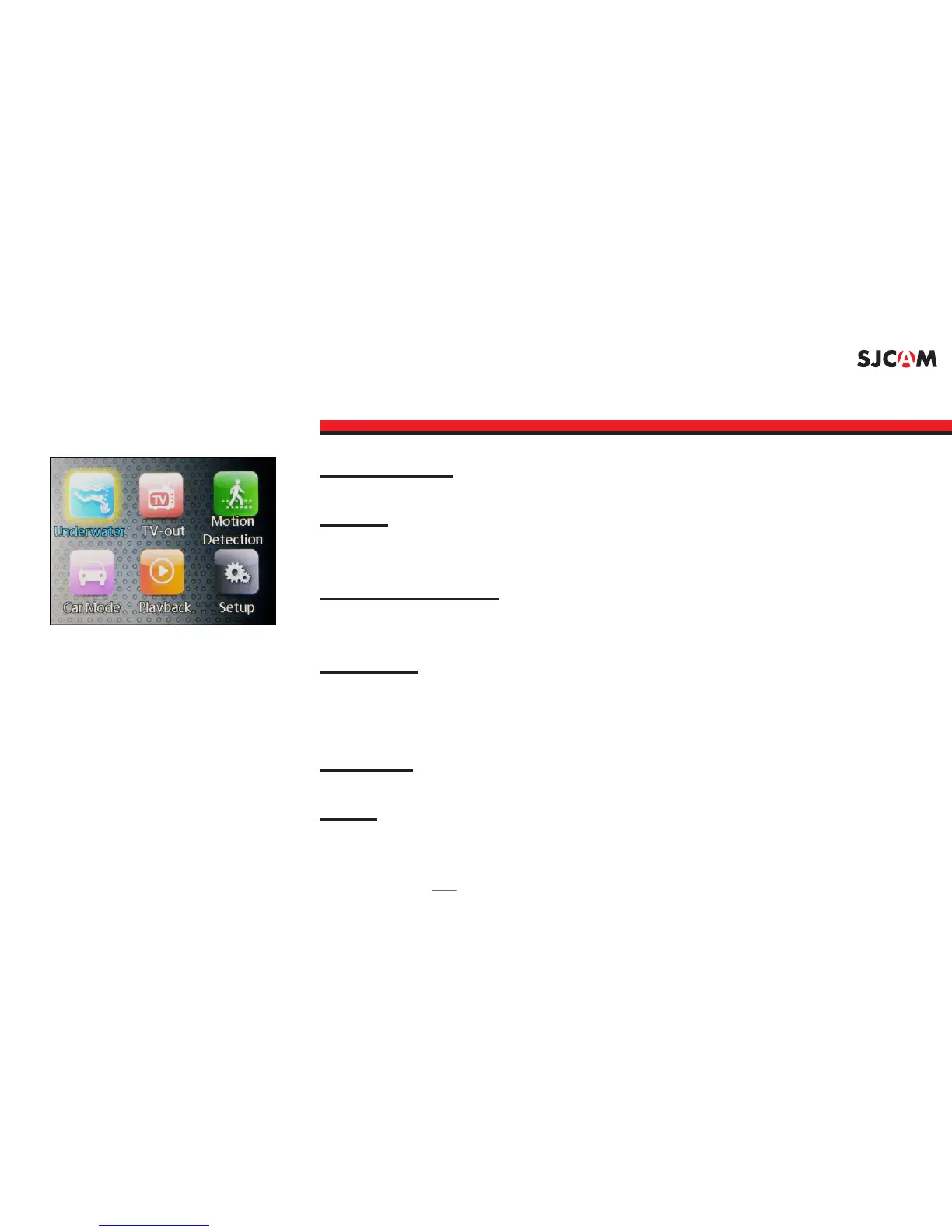
ICONS MENU - Screen 2
UNDERWATER: Adds missing colors when diving at depths.
Enables viewing the screen contents on a TV viaTV-OUT:
HDMI connection.
: Starts recording when motion is sensedMOTION DETECTION
in front of the camera.
: Automatically starts the camera and beginsCAR MODE
recording once the engine is started (Car Charger Cable
Accessory is required).
: For reviewing recorded videos and photos.PLAYBACK
: For changing camera settings.SETUP
Note: Screen arrangement and feature availability may vary depending on rmware version.



 To Next Page