14
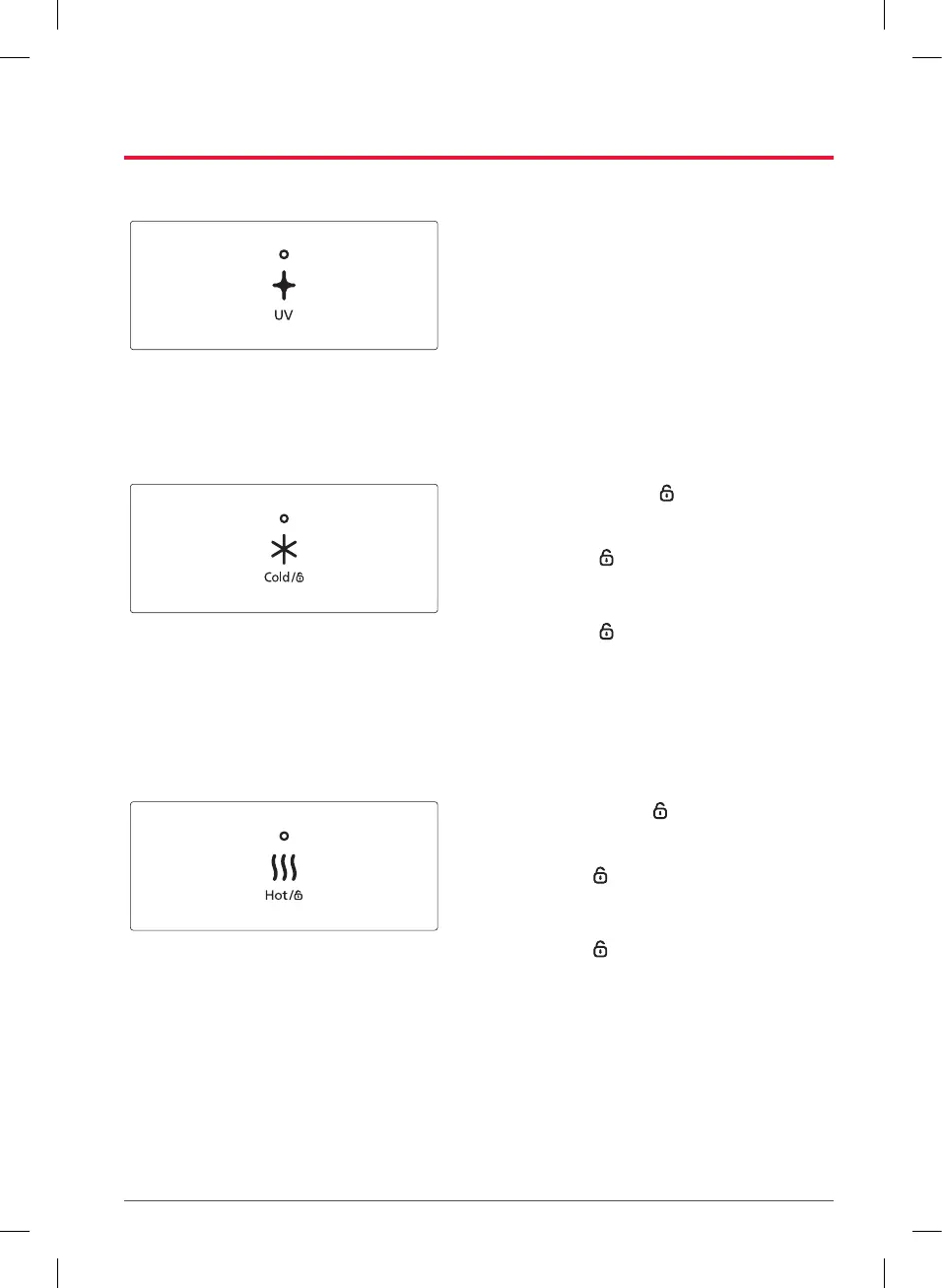
Dispenser UV Safe Care Function
The Dispenser UV Safe Care function operates
automatically and periodically, but it can be
done manually when desired.
•
How to manually use the Dispenser UV Safe
Care function.
–
When the Dispenser UV Safe Care button is
pressed again, its LED will turn on and the
function will proceed.
–
If the Dispenser UV Safe Care button is pressed
once while the Dispenser UV Safe Care function
is in progress, the process will be canceled and
the LED will turn off.
Cold water function on/off
Press and hold the [Cold/ ] button for 5
seconds to activate/deactivate the cold water
function. You will hear a buzzer sound.
•
When the [Cold/ ] button is selected, the
cold water function is being activated. At this
time, pressing the button for 5 seconds will
deactivate the cold water function.
•
When the [Cold/ ] button is not selected and
the buzzer sounds, it means the cold water
function is being deactivated. At this time,
pressing the button for 5 seconds will activate
the cold water function.
•
After the cold water function has been disabled
for a long period, cold water will be available
after about 1 hour after reactivating it.
Hot water button lock/unlock
Press and hold the [Hot/ ] button for 5
seconds to lock/unlock the Hot water button.
You will hear a buzzer sound.
•
When the [Hot/ ] button is selected, the hot
water function is being activated. At this time,
pressing the button for 5 seconds will lock the
Hot water button.
•
When the [Hot/ ] button is not selected and
the buzzer sounds, it means the hot water
function is being deactivated. At this time,
pressing the button for 5 seconds will unlock
the hot water button.
–
WPUA800C/WPUA800F models do not have a
hot water function.
•
If hot water is received continuously, the
product may not work for 30 minutes after
receiving more than an appropriate amount
of water, to protect the product. (If hot water
cannot be received, control and operate after
30 minutes.)



 To Next Page