13
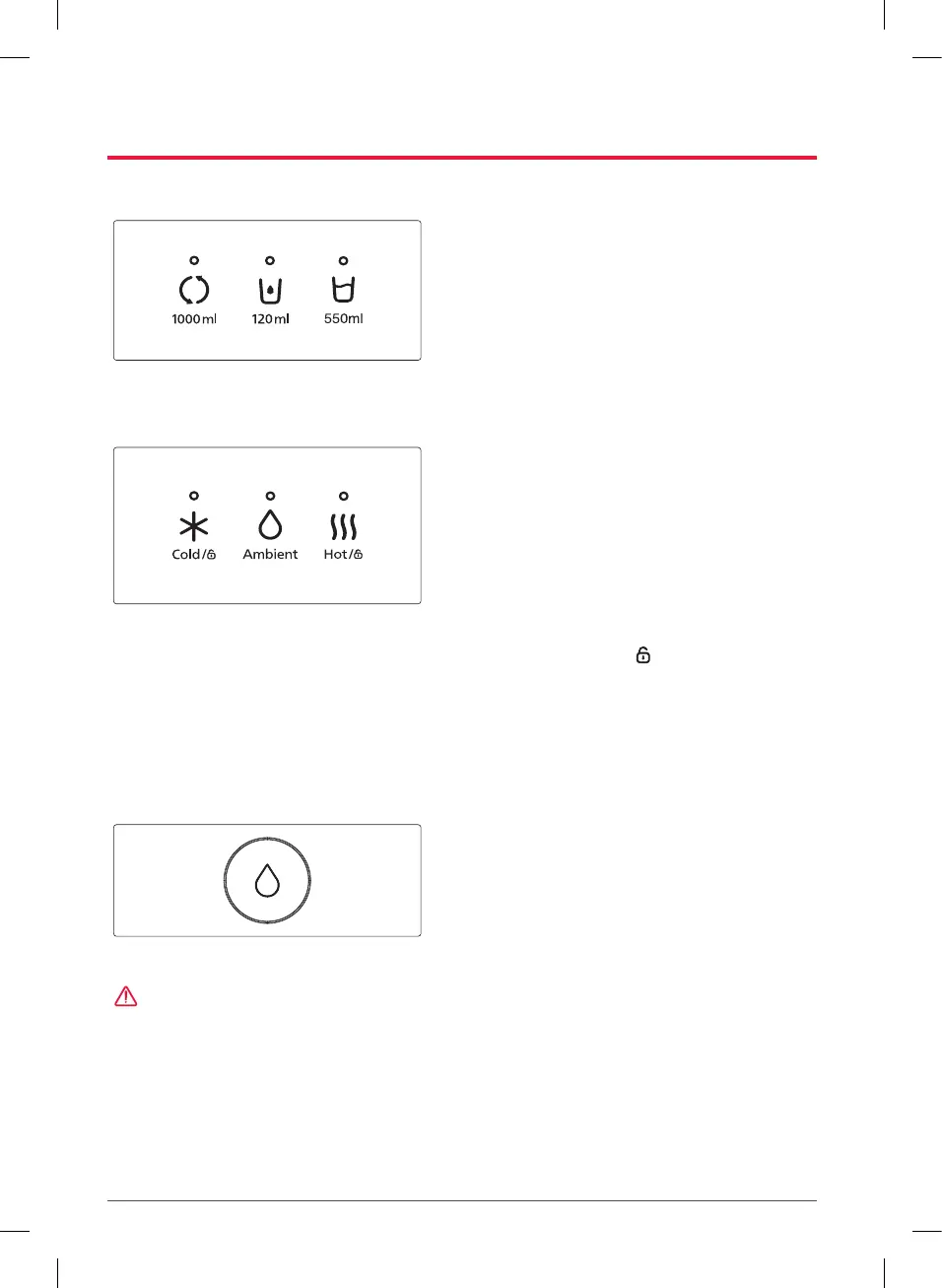
Selecting the Amount of Water
Select the desired water amount.
•
If the LED over the button is on, no input is
required.
•
After selecting 1000 ml or 550 ml, if there is
no operation for a certain period of time, the
setting will automatically change to 120 ml.
–
Only WPUA800C/WPUA800F models (models
without hot water function) have a function of
supplying 550 ml.
Selecting the Water Temperature
Select the desired water temperature.
•
If the LED over the button is on, no input is
required.
•
Depending on the selected temperature, the
LED of the corresponding temperature button
turns on, and the color of the water button
changes.
–
Cold water : Blue
–
Ambient temperature water : Green
–
Hot water : Red
•
After pressing the [Hot/ ] button, if there is
no operation for a certain period of time, the
setting will automatically change to cold water
or ambient temperature water (to the last used
temperature).
–
WPUA800C/WPUA800F models do not have a
hot water function.
Water Output
Press the [Water] button.
•
When the selected amount of water has
finished dispensing, it will automatically stop.
•
While water is being dispensed, if the [Water]
button is pressed again, the water will stop
coming out.
How to Use
CAUTION
Children should be supervised to ensure that they do not play with the appliance.
This appliance is intended to be used in household and similar applications such as
•
staff kitchen areas in shops, offices, and other working environments;
•
farm houses and by clients in hotels, motels, and other residential type environments;
•
bed and breakfast type environments;
•
catering and similar non-retail applications.



 To Next Page