56
User manual
Use of the iConsole+ app
Your item is compatible with the following iOS- resp. Android devices:
iOS devices: Android devices:
iPod touch* (4th generation) Android tablet OS 4.0 or higher
iPod touch* (3rd generation) Android tablet 1280X800 pixels
iPhone* 4S Android phone OS 4.0 or higher
iPhone* 4 Android phone 800X480 pixels
iPhone* 3GS
iPad* 2
iPad*
The iConsole+ app enables you to control your training and show the different function values on
your compatible mobile device. Additionally, you may share your training results with your friend
through mobile networks, like Facebook or Twitter.
In order to establish a proper connection, Bluetooth needs to be enabled on your device.
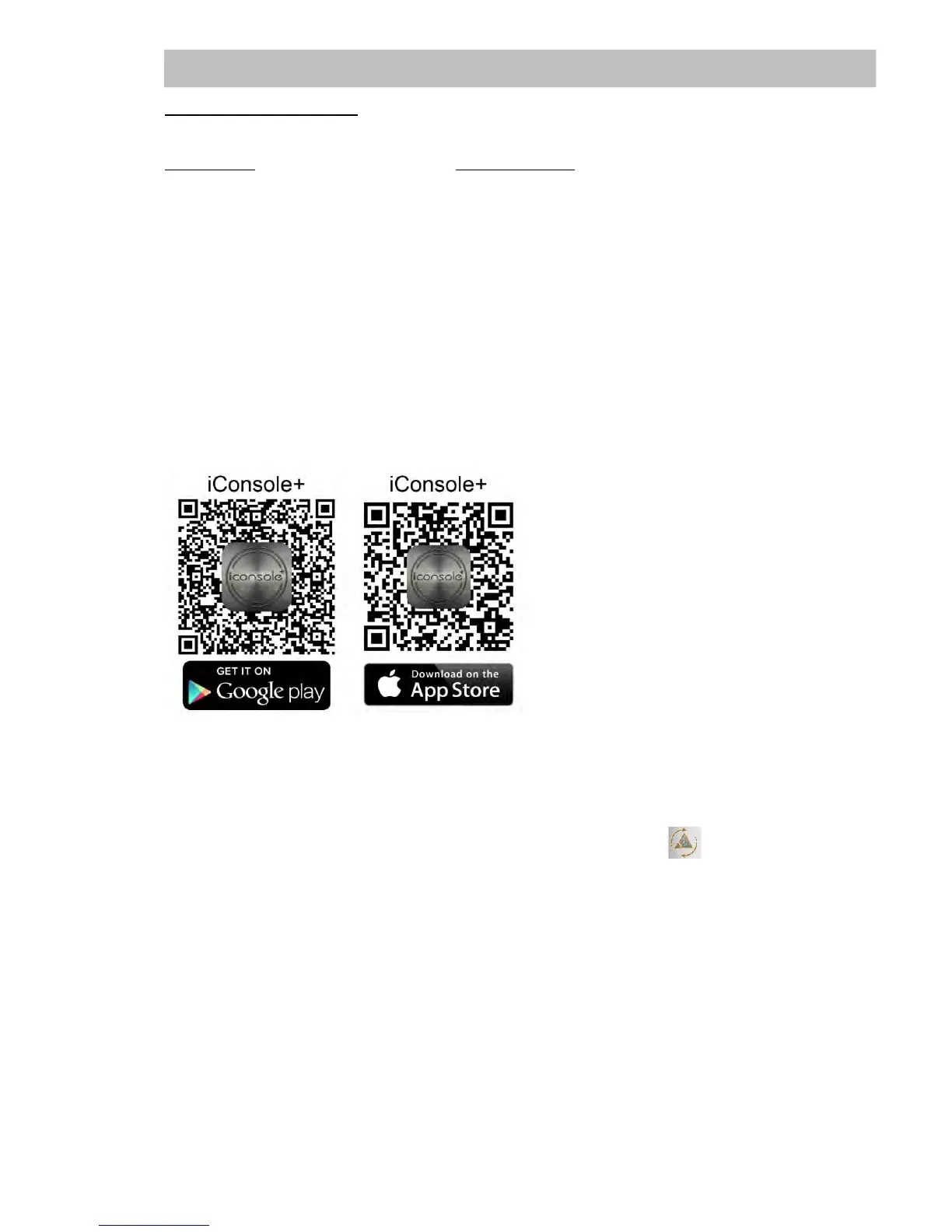
Download the app „iConsole+“ and install it onto your iOS- or Android-device. You may use the app
search function of your device or the following QR codes to find the app:
Establish a connection with an iOS-device:
Activate Bluetooth and search for the exercise computer of the exercise bike (e.g. “iConsole XXX”).
Pair the devices. In case you need to enter a password, use “0000”.
Establish a connection with an Android device:
Activate Bluetooth functionality, start the app and tip the “Scan” button .
After the exercise computer has been found (e.g. “iConsole XXX”) you can pair the devices.
In case you need to enter a password, use “0000”.
When the pairing has been succesfully executed, your exercise computer will automatically switch
off.
Before using the app any further, we recommend to enter your personal data and settings under the
menu item „Setting“. There you may select the measurement system (metric or imperial) or enter
your personal data like name, age, weight etc. under “My Profile”.
Generally, the app will be updated automatically from time to time. Therefore, the here explained
symbols, input masks and dialogues may vary. The app is self-explaining in most parts and should
be used intuitively.


 To Next Page