22
OPERATION
Keeping Area Clean
Sawdust and wood chips that fall under the saw will accumulate on the oor. Make it a practice
to pick up and discard this dust when you have completed cutting.
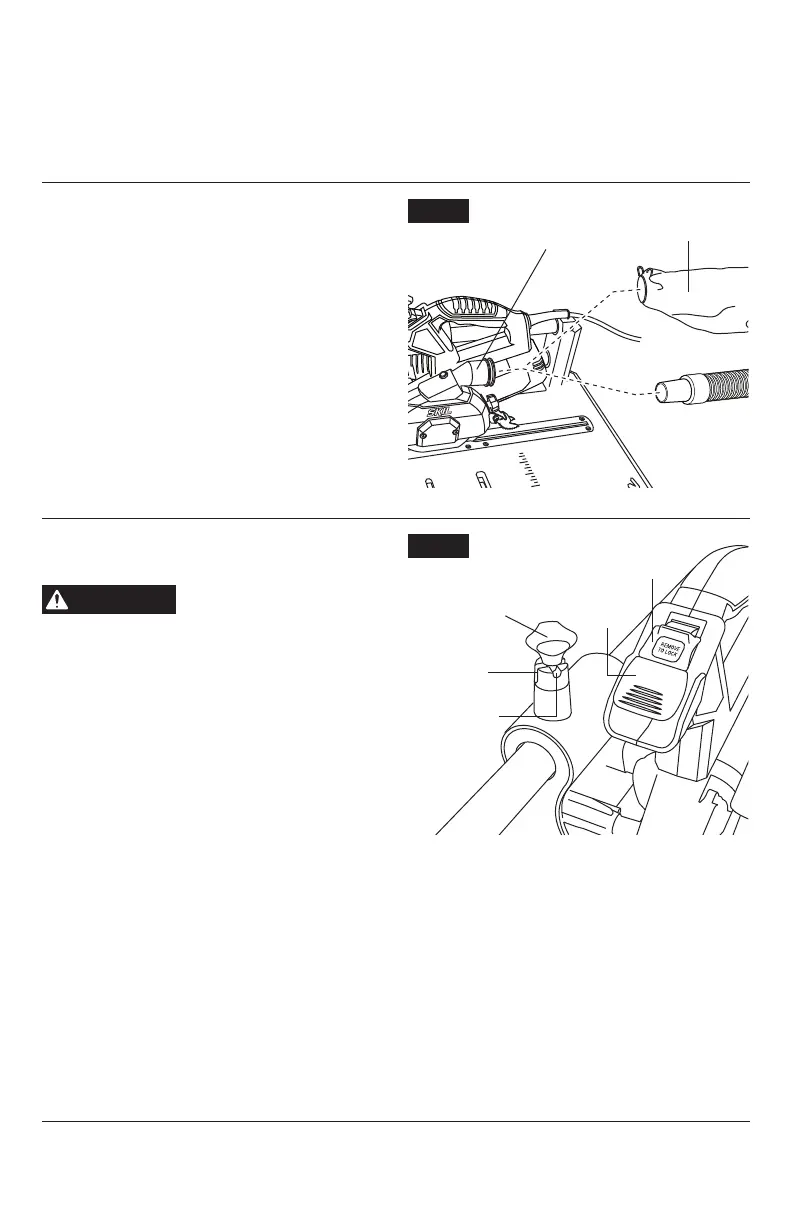
Sawdust Port
See gure 10.
The sawdust port is located at the rear of
the upper guard. A dust collection system or
dust bag can be attached to this port to aid in
the removal of sawdust from the work area.
The sawdust port accepts a standard 1-1/4”
vacuum hose.
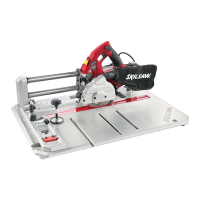
Saw Assembly Lock
See gure 11.
WARNING
To reduce the risk of injury,
make sure the switch is
OFF before locking saw into ripping operation.
The saw assembly lock is used to lock the saw
in place while performing rip cuts.
To engage and lock saw assembly:
pull saw
assembly lock knob, rotate 90 degrees so shaft
pin is aligned with the deep slot, then release
knob. Slide saw to center of rail until lock
engages.
To disengage and unlock saw assembly:
pull saw assembly lock knob, rotate 90 degrees
so shaft pin is aligned with the shallow slot,
then release knob.
Switch
See Figure 11.
The Switch has a removable lockout switch key to protect against unauthorized use.
1.
To turn the tool ON, insert the lockout switch key into the switch housing. As a safety
feature, the switch cannot be turned ON without the lockout switch key.
2.
Flip the switch upward to the ON position.
3.
To turn the tool OFF, move the switch to the down position.
4.
To lock the switch in the OFF position, remove the Lockout switch key from the switch. Store
the key in a safe place.
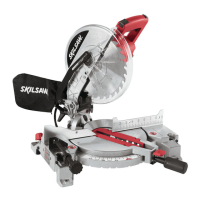
Fig. 10
Dust Bag
Dust Collection
System
Dust Port
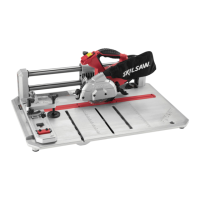
Fig. 11
Lock-out Switch
Key (removable)
Lock Slot
Unlock Slot
Saw Assembly
Lock (engaged)
Switch


 To Next Page