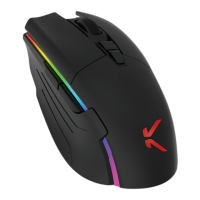
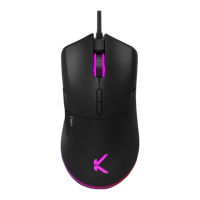
Setting DPI parameters
1
You can change the number of DPIs by pressing the DPI
button at the bottom of the mouse.
2
DPI - DPI +
400 800 1600
default
3200 6400 26000
You can choose from the following settings: 400, 800,
1,600 (default setting), 3,200, 6,400, 26,000. You can fine-
tune your own sensitivity settings using the configuration
software.
3
The colour of the indicator light depends on the resolution
selected (default colour): green).



 To Next Page