Before installing the application for configuring the mouse,
please ensure that no other mouse is installed on your computer.
1. Download the application available on the website:
https://www.boulanger.com/info/assistance
(in the“Pilotes
et logiciels” section) and follow the instructions of the
installation wizard.
2. After installation, a shortcut icon appears on your desktop.
3. Click on the icon to configure your mouse.
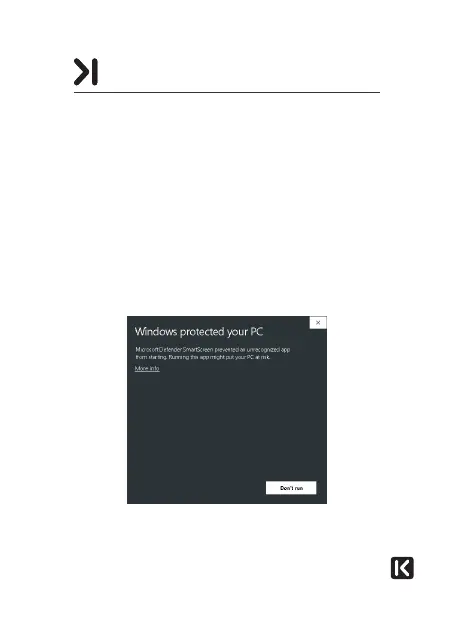
When launching the installation programme, you may see the
following message:
INSTALLING THE APPLICATION



 To Next Page