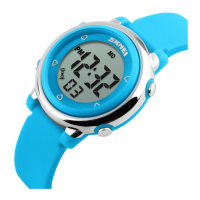
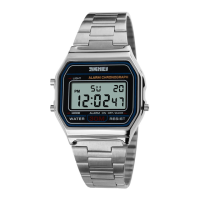
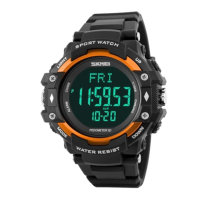
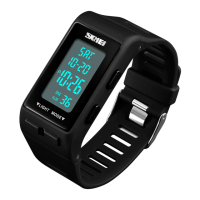
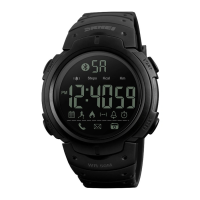
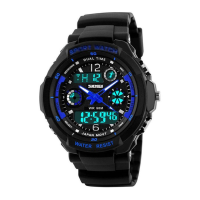
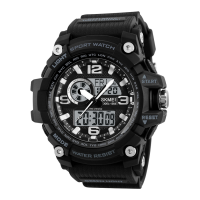
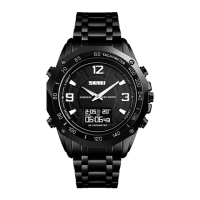
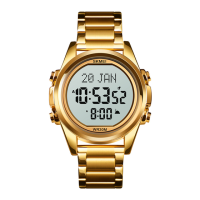
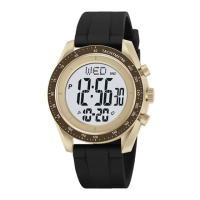
8 digital Operation Manul
A . Features
8 Digits LCD Display
,
Display Hour ,Minute ,Second ,Month ,Day and Week
2 Alarm and Chime hourly
12 / 24H format selectable
1/100 second Chronograph with split functions
B . Operational Manual
Use the Real Time Mode to set and view the current time and date.
In the Real Time Mode. Press D key to view the current date, Release D key will return the Real Time
Mode
To set the time and date:
a). In the Real Time Mode. Press C key until the “Seconds” start to flash, which indicates the setting screen.
b). Press B key to move the flashing in the sequence shown below to select other settings shown.
c). When the setting you want to change is flashing, press D key to change it as described below.
Perform this button operation
Press D key to reset to 00.
Minutes, Hour, Week, Month, Day
Press D key to increase the setting
Press D key to change the 12-hour format or 24-hour format
d). The day of the week is automatically displayed in accordance with the date (year, month, and day)
settings.
The display range of the Chronograph is23hour,59 minutes, 59.99seconds..

 Need help?

 To Next Page
 General