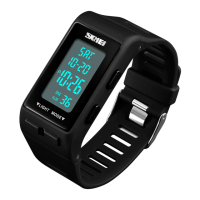
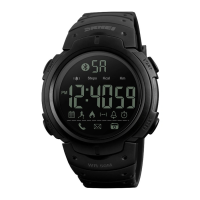
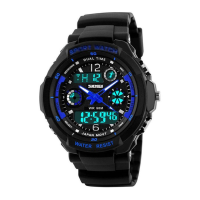
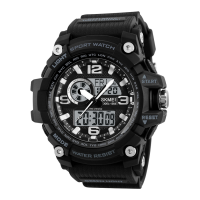
8 digital Operation Manul
The stopwatch will be count to max. values and restart from zero until you stop it.
To measure times with the stopwatch
Elapsed time
D key D key D key D key C key
Start Stop Re-start Stop Clear
Spilt time
D key C key C key D key C key
Start Split Split release Stop Clear
Two Finishes
D key C key D key C key C key
Start Split Stop Split release Clear
First runner Second runner Display time of
Finishes. finishes. Second runner.
Display time of
First runner.
Alarm Operation: The alarm tone sounds at the preset time for about 15 seconds. Pressing any button stops
the alarm tone operation.
Turn On / Off Alarm and Chime
Press
D
key to turn on/off Alarm ( “ ” ) or Chime (“ ”).
Alarm setting :In the Alarm Mode, press C key until the Hour setting of the alarm time starts to flash, Press
B key to select "Hour "、"Minute "or ”alarm1/alarm2” setting, Press D key to adjust the flashing item,
Press C key to confirm.
The display range of the timer is 23hr 59min,59sec.
Timer alarm sounds for about 10 seconds when counting down to 0:00:00.
Press and hold
C
key f to time setting state and "Hour" flashing , Press B key to select "Hour" or
"Minute" setting ,Press D key to adjust the flashing item, Press C key to complete setting.
Press D key to Start/Stop counting .
In the Dual Time mode ,Press and hold
C
key to select "hour" setting, Press
D
key to adjust the
flashing item, Press C key again to finish setting ,and return to Dual Time displaying mode .
C.
Specifications
Operational Temperature Range
:≥24 month(Japan Lithium)



 To Next Page