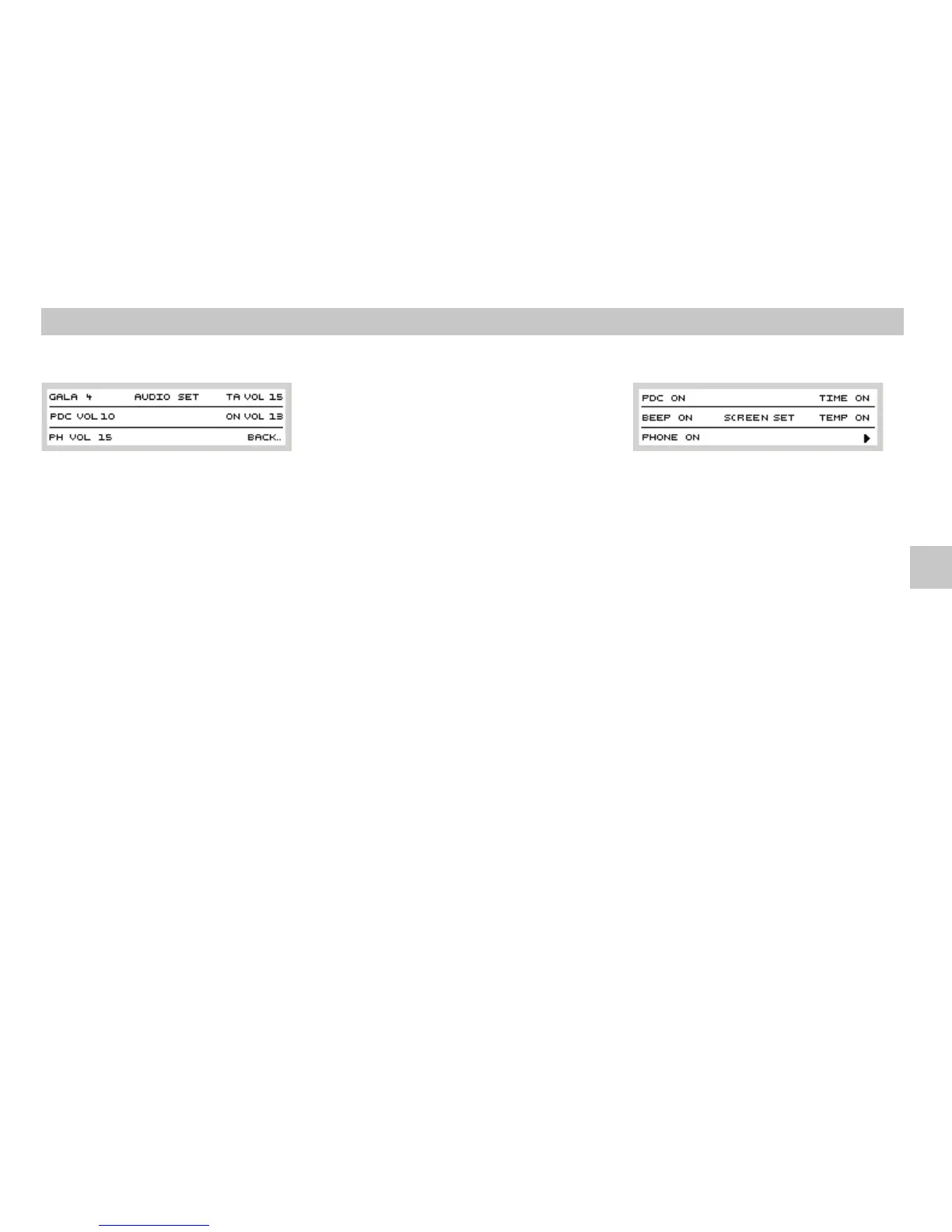
PHVOL*
PHVOL
TA VOL
Original handsfree set (if installed) can play
telephone sound through the radio and its
speakers. Set the desired phone call volume by
pressing preset button and turning
button .
If volume is turned down for normal listening,
important traffic message could be missed. It is
thereforeadvisable to set minimum volumefor
traffic messages. If current volume is lower, it
will be increased to a value set by this
parameter. If current volume is higher, it will
notchange.
12
1
Use function to set minimum volume
of traffic messages. Set this function by
pressing preset button and then
turningbutton .
Your radio remembers the volume, which was
set before switching the radio off. Higher
volume will be lowered to the value set by
parameterwhenthe radioisturned on.
Set this function by pressing preset button
andthen turning button .
By pressing preset button you return
topreviousmenu level.
TA VOL
TA VOL
ONVOL
ON
VOL
ONVOL
BACK
BACK
12
1
12
1
12
13
MENUbutton
MENU
PDC*
PDC
ON
BEEP
BEEP ON
OFF
Press button and then button
todisplay the settingof special functions:
Ifyour car is fittedwith “parking aid” device,the
display of your radio can display the distance
from an obstacle; the number of displayed
columns increases if the “parking aid” unit is
active. Press preset button and then
set toactivate this function.
When storing tuned frequencies into presets,
the radio beeps. Pressing preset button
and selecting activates this function.
Selecting deactivatesit.
The displayed data disappear after 10 seconds
of inactivity. Push of any button except for the
preset button closes the setting and the
selectedvalues remainstored
411 12
12
12
User Settings
GB













 To Next Page