Switchingtheradioon/off
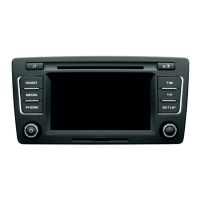
Switchthe radioonor off bypressingbutton .
If you switch the radio off by switching off the
ignition, the radio will be switched on
automatically when the ignition is switched on
again
If the radio is switched on by pressing button
when the ignition is switched off, the radio will
remainswitchedon for60 minutes.
After switching the radio on, e.g. to the tuner
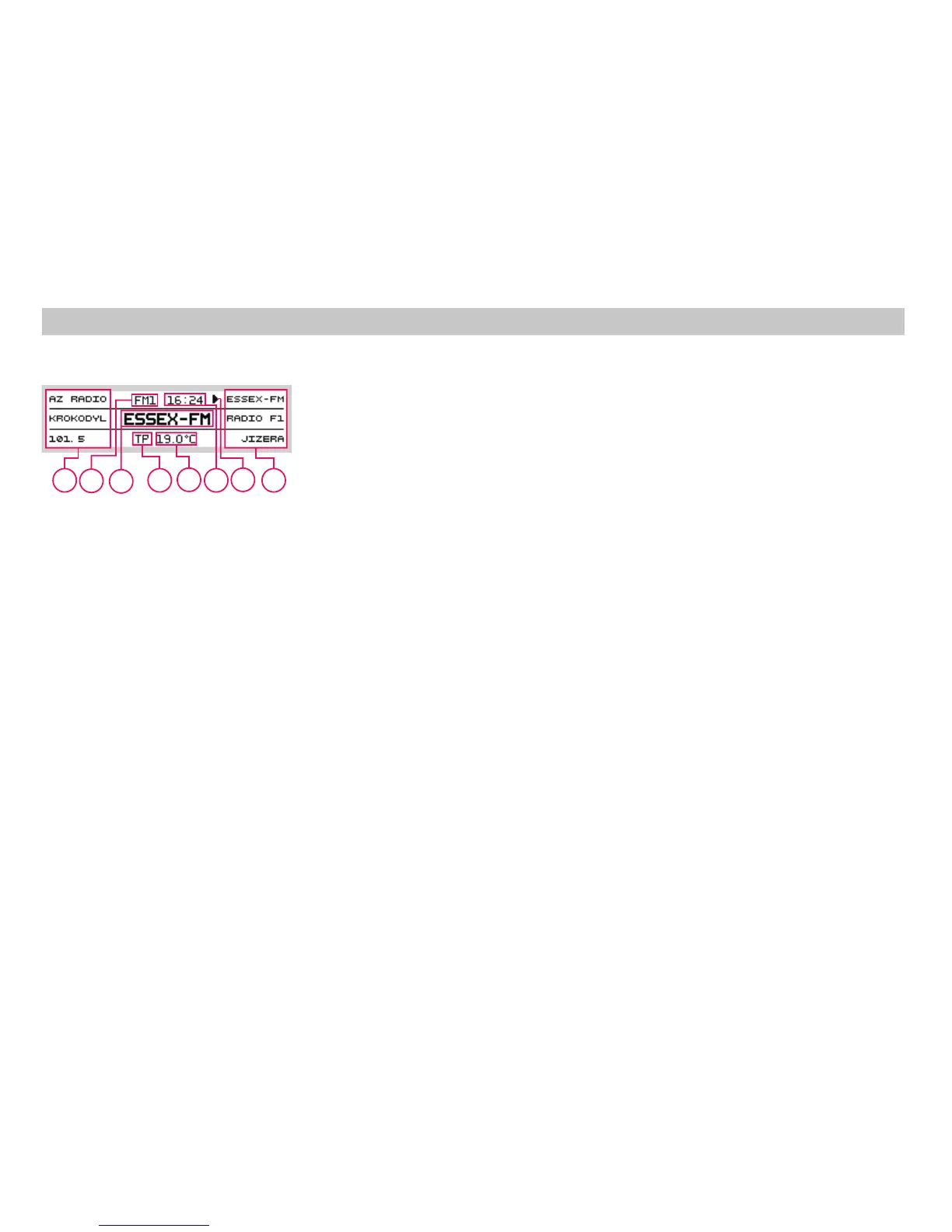
(FM) mode, a display similar to the following
picturewillappear:
1
1
Selectionofa bandandofamemorylevel
FM
FM1- FM2- FMAS
AM
AM1- AM2- AMAS
The radio has FM and AM bands. These are
divided into 6 memory layers, 3 for the FM
bandand 3 fortheAM band. Eachmemory
layerhas 6 presets.
Push of the button activates the FM wave
band. Second push switches among memory
levels .
Push of the button activates the AM wave
band. Second push switches among memory
levels .
The display indicates the currently selected
waveband.
3
9
A Currentstation(name or frequency).
B Names orfrequenciesof resetstations.
C A pointer showing which station or
frequencyare currentlytuned.
D Indicator- trafficmessages active.
E Currenttime.
F Currentexterior temperature.
G Indicationof the selected waveband
You can set the volume by turning button .
The display always shows the current volume
setting.
Volumecontrol
1
Switching the radio on/off Switching the Bands
4
Operation of the Radio
A
B
D
F
B
C
E
G













 To Next Page