Manualtuning
Automatictuning- SEEK
You can set the frequency of a requested
station by pressing button or . The
frequency keeps changing when you keep
button or pressed. Release the button
to stop tuning. The display will show the set
frequency.
You can skip to the next available station in the
currently selected band by pressing button
or The tuner will automatically stop
when the next station is found in the desired
direction.
34
34
78
6
7
6
Storingthestations topresets
Recallingthepresets
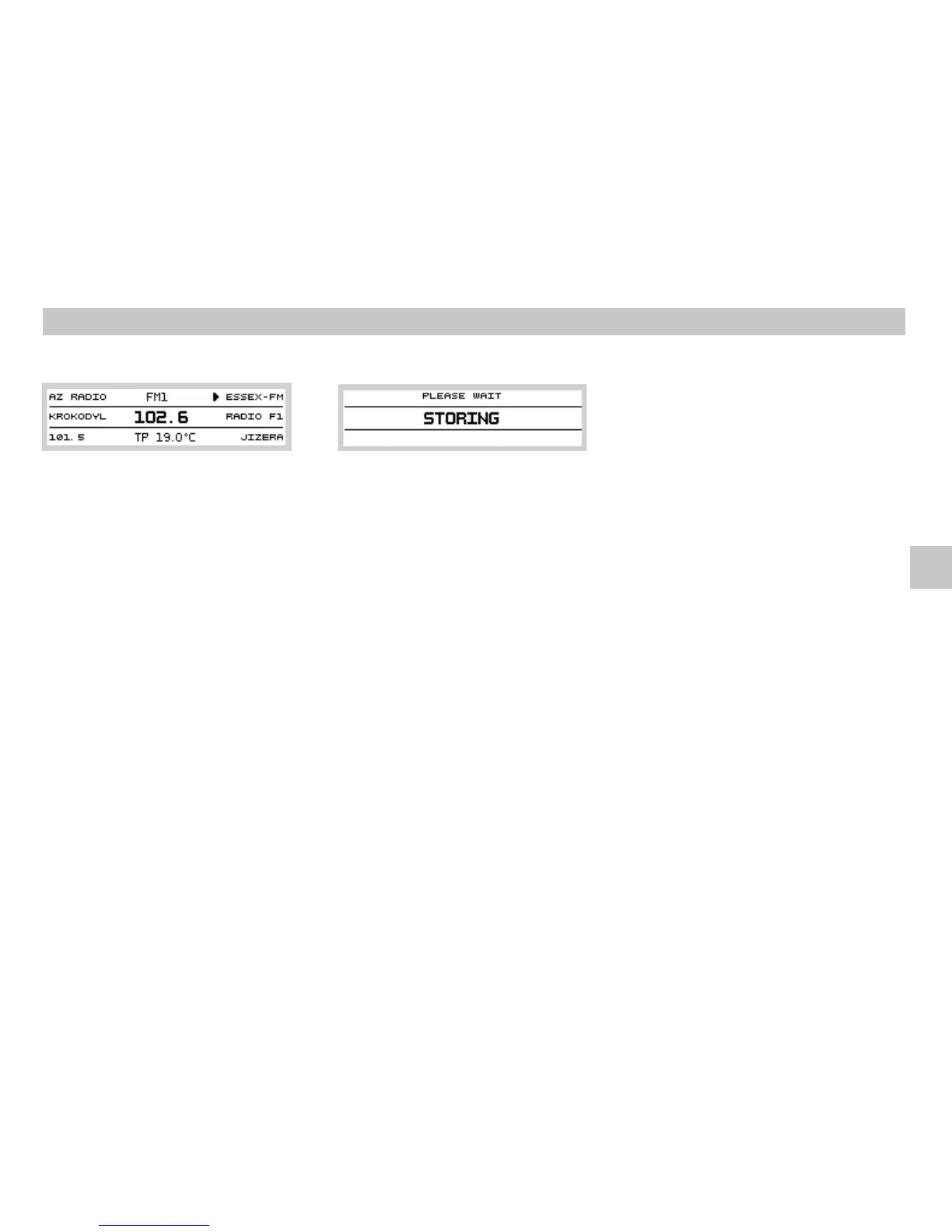
Automatictuningand storingofstations
AS
STORING
Use buttons or to tune the station you want
to store. Press and hold (for approx. 2s)
selected preset button to memorise the
station. (The sound volume is lowered
temporarily and a beep sounds; then the
stationis stored.)Youcan use6x6presets.
Having stored the stations using the preset
buttons ,you can press anyof the buttons
brieflyto recallthe respective station.
Theautomatic tuning and storagesystem seeks
all stations within a selected band, selects 6
stations with the strongest signal, and stores
them as presets. Press (AutoStore) button
to start the process. The display shows a
message and the sound is muted
(seepicture).
67
12
4
12 12
If you select the band, memory
layer will include 6 stations with the strongest
signal in the FM band. As soon as the process is
complete, the FM- AS memory layer is
selected, and preset ischosen. Youcan switch
to other presets by pressing one of the preset
buttons .
If you select the band, memory
layer will include 6 stations with the strongest
signal in the AM band. As soon as the process is
complete, the AM- AS memory layer is
selected, and preset ischosen. Youcan switch
to other presets by pressing one of the preset
buttons .
Each use of the function updates and
rewrites the presets in the currently selected
band(FM- AS orAM- AS).
FM FM- AS
1
AM AM- AS
1
AS
12
12
Tuning and Storing the Stations
5
Operation of the Radio
GB














 To Next Page