EasyManua.ls Logo

Skope TME ActiveCore Series - User Manual

Skope TME ActiveCore Series
82 pages
Print Icon
To Next Page IconTo Next Page
Loading...
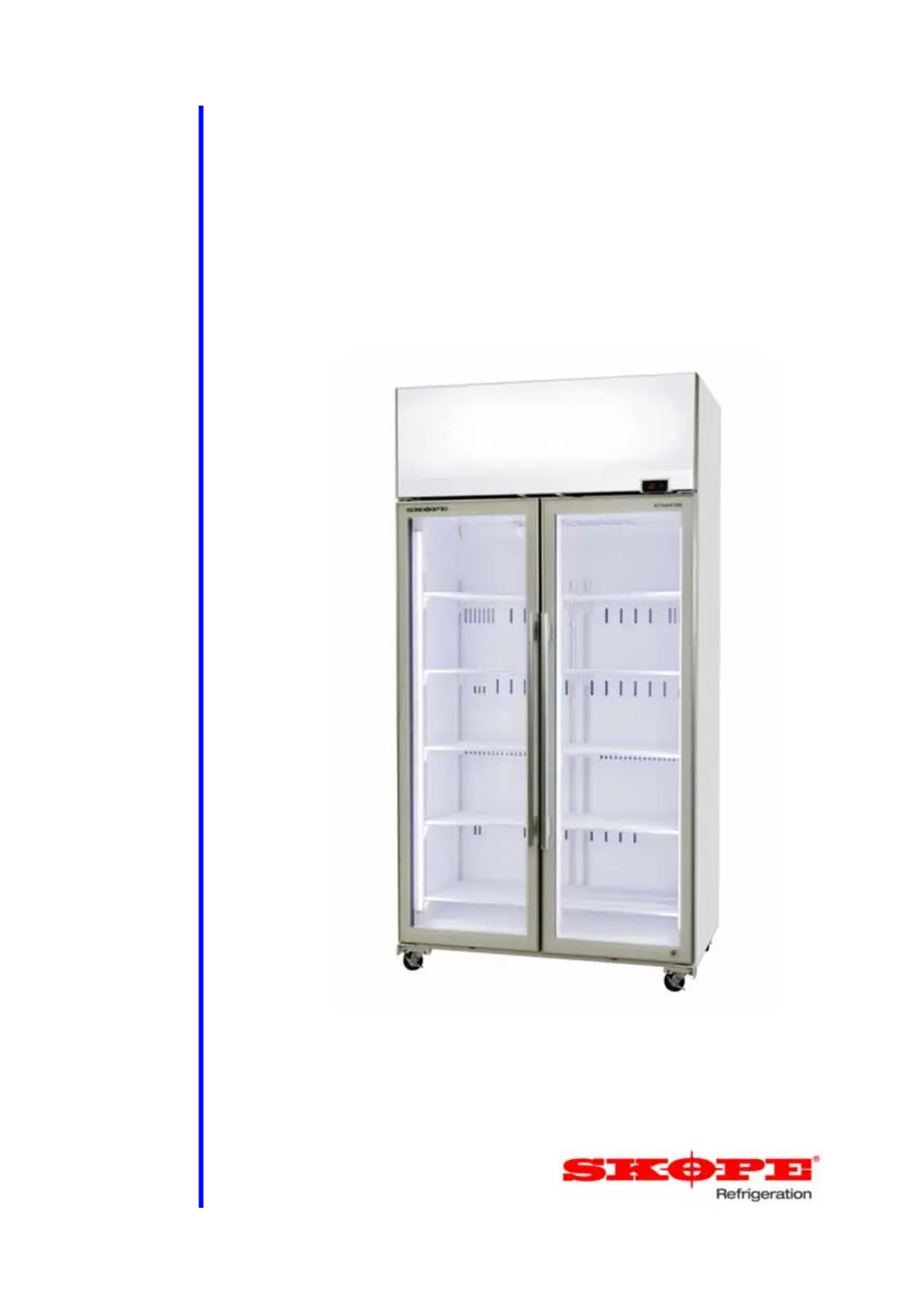
TME/SKT ActiveCore
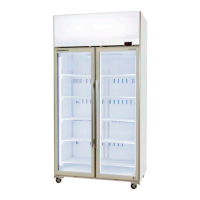
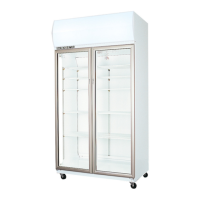
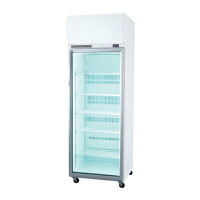
SKOPE Top Mount Vertical Chiller
Service Manual
MAN11097 Rev. 4.2 May 2019

Table of Contents

Questions and Answers

  • C
    charlesjonesAug 18, 2025
    What to do if the door alarm is beeping on my Skope Chiller?
    • J
      Jasmine GarciaAug 18, 2025
      If the door alarm is sounding on your Skope Chiller, it means the door has been open too long. First, make sure the door is completely closed. If the alarm continues, check if the door is aligned correctly and realign if necessary. Also, inspect the door switch alignment and connections in both the electrics box and the refrigeration unit compartment. Damaged or faulty door switch cables or the switch itself can also trigger the alarm. Inspect and repair/replace if needed, using a multimeter to check the signal.
  • L
    Laura FloresAug 21, 2025
    Why is my Skope Chiller showing a refrigeration system error?
    • V
      vdavisAug 21, 2025
      A refrigeration system error on your Skope Chiller indicates a problem that could cause damage. Check that the chiller is installed correctly, ensuring there are no blockages around it. Abnormal environmental conditions can also trigger this alarm. Inspect and clean the condenser filter and coil. Make sure the doors are closing and sealing properly, and inspect the seal between the cabinet and refrigeration unit, resealing or replacing the gasket if necessary. The error might also be due to a temperature probe or electronic controller fault, or issues with the fans or compressor. Investigate these components for any malfunctions.
  • E
    eric89Aug 23, 2025
    What to do if my Skope Chiller is not operating and the controller display is off?
    • B
      bradley32Aug 23, 2025
      If your Skope Chiller isn't operating and the controller display is off, first check the mains power supply. Then, check that all plugs in the electrics box are connected correctly.
  • K
    khendersonAug 26, 2025
    Why is my Skope Chiller product too warm?
    • T
      Timothy ColonAug 26, 2025
      If your Skope Chiller's product is too warm, consider these factors: frequent door openings, a recently loaded cabinet, or a door that isn't closing properly. Also, check if the refrigeration unit is operating too hot, or if there's excessive door opening or refrigeration heat load. If the electronic controller displays ECO, the chiller is in Energy Saving mode; switch to Normal mode. Ensure that you limit door openings, allow time for the product to cool down, check and clean the door gasket, ensure good ventilation around the refrigeration unit, ensure the cabinet is within the maximum operating conditions and lower the set point.
  • C
    Christian WalkerAug 28, 2025
    How to fix moisture build up on my Skope Chiller door?
    • J
      James JonesAug 28, 2025
      If you notice moisture building up on your Skope Chiller door or exterior, it could be due to high humidity, frequent door openings, or a door that isn't closing properly. Check the ambient operating temperature and reposition the chiller if needed. Limit how often the door is opened and inspect and clean the door gasket.
  • M
    Mary MartinezAug 31, 2025
    Why is my Skope Chiller power consumption higher than expected?
    • J
      Jennifer SilvaAug 31, 2025
      If your Skope Chiller's power consumption is higher than expected, it might be operating too hot, have excessive door openings, or the product might be too cold. Clean the condenser, ensure good ventilation around the refrigeration unit, and verify the cabinet is within the maximum operating temperature. Make sure the door is closed more often, and consider raising the set point.
  • B
    Brittany CollierSep 2, 2025
    What to do if the sign and interior lights are not on in my Skope Chiller?
    • A
      Anthony HenrySep 2, 2025
      If the sign and interior lights are not on in your Skope Chiller, first check if the electronic controller displays ECO, indicating 'Energy Saving' mode. If so, press the light button on the controller to switch the light on while keeping the chiller in Energy Saving mode. If the controller displays E3, this indicates a refrigeration system error. If the light has failed, service the light.
  • C
    carlakellySep 5, 2025
    How to fix a Skope Chiller door that doesn't shut properly?
    • A
      arellanomarkSep 5, 2025
      If your Skope Chiller door doesn't shut properly, it might be on an uneven surface or the door could be obstructed. Level the chiller and check the shelves and product for any obstructions.
  • M
    matthewgarciaSep 7, 2025
    Why won't the lights switch off on my Skope Chiller?
    • P
      Penny KellySep 7, 2025
      If the sign and interior lights won't switch off on your Skope Chiller, it might be in Cold Climate Protection (CCP) mode. You cannot turn the lights off in CCP mode. Wait for the chiller temperature to rise as necessary, and then try switching the lights off.
  • T
    Tammy DavisSep 9, 2025
    What causes excess noise vibration in Skope Chiller?
    • J
      Jeffrey AdamsSep 10, 2025
      Excess noise or vibration in your Skope Chiller can be caused by refrigeration pipes transferring vibration into the unit. Re-align the pipes to resolve this issue.

Summary

Specifications Overview

Models

Lists SKOPE TME and SKT ActiveCore top mount chiller models and their types.

Electronic Controller Functions

Controller Operations

Details the CAREL S4 controller's functions, modes, and automatic cycles.

Faceplate Overview

Explains the symbols and functions of the controller's display and buttons.

Operating Modes

Describes Normal and Energy Saving modes and automatic switching.

Defrost Cycle

Explains how the automatic defrost cycle is initiated and terminated.

Messages and Alarms

Lists and explains controller display messages and active alarms.

Protection Features

Covers No-Downward Tendency, High Pressure, and Cold Climate protection.

Hardware Setup and Wiring

Details controller hardware inputs, probe connections, and wiring termination.

Temperature and Parameter Settings

Guides on adjusting temperature setpoints and controller parameters.

Parameter Access and History

Instructions to access locked parameters and check parameter history.

Wiring Diagrams

TME650 Series Wiring

Provides the electrical wiring diagram for the TME650 Series.

TME1000 Series Wiring

Provides the electrical wiring diagram for the TME1000 Series.

SKT650 Series Wiring

Provides the electrical wiring diagram for the SKT650 Series.

SKT1000 Series Wiring

Provides the electrical wiring diagram for the SKT1000 Series.

TME1500 & SKT1500 Series Wiring

Provides electrical wiring diagrams for TME1500 and SKT1500 Series.

Spare Parts Identification

Cabinet Assemblies

Exploded views and part lists for TME/SKT 650, 1000, and 1500 series cabinets.

Door Assemblies

Exploded views and part lists for glass and solid door assemblies.

Lighting Assemblies

Exploded views and part lists for modular and LED lighting systems.

Refrigeration Unit Assemblies

Exploded views and part lists for UTHCCI-0002, UTHCCI-0004, and UTSCCR-0001 units.

Unit Electrics Box Assembly

Exploded view and part list for the unit electrics box assembly.

Installation Guidelines

Cabinet Positioning

Guidance on selecting optimal location, leveling, and space requirements.

Climate Class

Specifies the operating environment and temperature/humidity conditions.

Chiller Location

Details factors for choosing the best chiller location for performance.

Power Cord

Information on the power cord exit and routing.

Ventilation Requirements

Details minimum clearance requirements for efficient operation.

Replacement Procedures

Lighting Replacements

Instructions for replacing LED tube and modular lighting components.

Door Adjustments and Removal

Procedures for aligning, adjusting, and removing/refitting doors and hinges.

Hinge Reversal

Step-by-step guide to reverse door hinging from RH to LH.

Refrigeration Unit Handling

Procedures for removing, replacing, and servicing the refrigeration unit.

Fan Component Replacement

Guides for replacing condenser and evaporator fan motors and blades.

Compressor and Related Components

Steps for replacing the compressor, its electrics, and related components.

Probe and Switch Replacements

Instructions for replacing control probe, evaporator probe, door switch, and pressure switch.

Cleaning and Maintenance

Procedures for cleaning the cabinet, condenser coil, and optional filter.

Troubleshooting Guide

Controller Alarms Diagnosis

Details controller alarms, their causes, and recommended repairs.

Cabinet and Refrigeration Unit Issues

Troubleshooting common problems related to cabinet and refrigeration unit.

Skope TME ActiveCore Series Specifications

General IconGeneral
BrandSkope
ModelTME ActiveCore Series
CategoryChiller
LanguageEnglish

Related product manuals