10
Pre-Flight Calibration
Quadcopter/Remote Link
Before flying, the quadcopter and the remote must be linked together, and the
gyroscopes on the quadcopter must be allowed to calibrate to ensure smooth and
level flight.
Begin with the quadcopter and remote powered off.
Step 1 - Power ON & Connect
Connect the battery to the quadcopter, place the quadcopter on a flat surface, and turn
on the remote. This will calibrate the gyroscopes in the quadcopter and connect it to
the remote.
YOU MUST PERFORM THIS ACTION QUICKLY FOR IT TO TAKE EFFECT.
When the receiver light at the front of the styrofoam body begins slowly blinking red
and blue, and the Power/Status indicator on the remote is red, the quadcopter and
remote are successfully calibrated and linked.
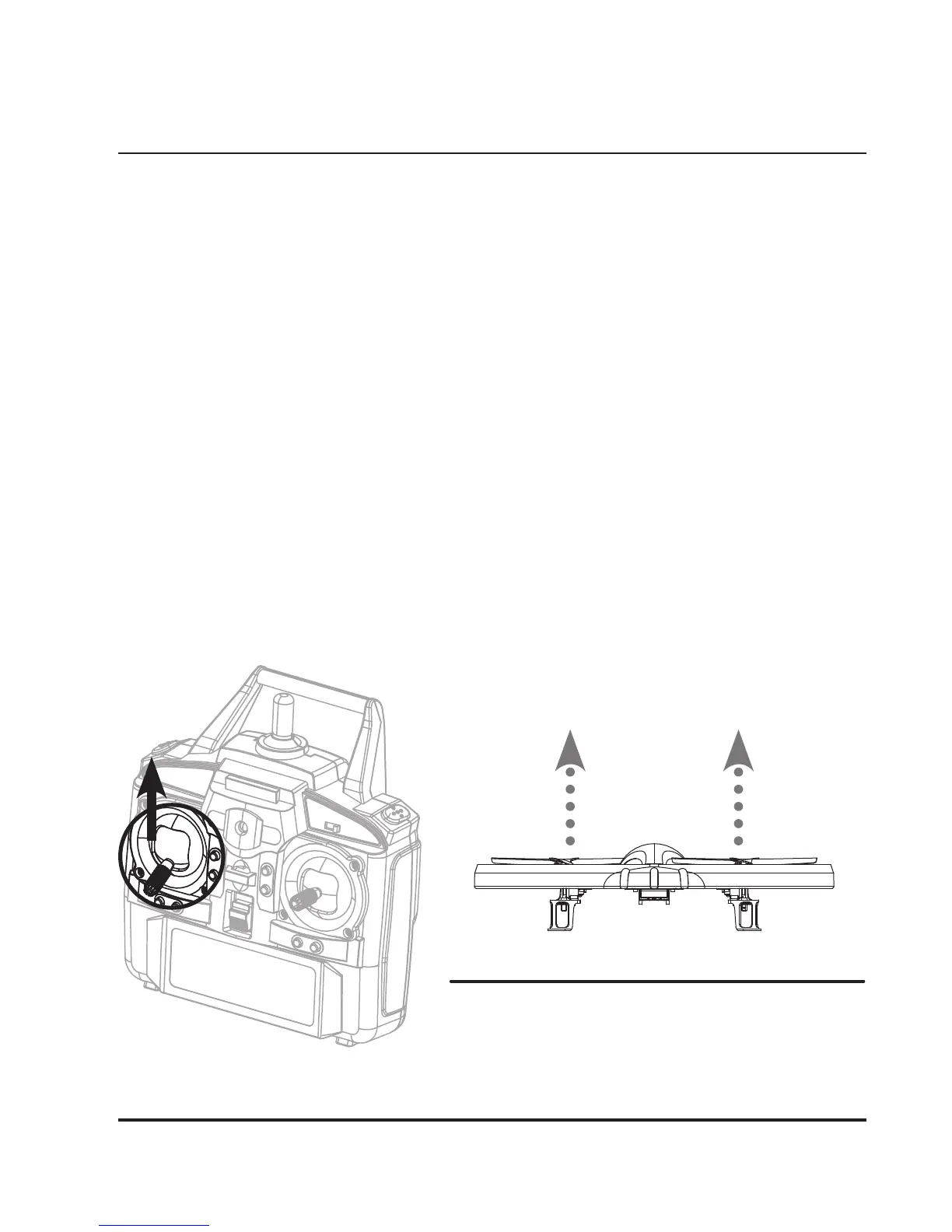
Step 2 - Take O
Add light throttle until the quadcopter is in the air. If there are any problems, perform
these steps again until a stable hover is achieved. If there are no problems, you may
start flying at will.
Attempt a stable hover, low to the ground.
• Use Left Control Stick and add
light throttle.


 To Next Page