6
In Standalone mode, the hand controller does not need to be connected to a mount.
Once the hand controller is powered on and the “Initialization” process is complete, users
may begin using the SynScan hand controller to look up data of celestial objects and other
information (ex. Sidereal time, Polaris’s orientation etc).
In Easy Tracking mode, the hand controller also needs to connect to a Sky-Watcher tele-
scope mount. The mount must be setup at a proper “Home Position” (refer to Section 2.1
for details) before turning on the power. After turning on the power to the mount, the hand
control must complete an “Initialization” routine. Then the user can choose to skip the
“Alignment” routine and start the tracking function directly (refer to Section 6.1 “Choosing
Tracking Speed”). Users will need to locate a celestial object in the sky, and then use the
hand controller to manually point the telescope to the target. The object locating function
may still be used but it can only give a rough result.
The Easy Tracking mode is suitable for quick setup for visual observing of brighter celestial
objects, such as planets, the moon, or the sun. If the user does not turn on the tracking
function, the Easy Tracking mode can also be used for observing terrestrial objects.
PART I: INTRODUCTION
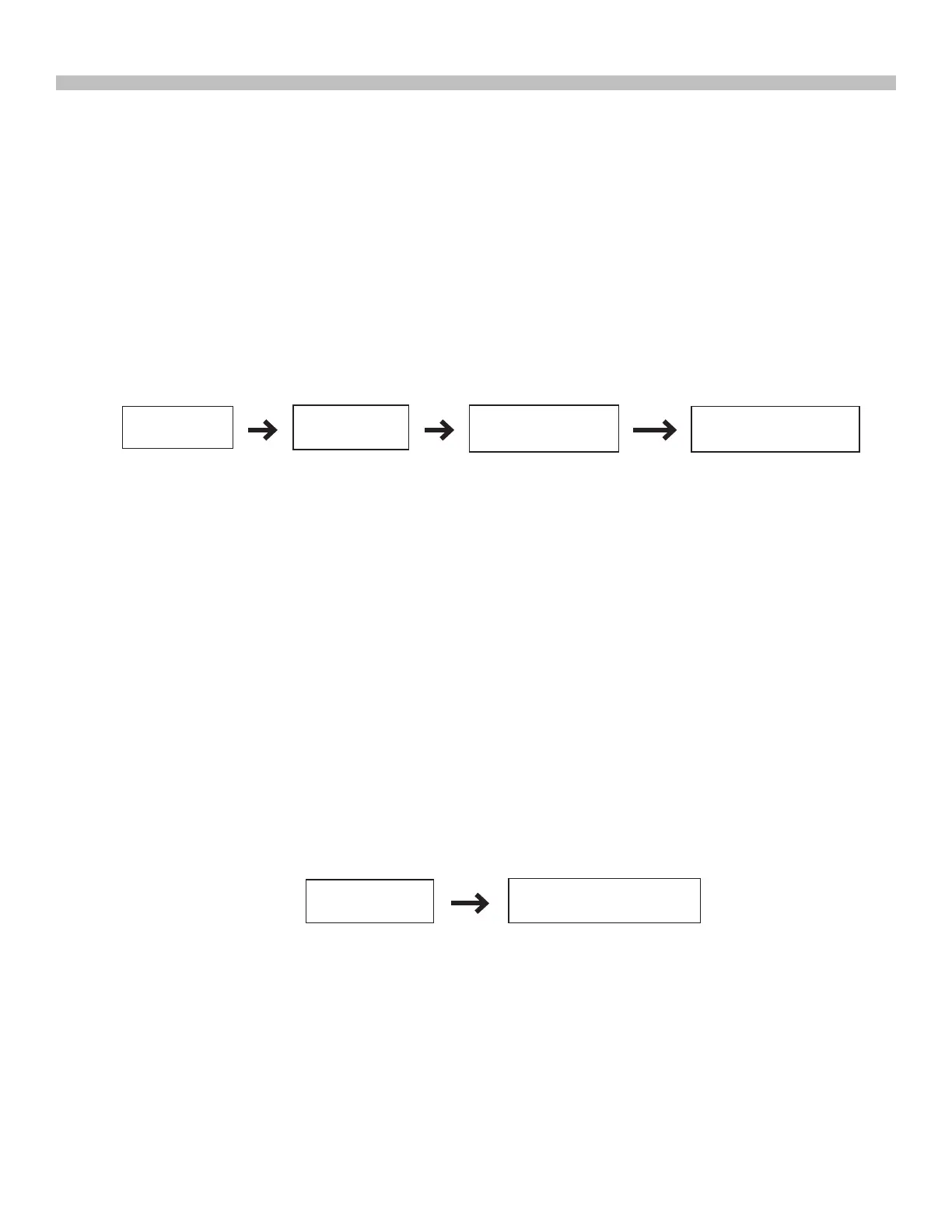
The ow chart of the “Standalone” operation is shown below:
The ow chart of the “Easy Tracking” operation is shown below:
3. Standalone Mode:
2. Easy Tracking Mode:
In Full Feature mode, the hand controller must connect to a Sky-Watcher telescope mount.
After turning on the power to the mount, the hand control must complete an “Initialization”
routine, followed by an “Alignment” routine which establishes a model to transform the
coordinates of the mount and the coordinates of the sky. Only after the “Alignment” is
done can the SynScan hand controller’s high precise “GOTO” function be used to locate
a celestial object.
The Full Feature mode is the most commonly used mode of operation.
Fig. 1.4b
Fig. 1.4c
Initialization
Other operations
Initialization
Start Tracking
Locate a celestial
object manually
Observing or other
operations











 To Next Page