19
SkyTrak can be connected to your iPad or PC several ways:
Via a direct Wi-Fi Connecon, through your home network/wireless router or USB
connecon (PC Only).
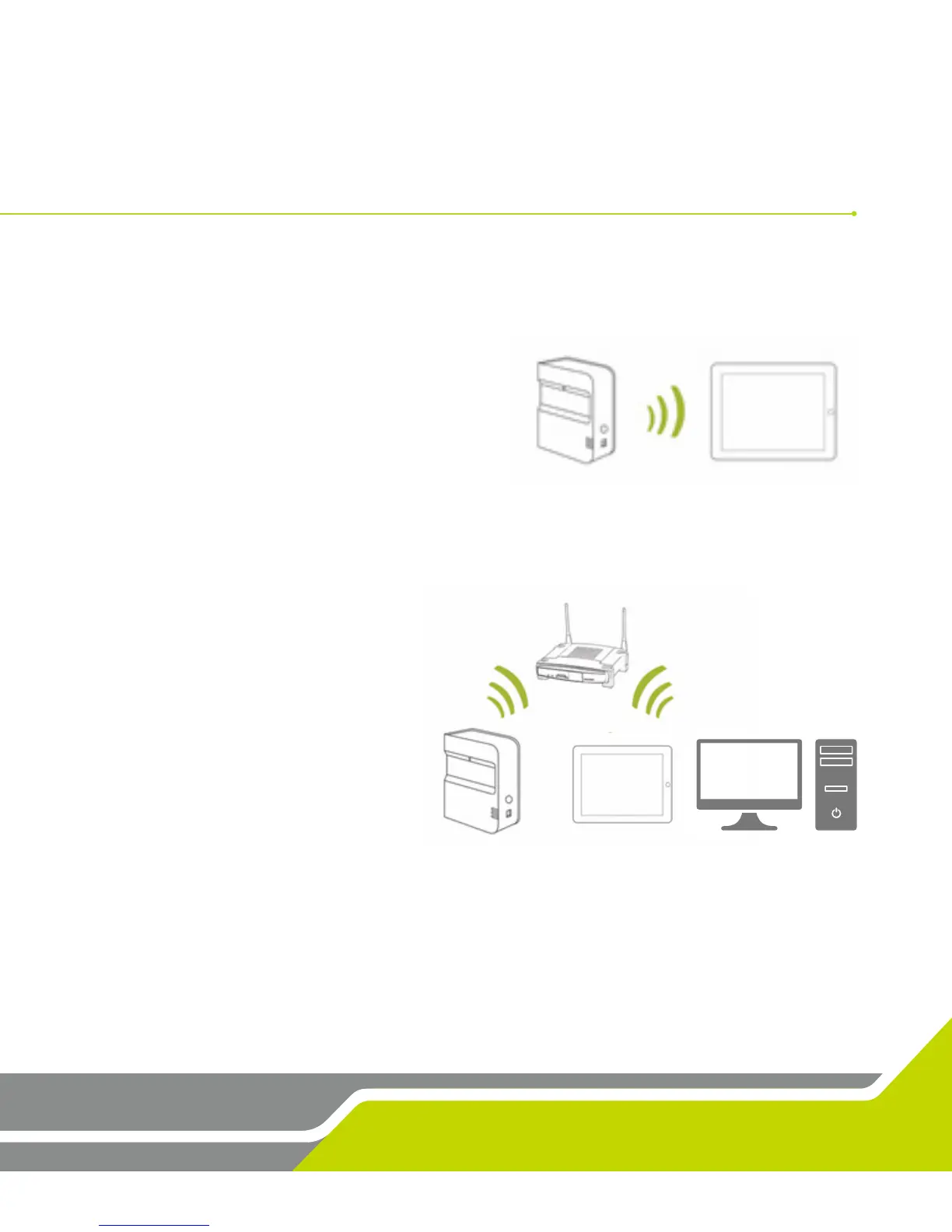
The Direct Wi-Fi Connecon should be used if
you do not have access to a reliable Wi-Fi
network (such as on the driving range). When
using a Direct Connecon, your iPad or PC
connects directly to the SkyTrak’s Wi-Fi, and
thus, does not have access to the internet.
The Network Connecon via network/wireless router should be used when you have
access to a reliable Wi-Fi network. This connecon mode is required for certain features/
simulator opons where an internet
connecon is needed. When using
a Network Connecon, your iPad or
PC uses the wireless router as a
bridge to connect the SkyTrak unit
to your iPad or PC so the iPad or
PC an maintain a connecon to the
internet.
USB Cable Connecon
Connect the micro USB cable to the SkyTrak device and a USB port on your PC. If using
SkyTrak on the PC via a USB connecon, your PC can remain connected to the internet
via LAN or wireless.
Network Connection Guide


 To Next Page