22
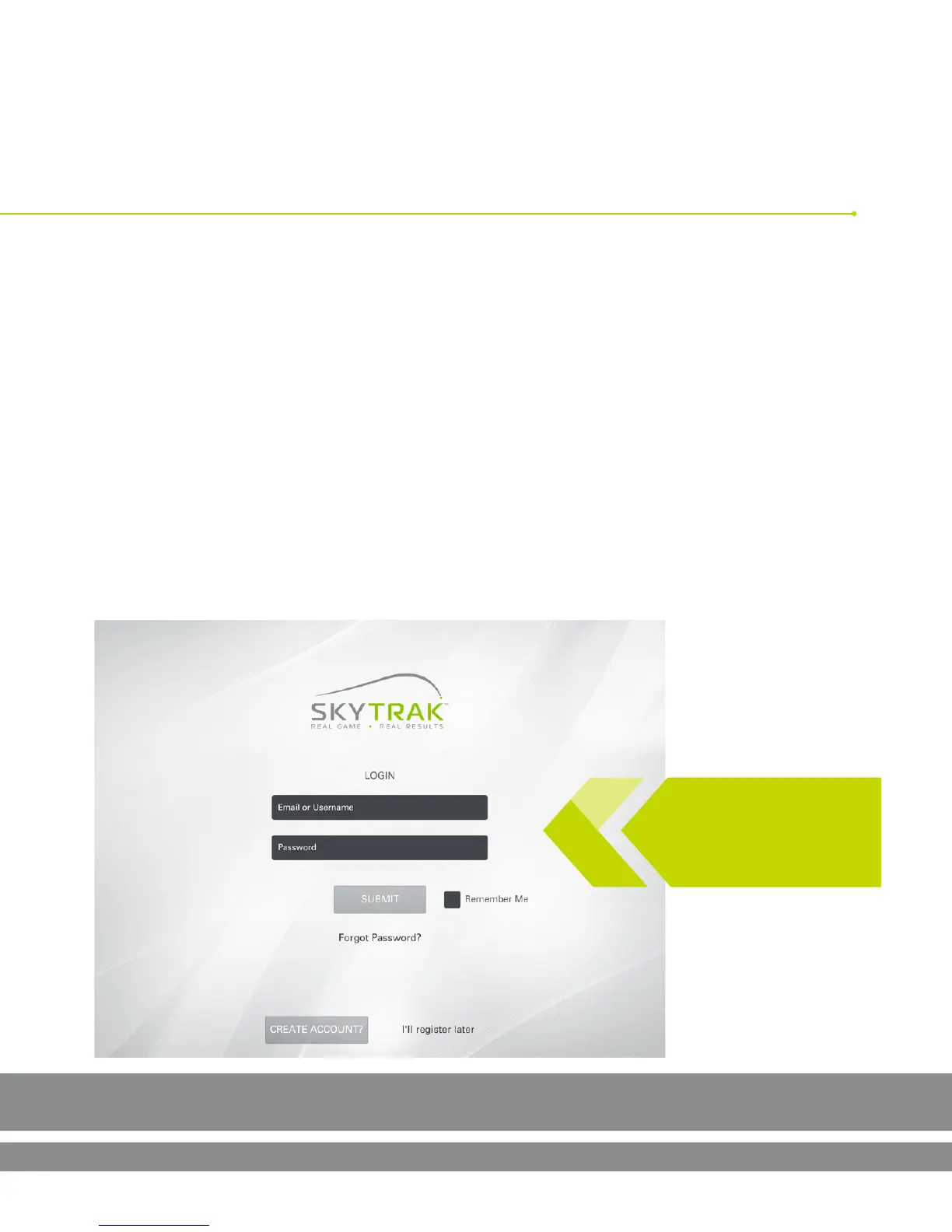
Why? When you are logged into the app, your data gets saved locally and is then
synced to the cloud within our SkyGolf 360 system. If you have the Game Improvement
subscripon package, you can view this data at any me online by vising skygolf360.
com and logging in. If you don’t have a subscripon account now, don’t worry!
Whenever you choose to get one, all of your data will be there waing for you.
TIP: Stay logged in.
Otherwise your data
will not be stored!
Uploading your data to SkyGolf 360
Create a new account or log in with your exisng SkyGolf 360 account
Software Guide



 To Next Page