7
b. Pair SkyTrak with your PC
You can pair SkyTrak with your PC in the following ways
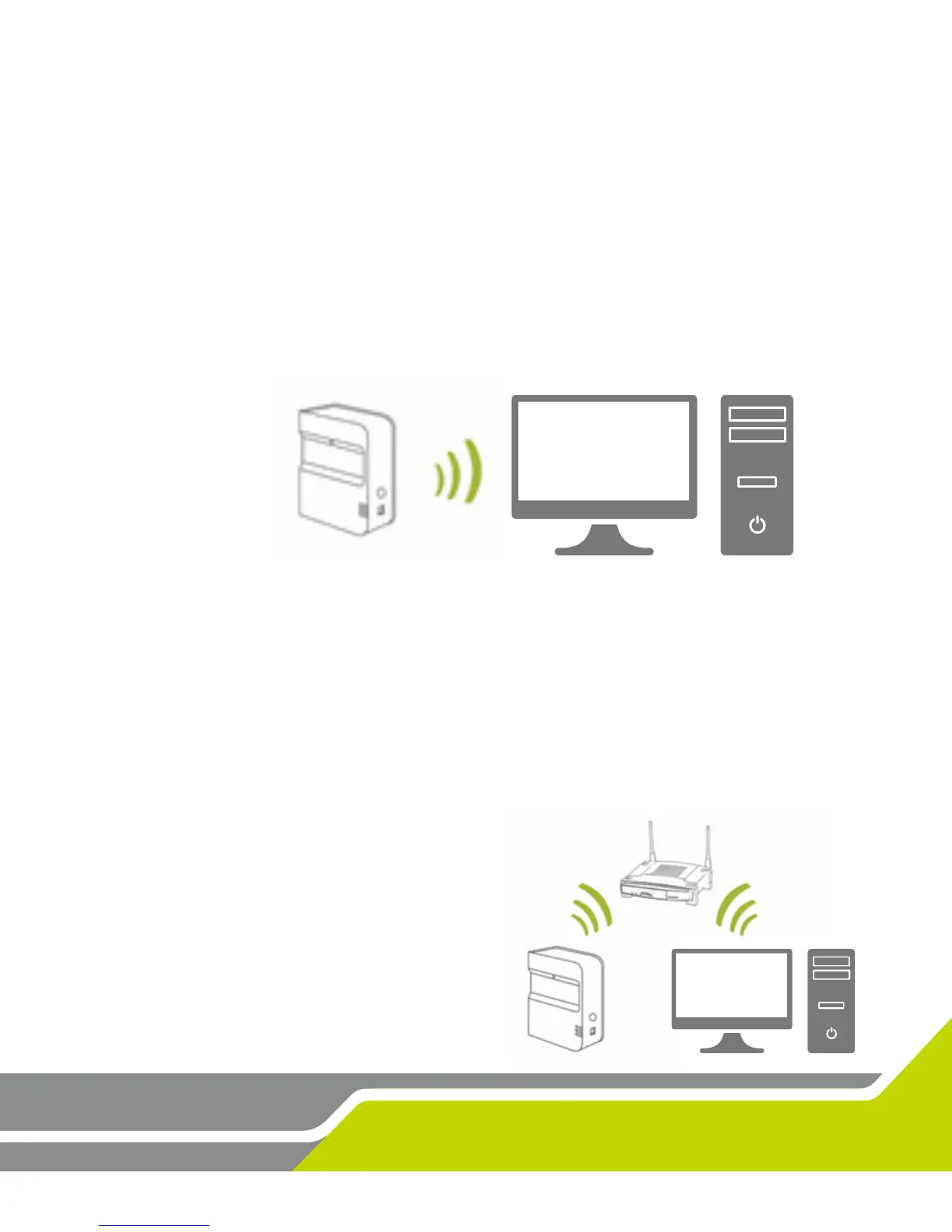
Via a direct Wi-Fi connecon OR Via a direct USB cable connecon OR Through your home
network
Direct Wi-Fi Connecon on PC
Click on the Wi-Fi signal icon on your PC and select SkyTrak from the drop down menu, click
Connect.
USB Cable Connecon
Connect the micro USB cable to the SkyTrak device and a USB port on your PC
Network Connecon – SkyTrak can use your wireless (Wi-Fi) home network to pair with your
PC by connecng to your wireless network router, just like your computer and mobile devices
do. SkyTrak will communicate with the soware on your PC through your router. Plus, you
will retain access to the internet on your PC. (See Network Connecon Guide, pg. 19) If you
are using the USB cable connecon, remain
connected to your wireless home network.


 To Next Page