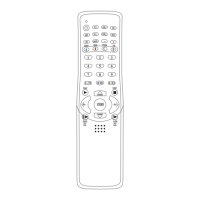
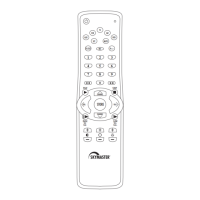
Operating instructions 2422
The 8 in 1 Universal Remote Control Unit is suitable for all brands of TVs (TV), DVD players
(DVD), digital and analog satellite receivers and cable TV receivers (SAT), video recorders (VCR),
DVB-T receivers (DVB-T), tuners, CD players, cassette recorders, amplifiers and other audio
devices (AUD/AUX).
The Universal Remote Control Unit controls almost all basic functions of your devices.
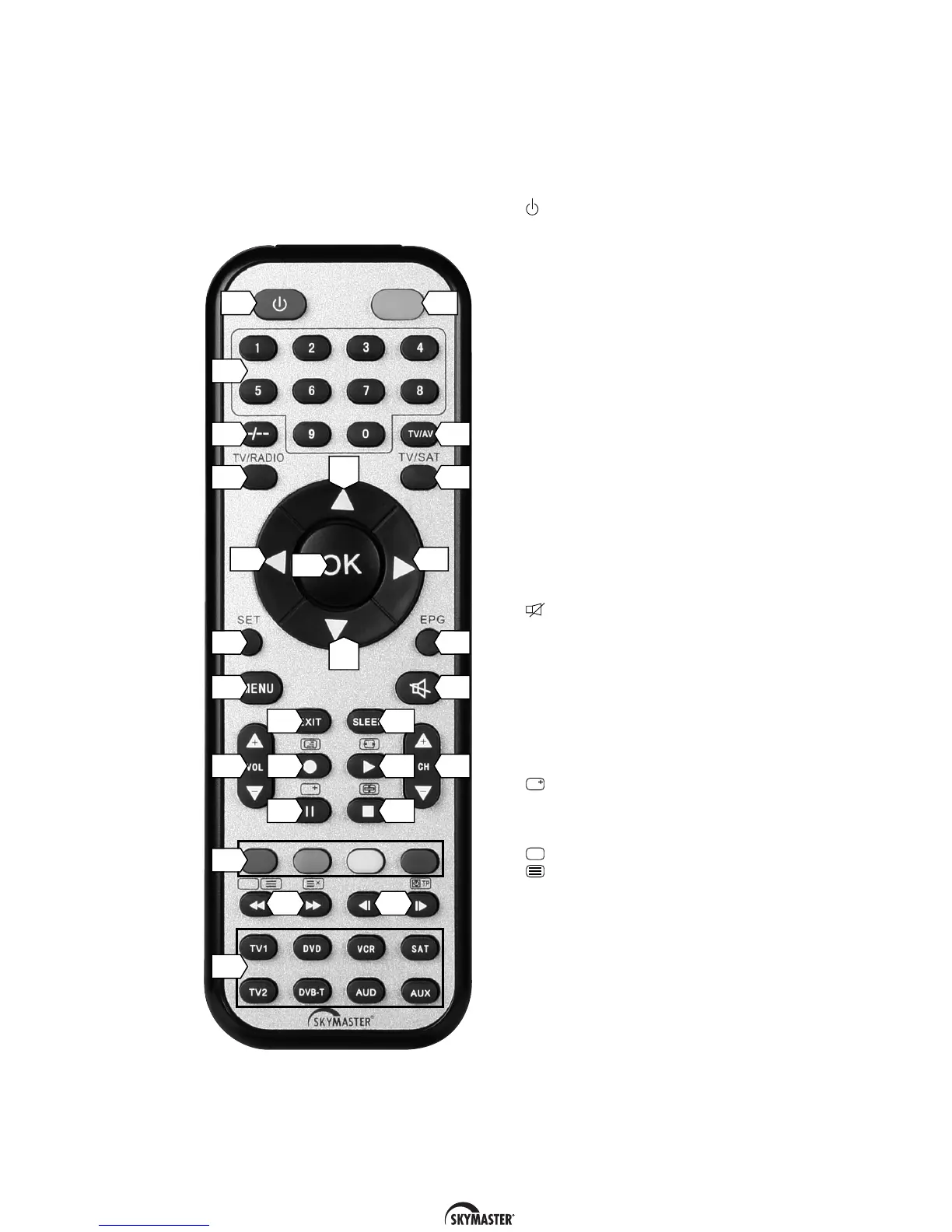
Description of keys
(For some devices, the key allocations differ from the stated function)
1 : This button switches off the last
device selected.
2 LED function indicator
3 Numeric keys 0 - 9: These keys are used
to switch to a certain programme or to
enter numeric values and passwords or
to change channel names and favourite
lists.
4 Change audio channel
5 TV/AV: TV/video switchover.
6 TV/RADIO: Switch from TV to radio
operation.
7 TV/SAT: Last channel
8 Arrow keys (왗왘왔왖): These keys allow
you to navigate backwards and forwards
to pages in the menu
9 OK: Press this key to confirm actions
which have been made.
10 SET: Help key to read out the device
code.
11 EPG (electronic programme guide)
shows programme information
12 Menu: Menu ON
13 (Mute key): Switches the sound on
and off.
14 VOL+/- : Volume regulation +/-
15 CH +/-: Channel switch, forwards/back-
wards
16 EXIT: Exit from menu.
17 SLEEP: Sleep function/subtitles
18 쎲 REC: (Record)
19 왘 PLAY: (Playback)
20
왎왎
PAUSE: (Pause)
: Programme display
21 쐽 STOP: (Stop)/Favourites
22 In TV mode: Function keys (coloured).
23 왗왗 REW: (Rewind)
: Text OFF
: Start/stop teletext
The stated functions may differ
according to the type of device
왘왘 FFWD: (Fast forward)
24 왗
왎
Skip –:
왎
왘 Skip +:
25 Device keys
(TV, SAT, DVD, VCR, DVB-T, AUD, AUX):
These keys select the device to be
controlled.
6
1
8
2
5
8
3
4
7
8
6
9
8
11
10
13
12
1519
14 18
17
16
21
20
25
22
23 24


 To Next Page