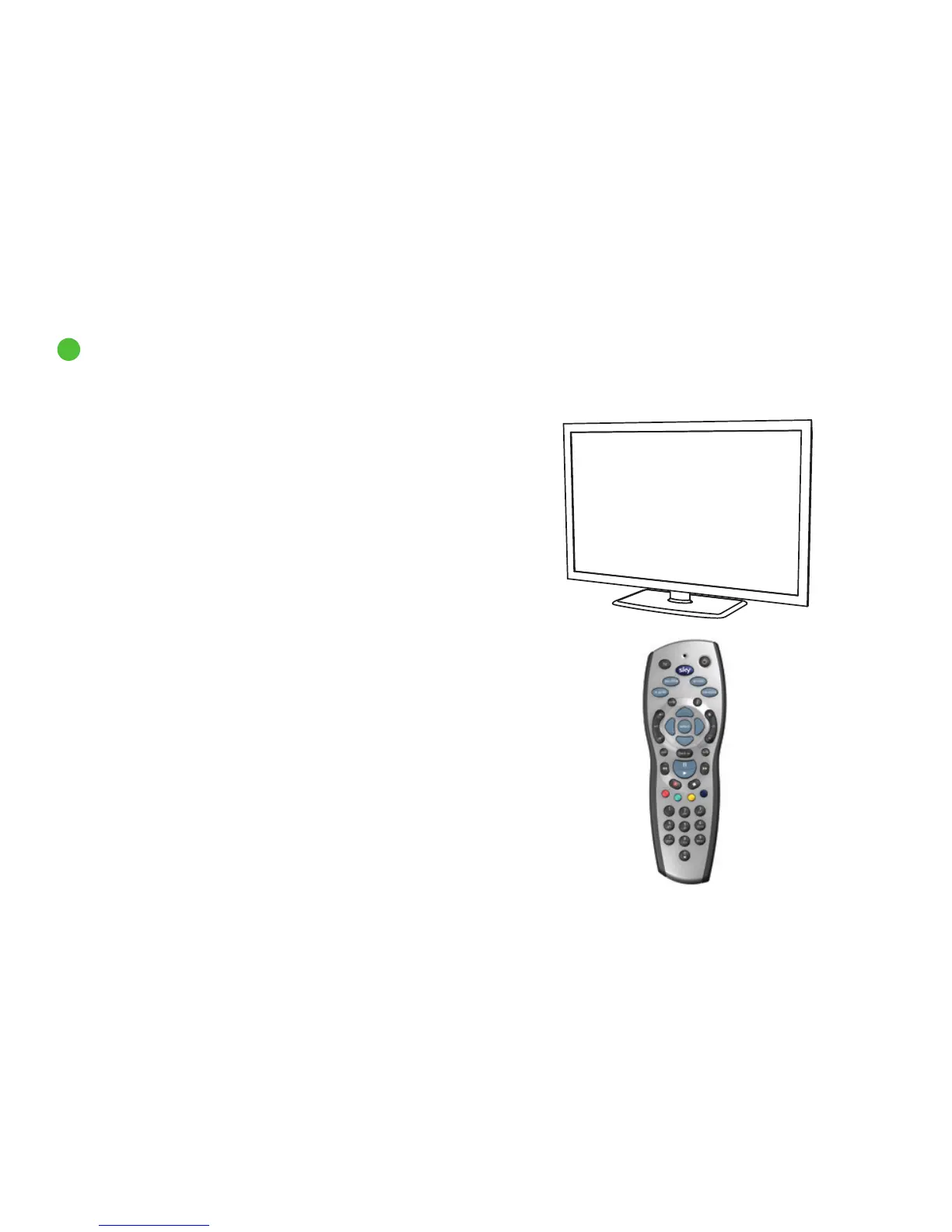
Your Sky±HD remote can work with both your Sky±HD box and your TV.
Press tv on the remote to switch control from the Sky±HD box to the TV.
Press Sky to go back to controlling the Sky±HD box.
Use HDMI One Touch Play to turn a compatible TV on and switch to the
correct HDMI input for your Sky±HD. You can even quickly switch from
a DVD player or games console. See page 94 and sky.com/onetouch
for more information. Unfortunately this feature is not available on
Samsung HD, Pace HD or DRX780 boxes.
The Sky installer should have already set up the remote for you. If you
change your TV, you need to reset the remote to work with your new TV.
See Setting up and resetting your remote (page 88) for details.
7
Your Sky±HD remote and your TV
Overview
12



 To Next Page