9
Ordering entertainment from Sky Store
The latest blockbusters are ready to watch in Sky Store. Just buy or
rent them whenever you want. We add the biggest movies every week,
so there’s always something great to buy or rent. You don’t even need
a Sky Movies subscription – Sky Store is open to all Sky TV customers.
You need to have your Buy & Keep compatible Sky±HD box connected
to your broadband router to enjoy Sky Store. See Connecting your
Sky±HD box to your broadband router (page 10) for more details.
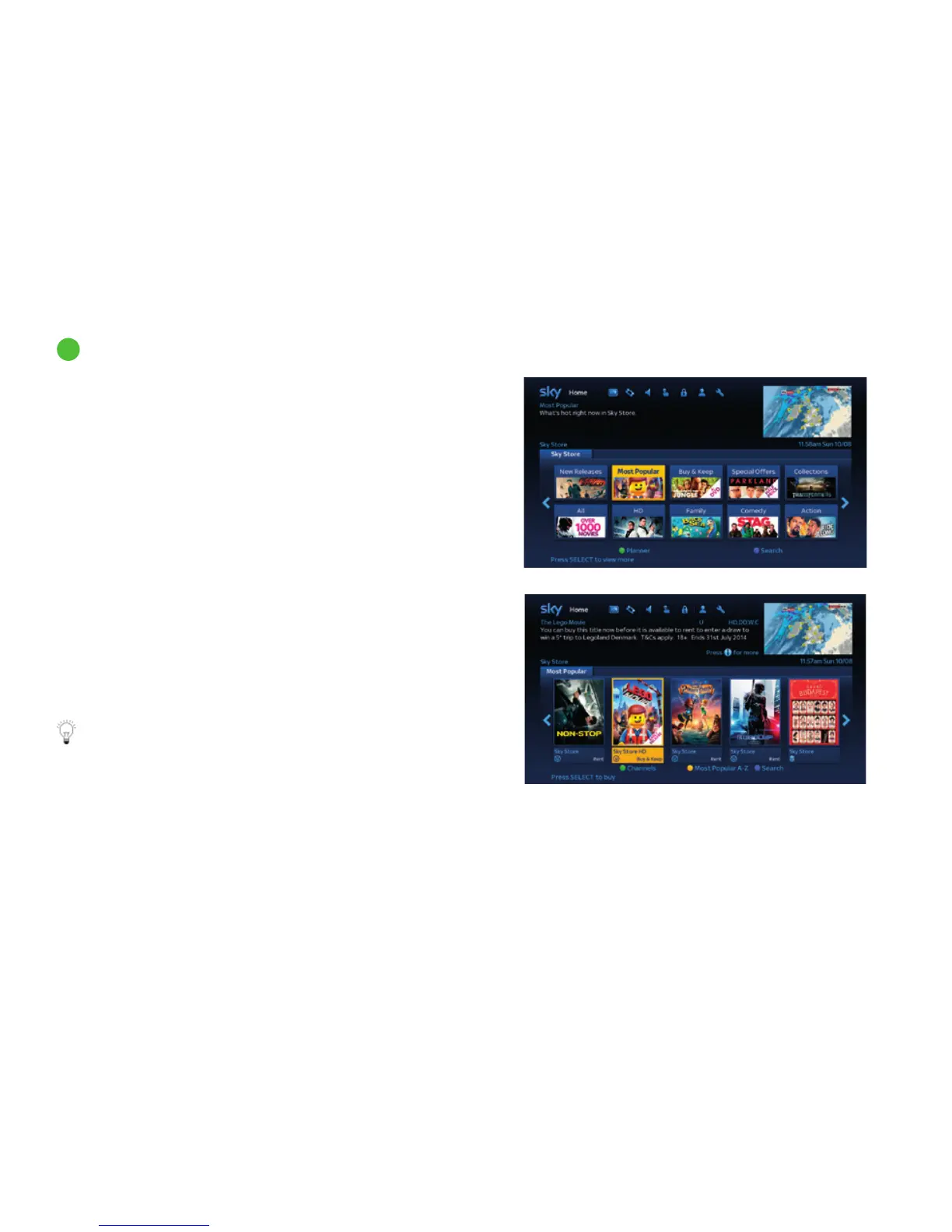
Here’s how you order from Sky Store:
1 Press tv guide on your remote to show the Homepage
2 Use the arrow keys to highlight the Sky Store tile and
press select
3 Press left/right to browse the categories available
4 Press select on the category you want to choose
5 Press left/right to browse and then select on the show you
want to buy or rent
6 Follow the instructions on screen; you may be asked to enter
your pin
To playback a Sky Store programme you need to enter your PIN.
programme rating when PIN is needed
18 before 9pm
15 before 8pm
12 before 8pm
PG if a PIN has been set up for this rating
U if a PIN has been set up for this rating
Discover a world of entertainment
42



 To Next Page