MENU CONTROL
-12-
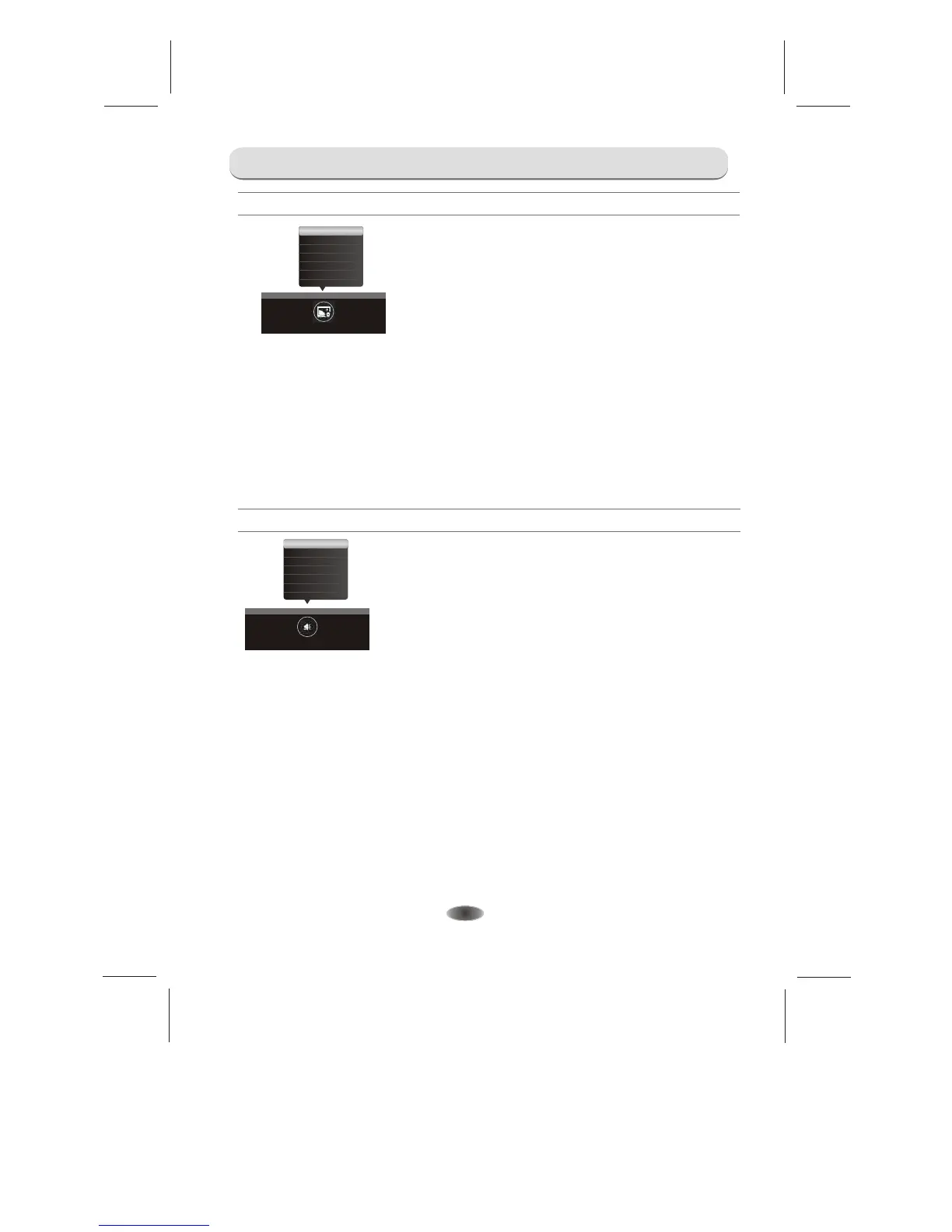
Auto Adjust
H.Position
V.Position
Frequency
Phase
Auto Adjust: A
H.Position: A
V.Position: A
Frequency: A
Phase: A
djust PC size and position.
djust the H.Position of the television.
djust the V.Position of the television.
djust the updating frequency of the picture.
djust the phase of the picture.
PC
Sound Mode
Balance
AVL
Surround
SPDIF Mode
SOUND
Sound Mode: Contain "Standard", "Music", "Film", "News" and "Personal".
Balance: Control the sound balance between the right and left loudspeaker (earphone).
AVL : This function may be set as On or Off.
Surround: Contain On and Off.
SPDIF Mode: Options include PCM and AUTO.
SOUND
PICTURE


 To Next Page