MENU CONTROL
-14-
Lock System
Set Password
Block Program
Parental Control
LOCK
NOTE:
- Default password is [0000].
- The Super password is [8899].
In the event whereby new password is forgotten, you can use Super Password as the old
password to reset a new password. Or directly using the super password to enter.
LOCK
Lock system: Switch the lock system between On and Off.
Password: To enter the lock sub-menu, set the Lock System to On and enter the default
password:0000.
Block Program: Set the blocked programmers you desired.
Parental Guidance: Set the parental controlling level.
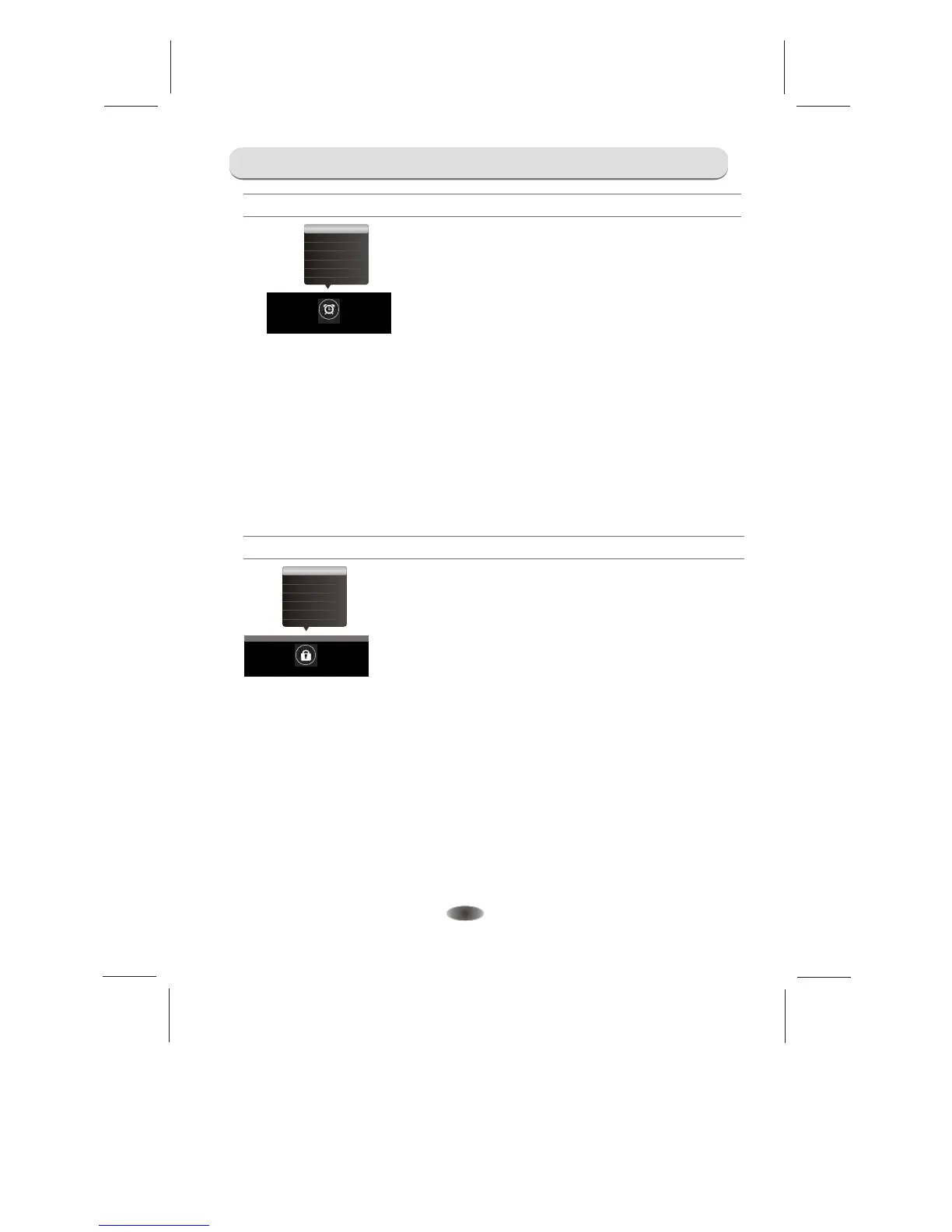
TIME
Time Zone
Auto Sleep
TIME
Auto Sync: Contain On,Off.Can set TV time synchronize with the system or not. It is
working when you receive DTV signal.
Clock: Set the time. Only available when Auto Sync is set to Off.
Summer Time: Choose between On and Off.
Sleep Timer: Set the auto Off time to Off,10, 20, 30, 60, 90, 120, 180 or 240 minutes.
Auto Sleep: TV set auto to standby when there is no signal. Contain Off, 4Hours, 6Hours
and 8Hours four options.
Time Zone: Select the desired Time Zone.
Auto Sync
Sleep Timer
SummerTime
Clock
TIME



 To Next Page