-15-
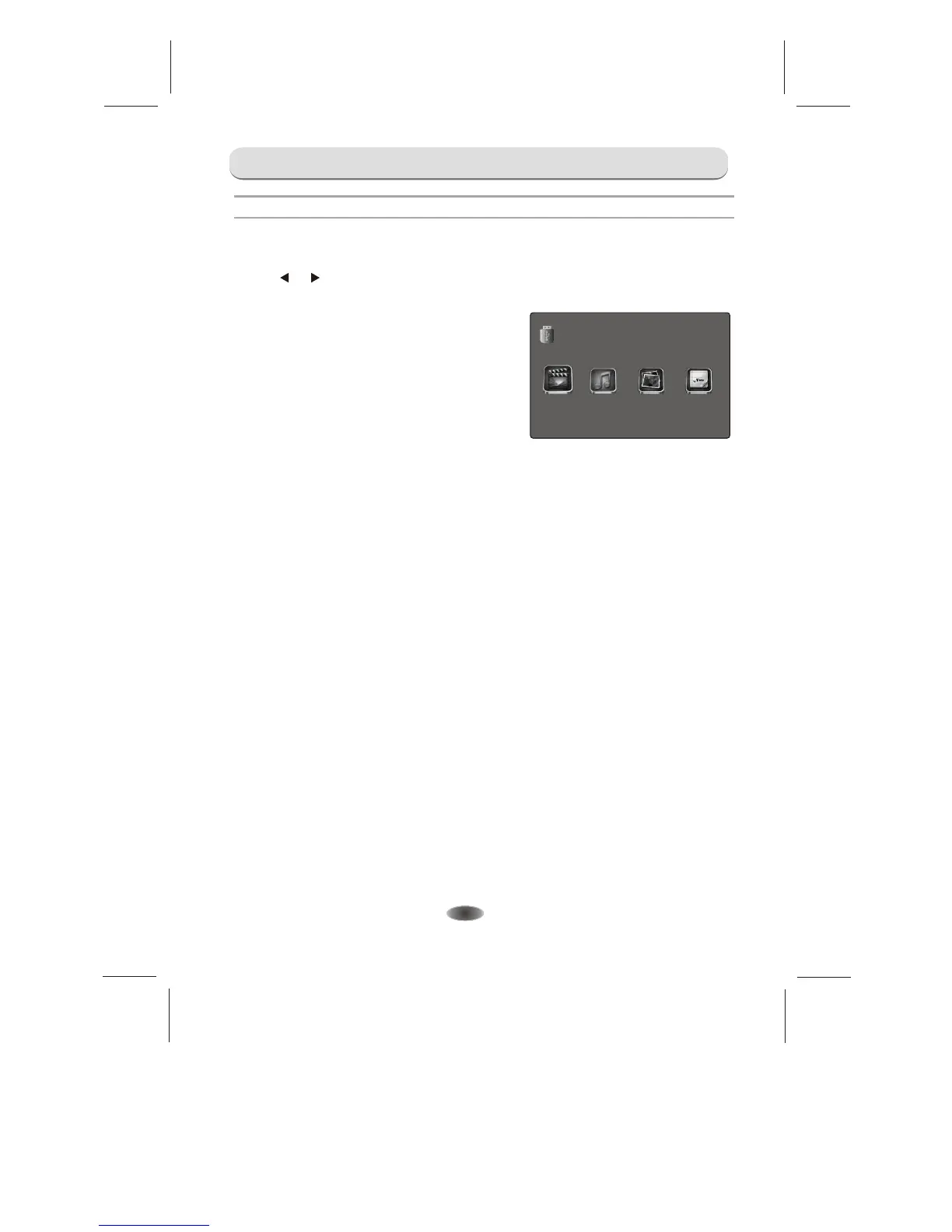
VIDEO:Play videos from USB.
MUSIC:Play music from USB.
PHOTO:View photos from USB.
TEXT:View text files from USB.
You can view video, music, photo and text files from your USB storage devices.
1.Connect USB storage device to USB input terminal.
2.
3.Press [ ] / [ ] to select the types of media modes: VIDEO, MUSIC, PHOTO and TEXT.
Press the source to select the USB.
USB Menu
MUSIC
TEXT
PHOTO
USB 2.0
VIDEO
MENU CONTROL


 To Next Page