EasyManua.ls Logo

Slendertone ReVive S5 - User Manual

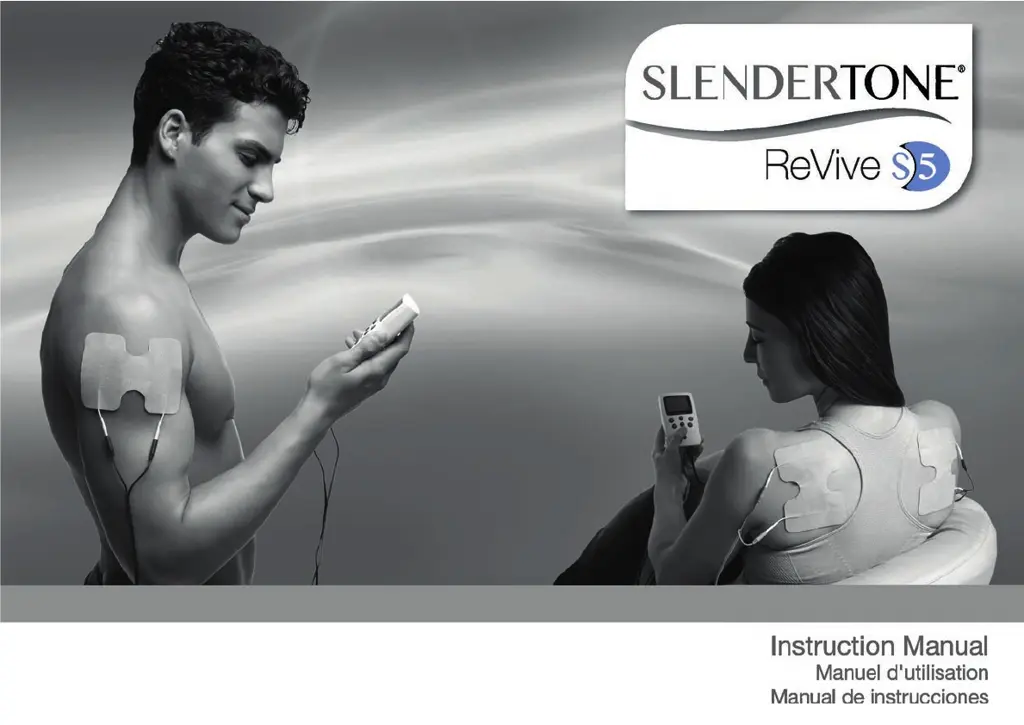
Slendertone ReVive S5
56 pages
Print Icon
To Next Page IconTo Next Page
Loading...
Slendertone ReVive IM_Layout 1 05/03/2015 14:23 Page 2

Questions and Answers

  • M
    Michael ZamoraAug 1, 2025
    What to do if GelPad contact symbol appears on Slendertone ReVive S5 Medical Equipment?
    • S
      Sandra LeonardAug 1, 2025
      If the GelPad contact symbol appears on the display of your Slendertone Medical Equipment, it might be due to leads not being fully inserted into the sockets, the GelPads not connected to the leads, or the GelPads being worn. Try re-inserting the leads correctly, reconnecting the GelPads, or consider getting new GelPads.
  • G
    Glen BernardAug 5, 2025
    Why do I have an unpleasant feeling beneath the GelPads of my Slendertone Medical Equipment?
    • M
      Mary PatrickAug 5, 2025
      If you experience an unpleasant feeling beneath the GelPads of your Slendertone Medical Equipment, it could be due to poor GelPad contact or a low battery. Make sure the GelPads are flat against your skin and replace the battery.
  • N
    Nathan OconnorAug 9, 2025
    What to do if the battery symbol is flashing on Slendertone ReVive S5 Medical Equipment?
    • M
      molly67Aug 9, 2025
      If the battery symbol is flashing or you're experiencing ineffective stimulation with your Slendertone Medical Equipment, it could be due to several reasons. The battery might be low, you might be using low-quality batteries (use only a high-quality, 9V alkaline battery), the unit might be paused (press the On/Off key briefly), the GelPads might be worn (consider replacing them), the GelPad positioning might be poor (check the correct positioning), or the GelPads might not be connected to the leads or fully on the skin (reconnect the GelPads and ensure they are placed flat against your skin).
  • C
    Chelsey JonesAug 13, 2025
    Why is my Slendertone Medical Equipment on but there is no signal?
    • V
      Valerie RichardsAug 14, 2025
      If the control unit of your Slendertone Medical Equipment is on, but there is no signal, the leads might not be fully inserted in the sockets, the intensity might be too low, or the battery might be low. Try re-inserting the leads correctly, increasing the intensity, or replacing the battery.
  • J
    jessicaschultzAug 17, 2025
    How to make GelPads adhere to body with Slendertone Medical Equipment?
    • S
      samanthajonesAug 18, 2025
      If the GelPads on your Slendertone Medical Equipment don’t adhere to the body, it might be because they are worn or the skin has lotions, creams, or cosmetics on it. Consider getting new GelPads and thoroughly cleaning the skin.
  • J
    John LongAug 23, 2025
    Why doesn't the display come on for Slendertone ReVive S5 Medical Equipment?
    • E
      edwardsheltonAug 23, 2025
      If the display of your Slendertone Medical Equipment doesn’t come on and there is no signal from the unit, it could be because the battery is incorrectly inserted or the battery is dead. Reposition or replace the battery.
  • D
    Dr. Peter RayAug 27, 2025
    What to do if error E001 appears on Slendertone Medical Equipment?
    • D
      dustinrobertsAug 27, 2025
      If you see error message E001, E002, or E003 on the display of your Slendertone Medical Equipment, it means the unit is faulty. Return the unit for repair or replacement.

Summary

Indications for Use

Key Guidelines - Very Important

Product is for healthy adult muscle only. Keep out of reach of children.

Contraindications for Use

Do not use on painful muscle, atrophied muscle, or muscles connected to painful joints.

Contra-indications, Warnings & Precautions Overview

Contra-indications

Precautions

Warnings

Adverse Reactions

Gelpad Precautions

Where Never to Place GelPads

Caution When Using GelPads

How to Use Slendertone Revive S5

Setting Up a Treatment Session

Three steps: choose program, connect GelPads, start program and set intensity.

Choose Your Muscle Work Program

Lists programs with objectives, intensity range, and duration.

Placement of GelPads

Setting Exercise Intensity

Slendertone Revive S5 Programs

Exercise Programs

Programs for warming up and exercising muscles: Preparation, Endurance, Strength.

Post-Exercise Recovery

Programs for active recovery: Active Recovery 1, 2, and 3.

Slendertone Revive S5 Control Unit

Button Functions

Explanation of On/Off, Intensity Controls, Program, Lock, and Trigger buttons.

Slendertone Revive S5 Display

Explanation of display icons: Lock, GelPad Indicator, Intensity Bars, Timer, Battery, Clock, Program, Trigger.

Step-by-Step Guide

Inserting the Battery

Instructions for opening the battery compartment and inserting a 9V battery.

Running a Session

Steps for connecting leads, placing GelPads, turning on, selecting program, and setting intensity.

Pausing a Session

Briefly press On/Off to pause/resume. Press twice to unpause.

Using the Trigger

Finishing Your Session

GelPad Placement

Upper Back Placement

Place GelPads either side of the spine on the upper part of the back.

Lower Back Placement

Place GelPads either side of the spine on the lower part of the back.

Abdominal Placement

Place each pair of GelPads either side of the navel.

Shoulder GelPad Placement

Bottom GelPad Placement

Back of Thighs GelPad Placement

Calf Muscles GelPad Placement

Front of Thighs GelPad Placement

Arm Precautions

Biceps GelPad Placement

Triceps GelPad Placement

Troubleshooting Guide

GelPad Contact Symbol Issues

GelPads Not Adhering

Unpleasant Feeling Under GelPads

Error Message Troubleshooting

GelPad Contact Indicator Explained

Questions & Answers

EMS and Muscle Soreness

Muscle soreness can occur with vigorous exercise. Warm-up and cool-down recommended.

Skin Redness After Session

Natural due to blood flow. Excessive redness may indicate sensitive skin.

Uncomfortable Stimulation

Ensure correct GelPad positioning and firm contact on clean skin.

GelPad Replacement Frequency

Replace GelPads when signal weakens or contractions are weaker.

Tingling Sensation Near Bone

Pause program and reposition GelPads away from bone.

Technical Specifications

Caring for Your Unit

Clean with soft cloth. Do not use detergents or solvents. Return damaged units.

Accessories

Use only Slendertone brand GelPads. Battery type is 9V 6F22.

Environmental Specifications

Operating and storage temperature and humidity ranges.

Output Parameters

Table detailing output RMSV, RMSA, frequency, pulse width, and interval.

Description of Unit Symbols

Product Warranty

Our Limited Warranty to You

Two-year warranty against defects in material and workmanship.

Certain Product Failures Not Covered

Warranty excludes damage from misuse, accidents, modification, wear and tear.

How to Obtain Service

Contact Customer CareLine with proof of purchase for service.

Limitation of Remedies

Exclusive remedy is repair or replacement. No other expenses covered.

Slendertone ReVive S5 Specifications

General IconGeneral
BrandSlendertone
ModelReVive S5
CategoryMedical Equipment
LanguageEnglish