10 | P a g e
Using the AC7
Operating the Menus
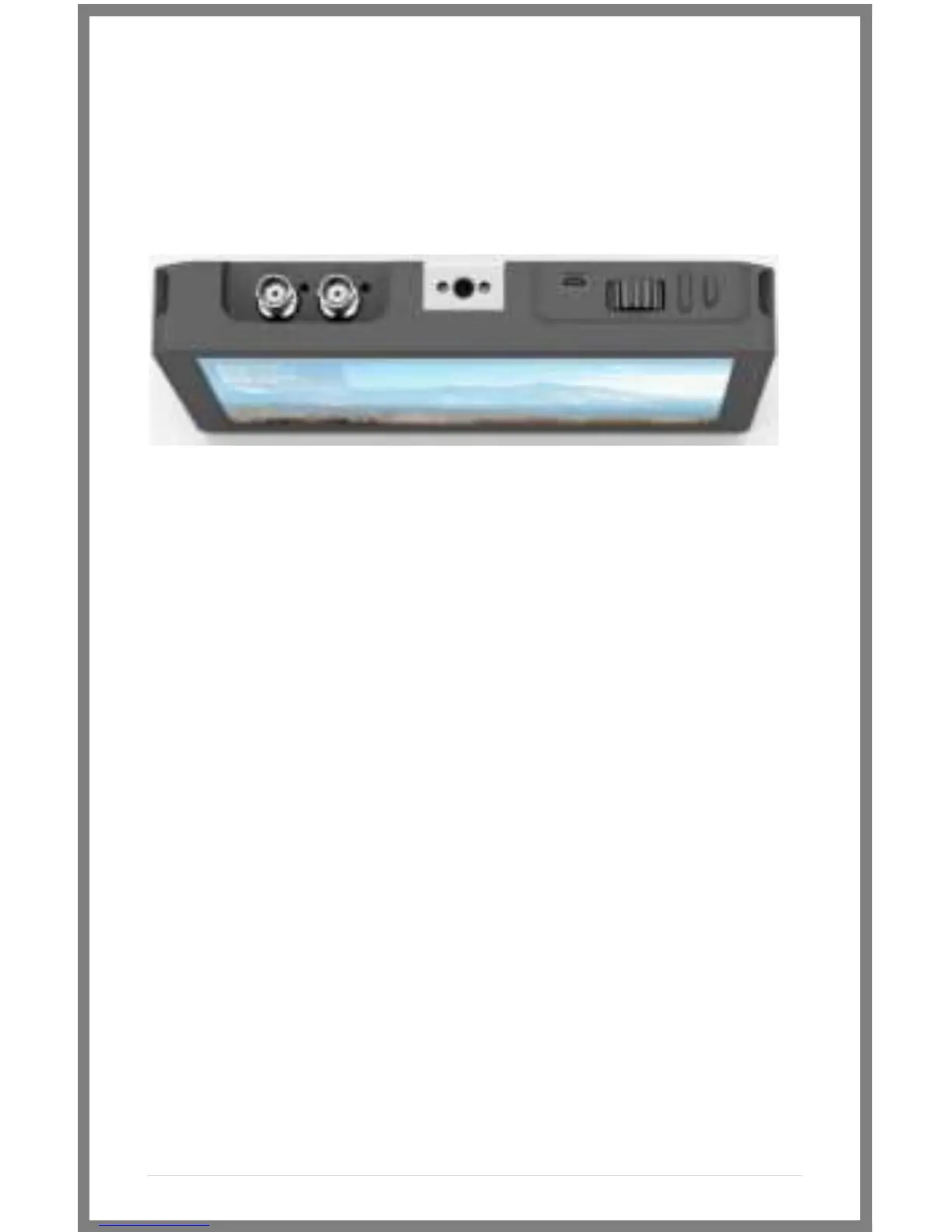
1 2 3
1 – Navigation Scroll Wheel
* Click to activate Main Menu
* Click to select items in menu
* Scroll right and left to adjust values
*(From no menu) Scroll any direction to access the
Preset menu
2 – Back button/Custom Function A
* Press to reverse out of the menu
* Activate/deactivate Preset
3 – Custom Function B Button
* Activate/deactivate Preset



 To Next Page