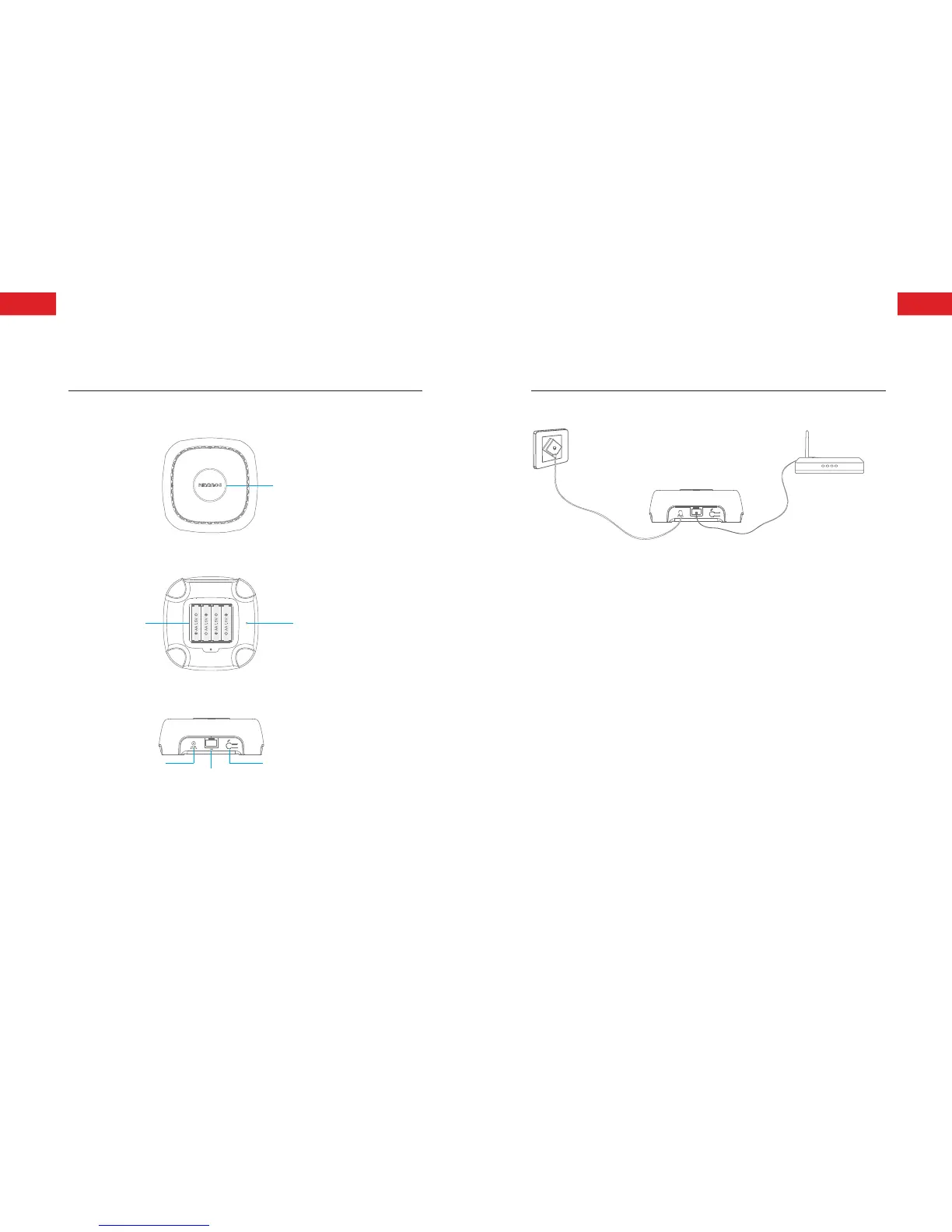
App Pairing Button
Network Cable Jack
Adapter Jack
Power on and Network Setup
②
①
Follow the illustrations above to connect the control panel with
power and router. Wait until the status indicator stops blinking
but keeps on, means it has connected with Internet.
Note: The control panel would not be able to control or push alarm
notication in case of power failure (even powered by batteries) or network
cable is cut, when alarm occurs, the control panel hoots on site.
Installation: The control panel is suggested to be installed in the
central of the system or open area for optimal performance and
avoid load-bearing wall or home electronics which may cause
signal attenuation.
ENEN



 To Next Page