11 12
APP Operation
Apple and Android App
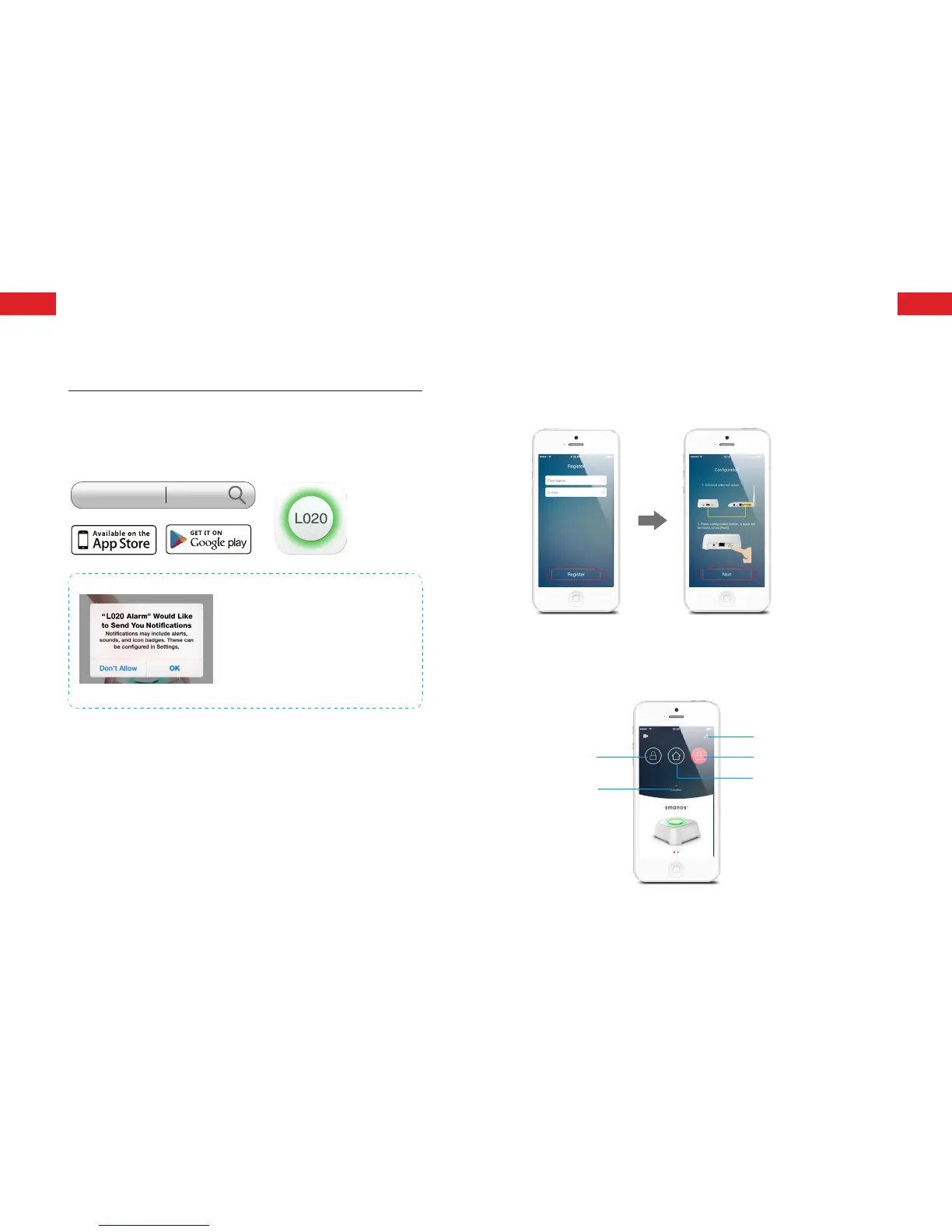
Download App from App Store or Google Play by searching
keywords “L020 Alarm”.
L020 Alarm
Special Tips (For Iphone Only)
Tap “OK” to allow receiving notications
from “L020 Alarm”.Forbidden to receive
notications may result in an application
running failure, please re-install and
allow it to send notication to you in
case of alarm.
Managing Your Alarm System
The App can be bound with the alarm system through smart
phones. And this alarm system can be controlled by multiple
users.
Please make sure the control panel has been powered by
adapter. It will be disconnected with network when powered only
by batteries.
Registration and App pairing setup
After registration, please follow the step descriptions on App to
complete the App pairing setup.
Please make sure your smartphone is connected with the Wi-Fi
which is same as the control panel’s.
Remote control your alarm system
Arm
Pull-down
to Refresh
Network Reconnection
Disarm
Home Arm
ENEN



 To Next Page