EN EN
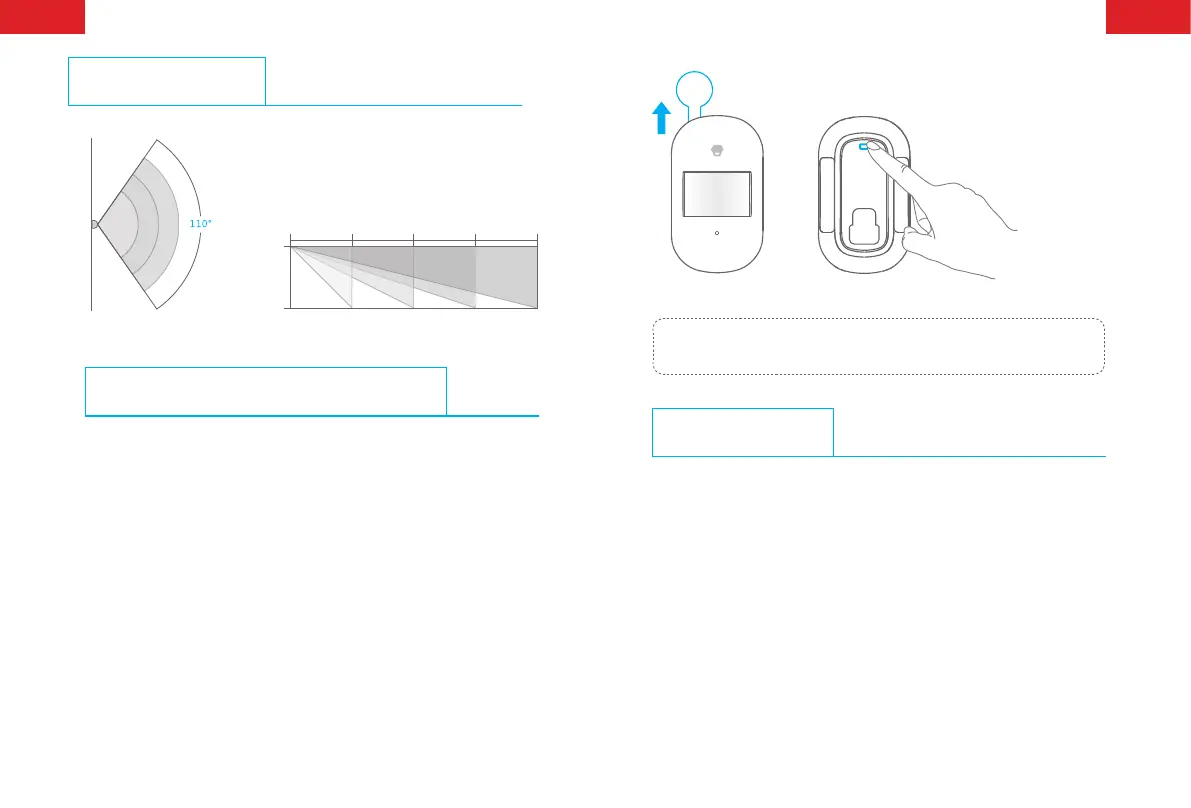
Detection Range
0m
0m
2m
2m 4m 6m 8m
Top View Side View
Connect the PIR Motion Detector
Connecting PIR motion detector is to build a wireless connection
between the detector and the control panel.
1. Control panel enters into the connecting state (For details, please
refer to the relative user manual).
2. Press the test button on the back of the detector twice, and the
control panel beeps once, indicating a successful connection.
Note: If the control panel beeps twice when the above operation is done, it
means the detector has been connected before.
Working Mode
Testing Mode
Press the test button, the detector enters into the testing mode and
detects once every 10 seconds. After 3 minutes, the LED indicator
ashes twice, and the detector switches to power saving mode.



 To Next Page